Generate
Create a new image from a written description.
GPT Image
Create, edit, and transform images with GPT Image on DoMax AI. Start from a text prompt or visual reference, generate detailed images, refine existing artwork or photos, add readable text, and create design-ready visuals with the GPT Image model that fits your workflow.
Available on DoMax AI: GPT Image 2 • GPT Image 1.5
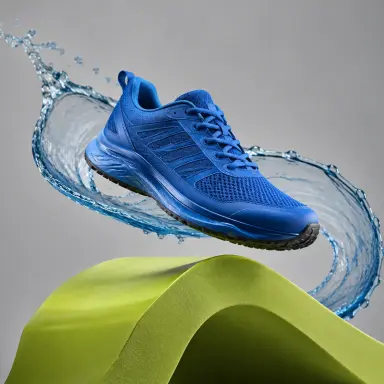
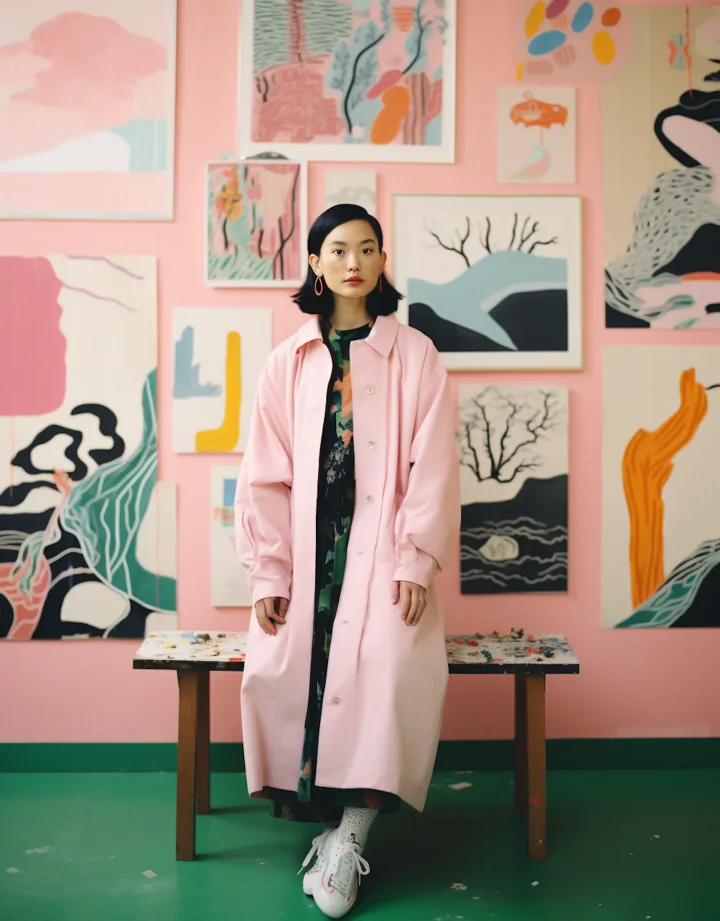
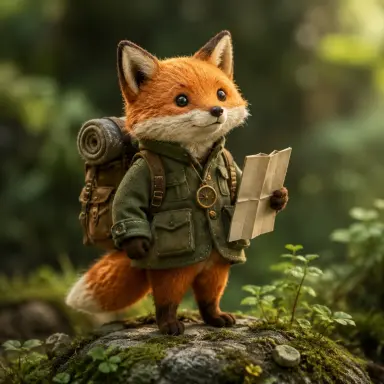
Choose a GPT Image model, describe what you want to create, or upload an image when the selected workflow supports editing or references. Use the live generator settings to control the options currently available on DoMax AI.
Create a new image from a written description.
Upload an existing image and describe what should change.
Use one or more visual references when supported to guide subjects, objects, style, composition, or other important details.
The two GPT Image models currently available on DoMax AI cover the same core goal—high-quality image creation and editing—but they differ in generation capability, input handling, and workflow flexibility.
Newer model available on DoMax AI
Higher-quality generation, image editing, flexible compositions, and reference-heavy workflows.
You want the more capable of the two GPT Image models currently offered on DoMax AI, especially for complex instructions, editing, references, detailed visuals, or flexible output formats.
Explore GPT Image 2Previous-generation GPT Image model
Reliable text-to-image generation, precise edits, visual transformations, and established 1.5 workflows.
You prefer the established GPT Image 1.5 workflow, need compatibility with previous 1.5 creative work, or do not require the additional flexibility of GPT Image 2.
Explore GPT Image 1.5GPT Image is OpenAI’s family of image-generation models for creating and editing visual content from natural-language instructions and image inputs.
Describe an idea in natural language and turn it into a new image.
Upload an image and explain what you want to add, remove, replace, restyle, or refine.
Use visual references to help define objects, characters, products, composition, or creative direction.
Create posters, packaging concepts, signs, layouts, social graphics, and other visuals where text is part of the design.
Change style, lighting, environment, materials, color treatment, or overall creative direction while preserving important parts of the source image.
Depending on the selected model and available tool settings, create images for different dimensions, backgrounds, and practical design workflows.
Use this comparison to choose between the two GPT Image models currently available on DoMax AI.
GPT Image 2
Newer of the two models available on DoMax AI
GPT Image 1.5
Previous-generation GPT Image model
GPT Image 2
Fast, high-quality generation for detailed and complex requests
GPT Image 1.5
Strong general-purpose image generation
GPT Image 2
High-fidelity image inputs and strong editing workflows
GPT Image 1.5
Precise editing with strong preservation of important details
GPT Image 2
Strong instruction following for complex visual requests
GPT Image 1.5
Strong prompt adherence and reliable general-purpose instruction following
GPT Image 2
Supports more flexible image dimensions at the model level
GPT Image 1.5
Uses the more established earlier GPT Image sizing workflow
GPT Image 2
Better fit when reference fidelity and detailed visual control matter
GPT Image 1.5
Suitable for simpler reference and editing workflows
GPT Image 2
Detailed generation, editing, reference workflows, design, and production assets
GPT Image 1.5
General-purpose generation, editing, existing 1.5 workflows, and straightforward creative tasks
Choose GPT Image 2 when you want the stronger current option available on DoMax AI for complex generation and editing. Choose GPT Image 1.5 when its established workflow already fits your project or you want continuity with previous 1.5 work.
Create realistic scenes, objects, environments, portraits, lifestyle concepts, and photography-inspired visuals.
Generate editorial illustration, concept art, stylized characters, digital artwork, visual storytelling, and other creative directions.
Build product concepts, lifestyle scenes, advertising visuals, background variations, and presentation-ready creative assets.
Combine imagery and text for posters, promotional graphics, covers, social posts, and campaign concepts.
Change an existing image while keeping the useful parts intact, from small corrections to major visual transformations.
Use images as creative references when an exact object, character, visual direction, or composition is easier to show than describe.
GPT Image can turn natural-language instructions into finished visual concepts without requiring traditional design or illustration tools.
Prompt
A premium skincare bottle on pale stone, soft morning sunlight from the left, subtle water reflections, minimal luxury product photography, clean beige background, editorial composition.
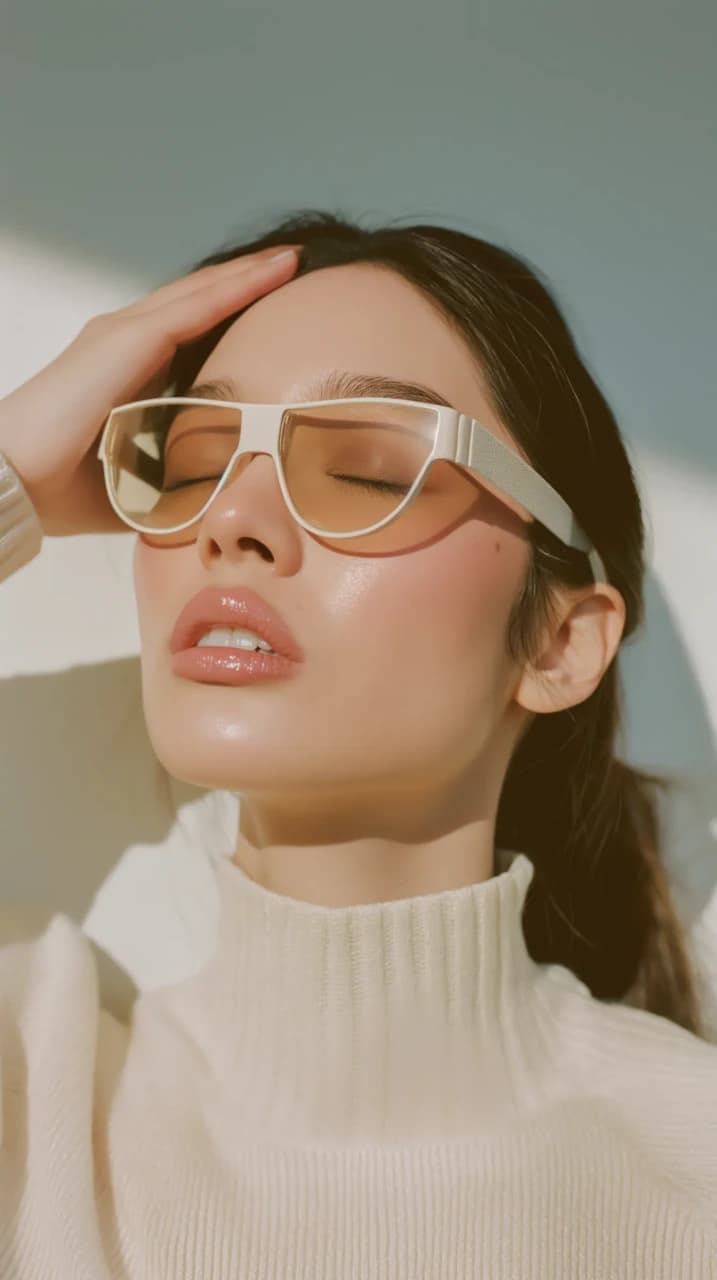
What should appear in the image?
Where is it, and what surrounds it?
Photography, illustration, cinematic, editorial, graphic, realistic, or another style.
Camera angle, framing, lighting, layout, depth, and important visual relationships.
GPT Image can use an uploaded image as the starting point and apply natural-language changes while preserving parts of the original visual that should remain intact.
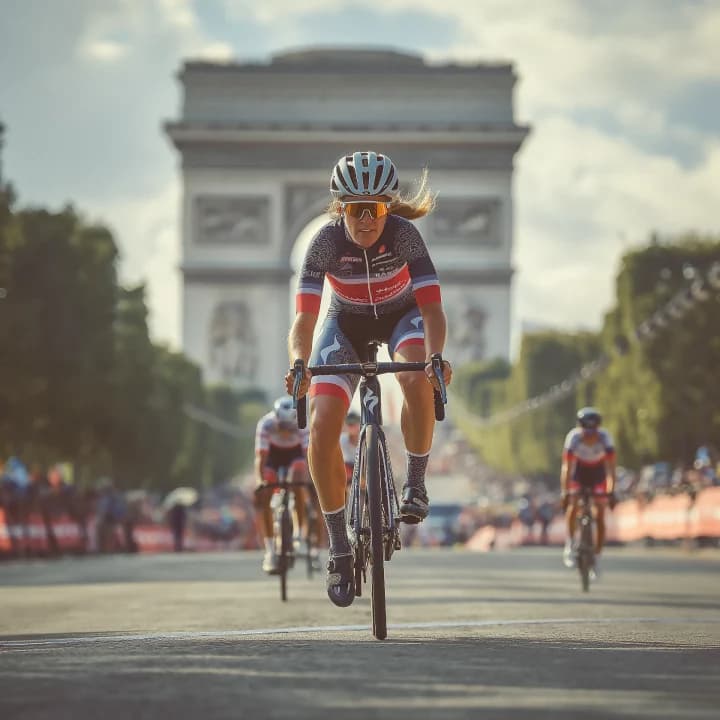
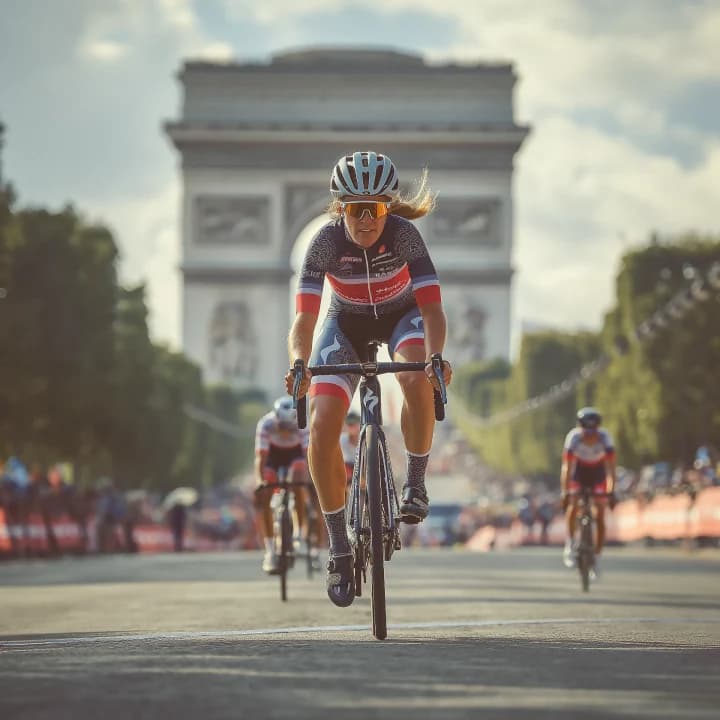
Change unwanted objects, backgrounds, clothing, props, or scene elements.
Transform the visual treatment while keeping the main subject or composition recognizable.
Move a product, character, or object into a different setting.
Change colors, materials, lighting, expressions, accessories, or other localized details.
Turn a simple source image into a more complete visual concept while retaining its important identity.
Reference images are useful when visual information is easier to show than explain. They can help establish a product, object, character, scene, or other important visual detail.
Use a source image to establish the appearance of a product or object.
Guide recognizable visual traits when developing character-focused imagery.
Use visual references to communicate color, materials, lighting, composition, or artistic direction.
When the active workflow supports multiple image inputs, use different references to communicate separate parts of the intended result.
Reference images improve direction, but they do not guarantee pixel-perfect reproduction. Use clear source images and explain what each reference should contribute.
GPT Image is useful when the image itself needs to communicate information—not only look visually appealing.
Combine a headline, supporting text, and visual concept in one composition.
Create promotional graphics, announcements, campaign concepts, and shareable visuals.
Explore labels, product names, packaging direction, and visual presentation.
Generate book-cover, editorial-cover, album-art, or presentation-cover concepts.
Create visual concepts containing signs, labels, menus, or environmental text.
Combine a product, message, visual hierarchy, and campaign direction.
GPT Image has improved text rendering substantially, but exact spelling, typography, alignment, and dense layouts can still require iteration. Review important text before using an image in production.
The stronger current model available on DoMax AI
GPT Image 2
Complex image editing
GPT Image 2
High-fidelity reference-image workflows
GPT Image 2
More flexible image dimensions
GPT Image 2
General-purpose text-to-image
GPT Image 2 or GPT Image 1.5
Straightforward image editing
GPT Image 2 or GPT Image 1.5
Continuity with an existing GPT Image 1.5 project
GPT Image 1.5
Posters and images containing text
GPT Image 2 or GPT Image 1.5
Product concepts
GPT Image 2 or GPT Image 1.5
Reference-heavy production work
GPT Image 2
The right model depends on the workflow, not only the version number. Use GPT Image 2 when its added input fidelity and flexibility solve a real production need; use GPT Image 1.5 when its established workflow already meets the goal.
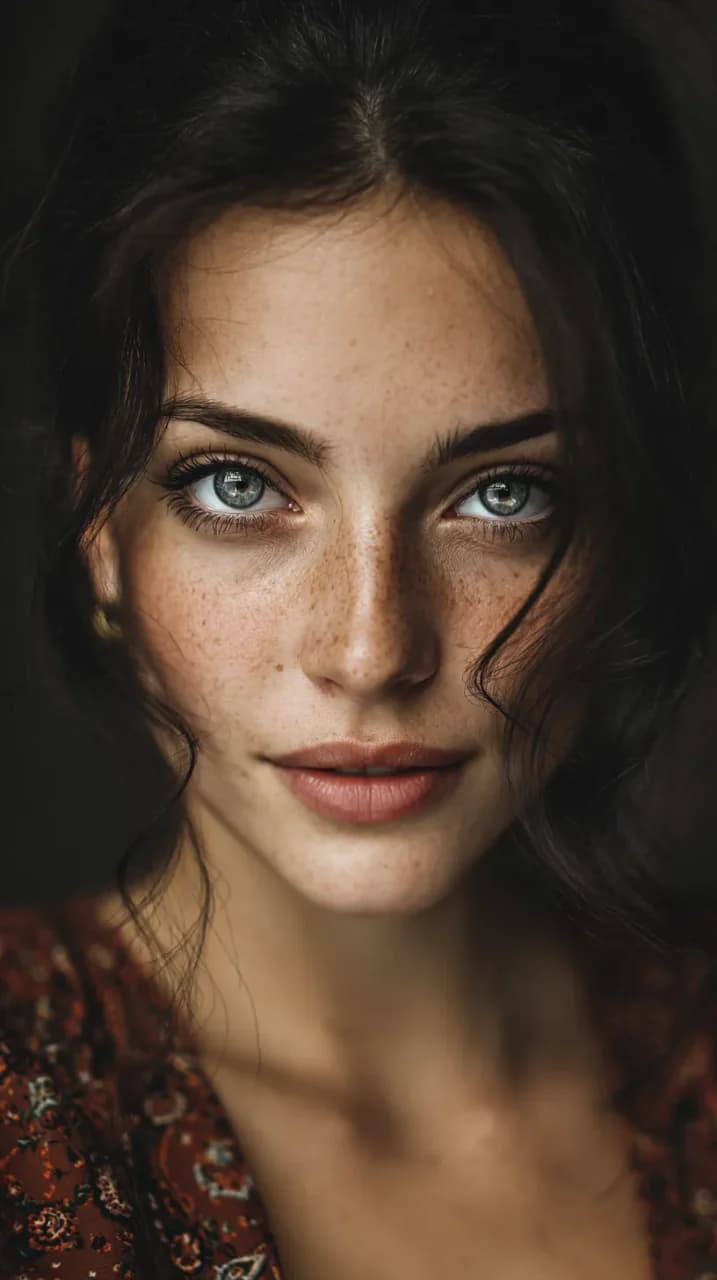
Create studio-style images, lifestyle scenes, campaign concepts, background variations, and visual merchandising ideas.
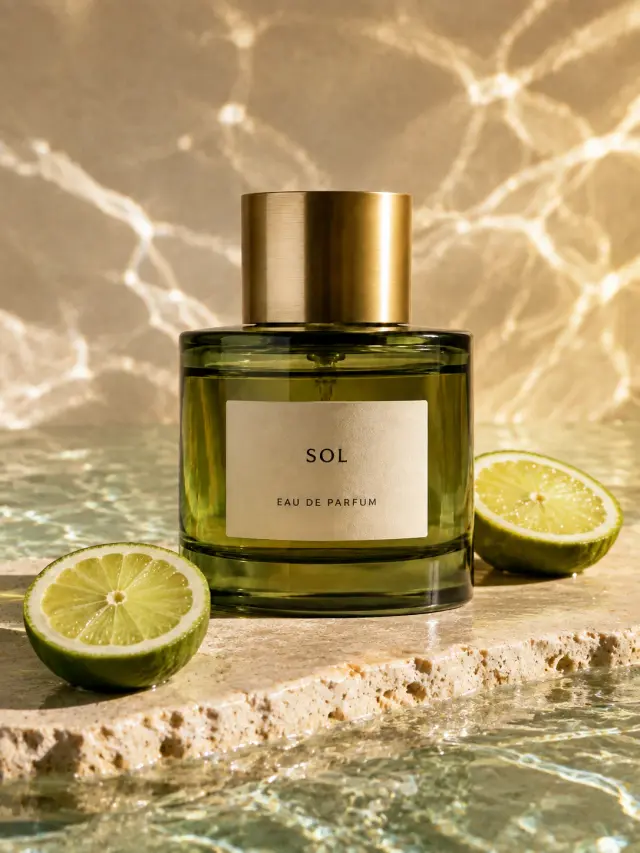
Generate campaign imagery, ad concepts, promotional graphics, landing-page visuals, and creative variations.
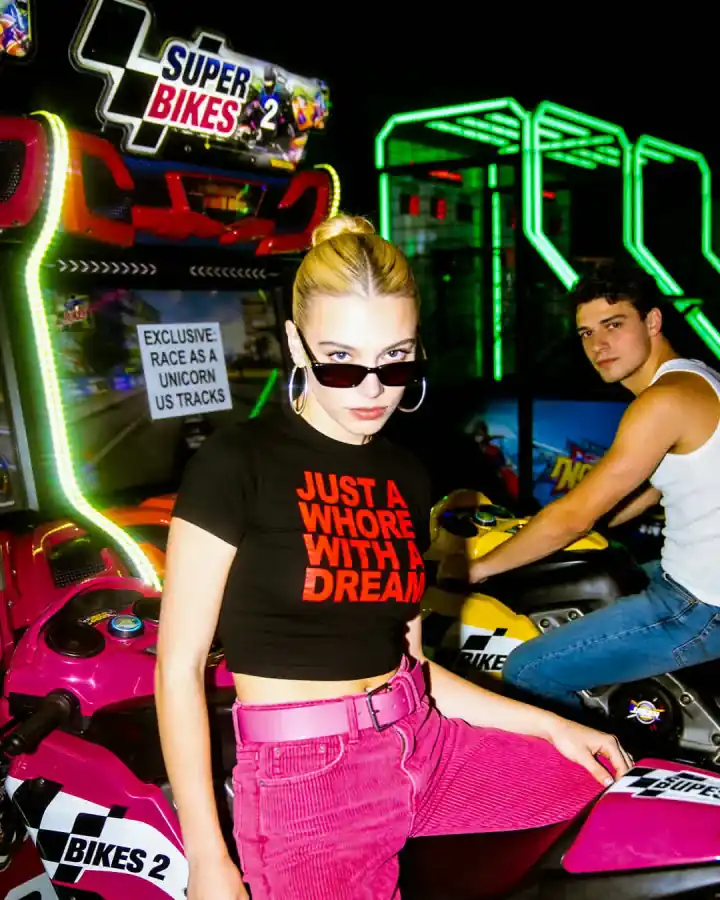
Build visual posts, announcements, covers, promotional assets, and image-first content for different formats.
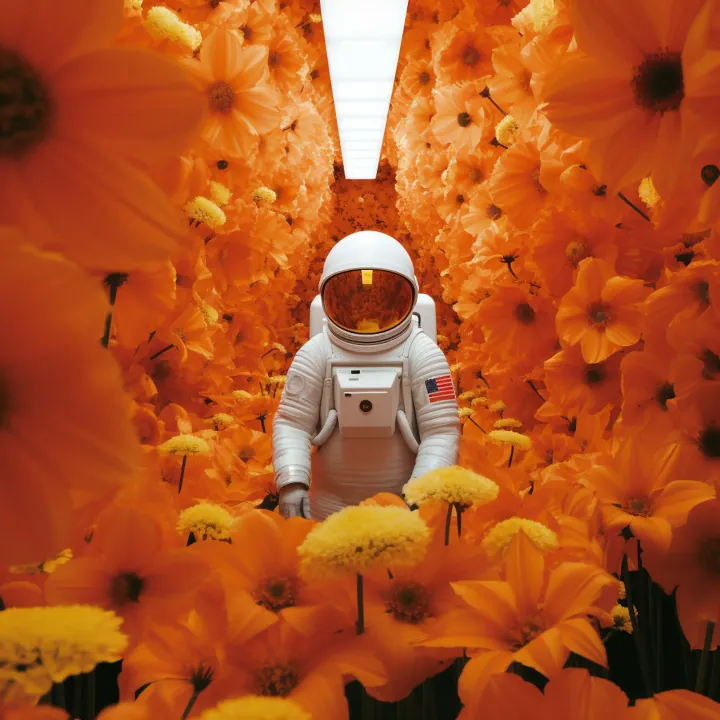
Develop characters, editorial illustrations, story concepts, stylized portraits, and visual-world exploration.
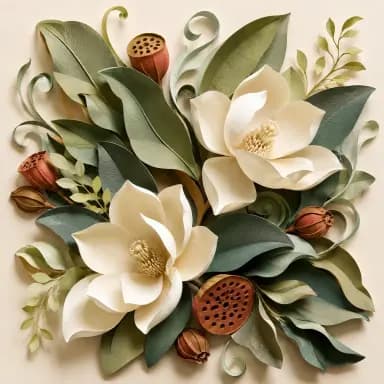
Modify existing visuals with natural-language instructions without rebuilding the image from the beginning.
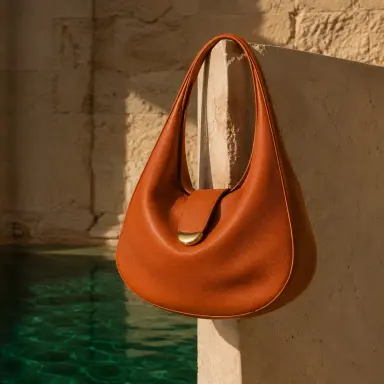
Combine visual imagery, typography, composition, and messaging for posters, packaging, covers, and creative design work.
01
Select GPT Image 2 or GPT Image 1.5 based on the generation or editing workflow you need.
02
Create a new image from text, or upload an image when using an editing or reference-based workflow.
03
Explain the subject, environment, style, lighting, composition, text, colors, and important constraints.
04
Use the image size, quality, format, background, or other controls currently available in the DoMax AI generator.
05
Review composition, detail, text, subject consistency, and overall visual direction. Change one important variable at a time when refining the result.
Instead of “a watch,” describe the product, environment, lighting, camera angle, materials, and visual purpose.
State where important elements should appear and how the viewer should see the scene.
Explain what each uploaded image should control rather than relying on the model to infer every relationship.
When generating a poster or graphic, make the required wording clear and keep the amount of text manageable.
If most of the image already works, request a targeted change instead of starting from a completely new generation.
Check spelling, logos, hands, repeated characters, product geometry, alignment, and other details that matter before using the final asset.
Explore different types of images you can create or edit with GPT Image across photography, illustration, products, typography, and visual design.
Newer model available on DoMax AI
For high-quality image generation and editing, high-fidelity image inputs, detailed instructions, flexible compositions, and reference-heavy creative workflows.
Explore GPT Image 2Previous-generation model
For reliable general-purpose image generation, precise edits, visual transformations, and established GPT Image 1.5 workflows.
Explore GPT Image 1.5Turn prompts and visual references into images for products, campaigns, social content, illustrations, posters, editing, and creative design.