Generate
Create a new image from a natural-language description.
Nano Banana
Generate and edit images with Nano Banana, Google’s Gemini 2.5 Flash Image model. Create visuals from text, transform existing photos with natural-language instructions, keep characters or products recognizable, and combine multiple images into new creative scenes.
Nano Banana • Gemini 2.5 Flash Image
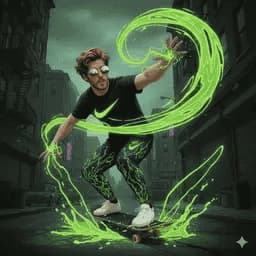
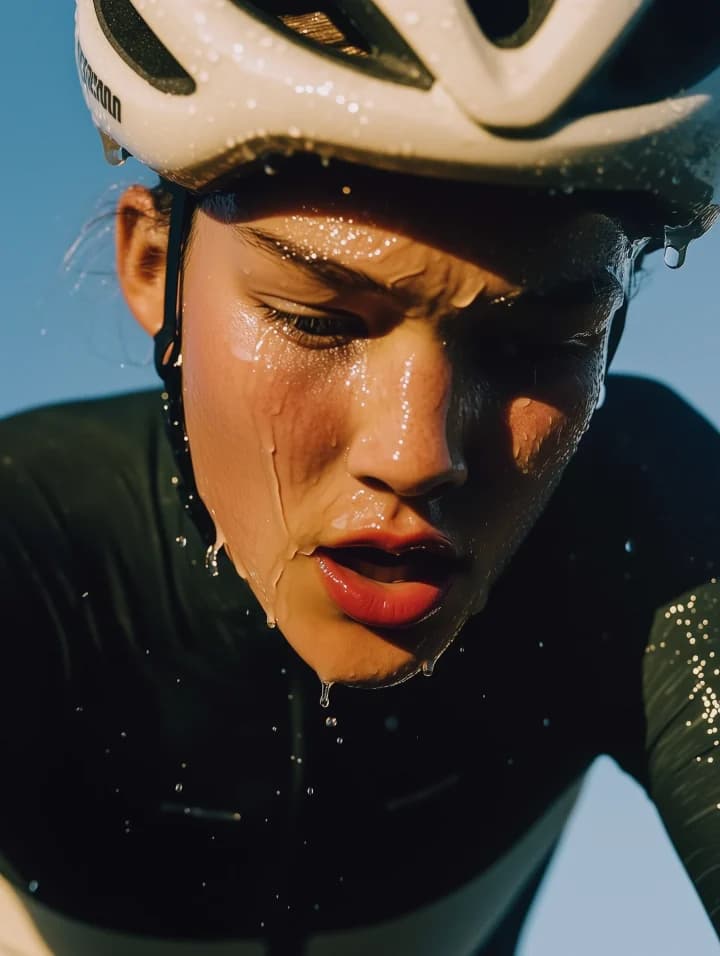
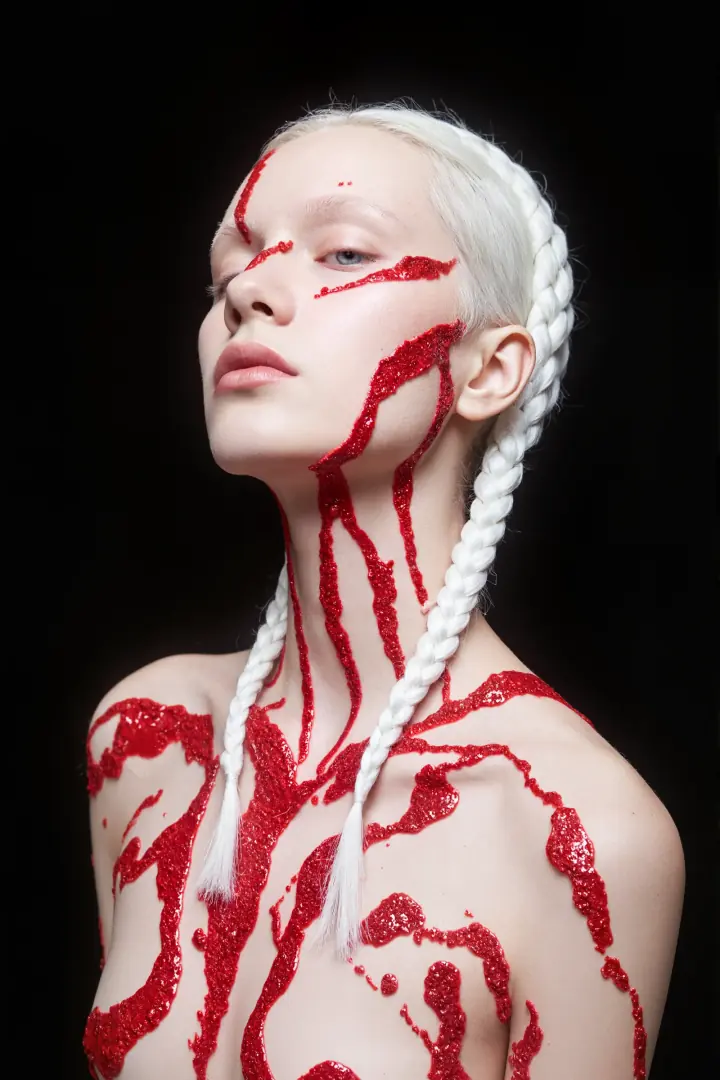
Start from a written idea or upload an image when using an editing or reference workflow. Describe the result you want, adjust the settings currently available on DoMax AI, and refine a strong result with focused changes.
Create a new image from a natural-language description.
Upload an existing image and tell Nano Banana what should change while keeping the useful parts of the source.
Use multiple images when supported to bring different people, products, objects, environments, or visual ideas into one result.
Model retired
This model has been retired. Please use our latest supported model from the same brand for new generations.
Use Nano Banana 2Nano Banana became widely used because image generation and editing can happen inside the same visual workflow.
Upload an image and describe the change instead of manually masking and rebuilding every part of the visual.
The model was designed to better maintain the appearance of people, pets, characters, products, and other subjects across edits.
Blend elements from multiple source images into a new scene or composition.
Modify an outfit, background, object, pose, material, color, lighting, or style while attempting to preserve the rest of the image.
Nano Banana is designed around speed and efficiency, making it practical for creative experimentation and repeated visual edits.
Nano Banana works especially well when creation starts from an existing visual and the goal is to change something without losing the identity of the original subject.
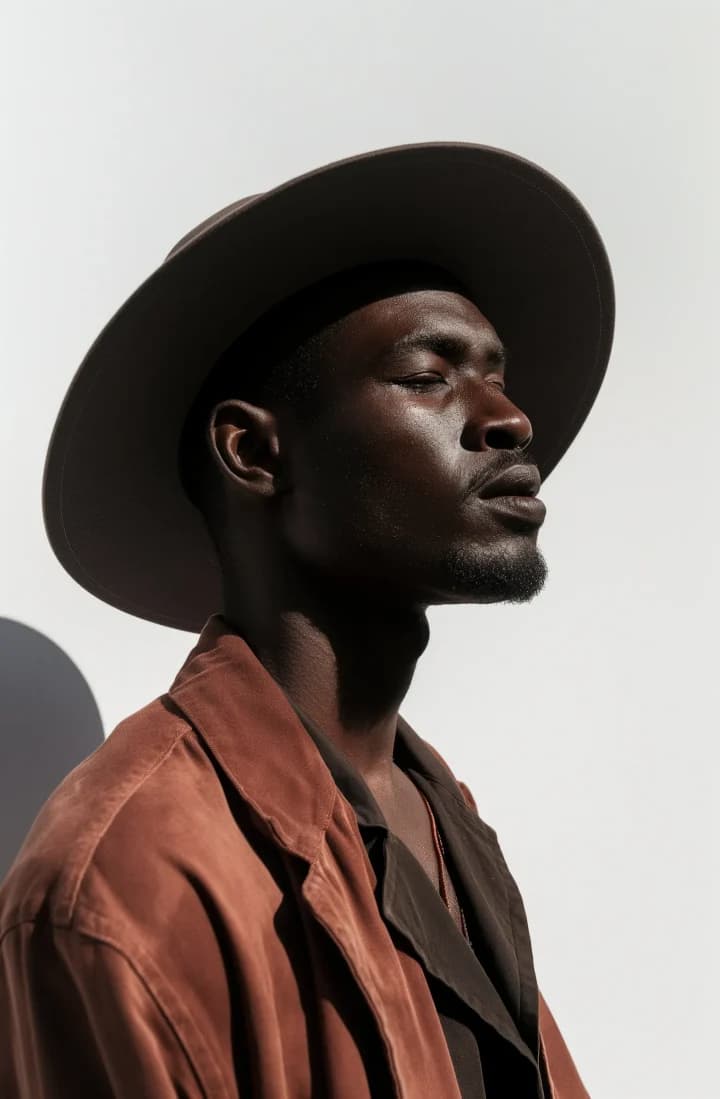
Character Consistency
Move a person, pet, or character into a new environment, outfit, pose, or visual concept while preserving recognizable traits.
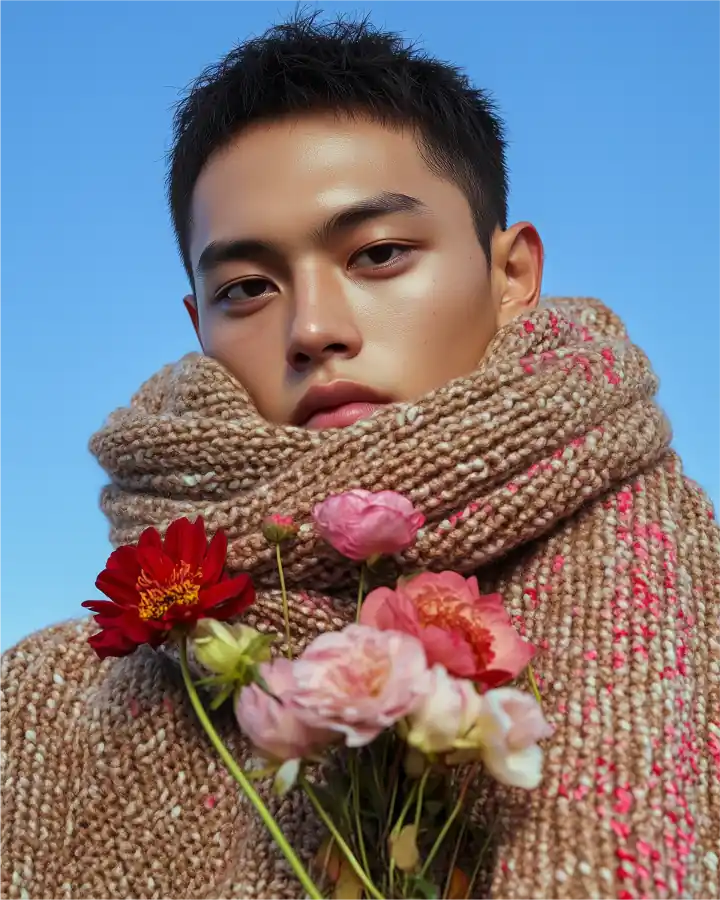
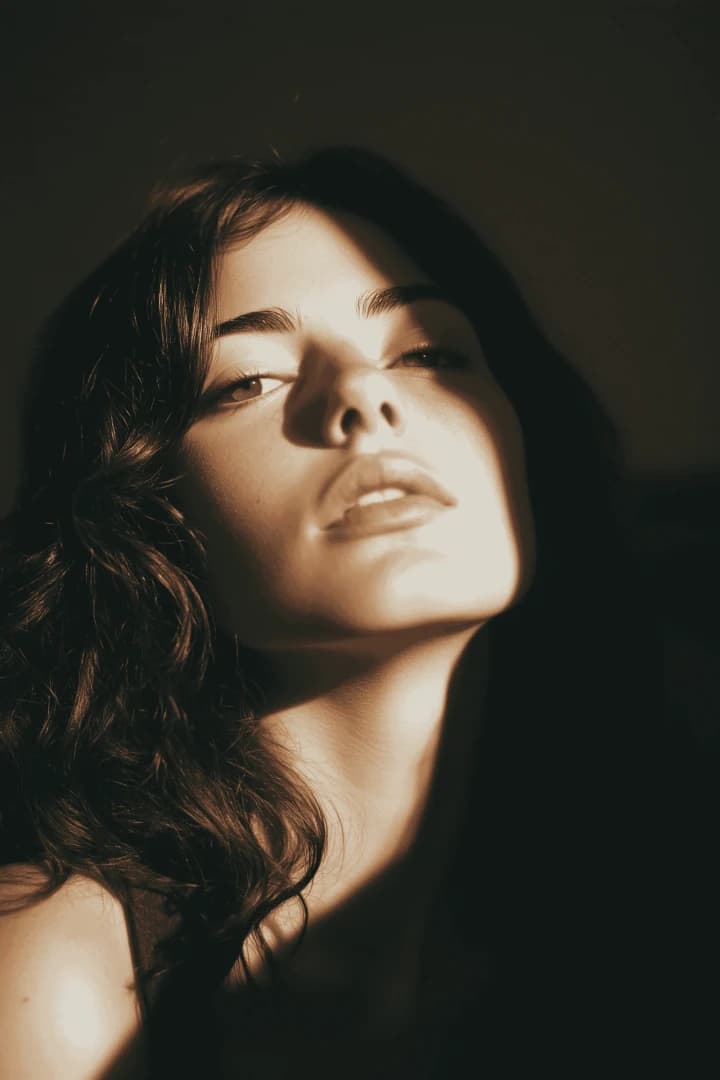
Image Fusion
Bring subjects, products, objects, or design elements from different source images together in a new composition.
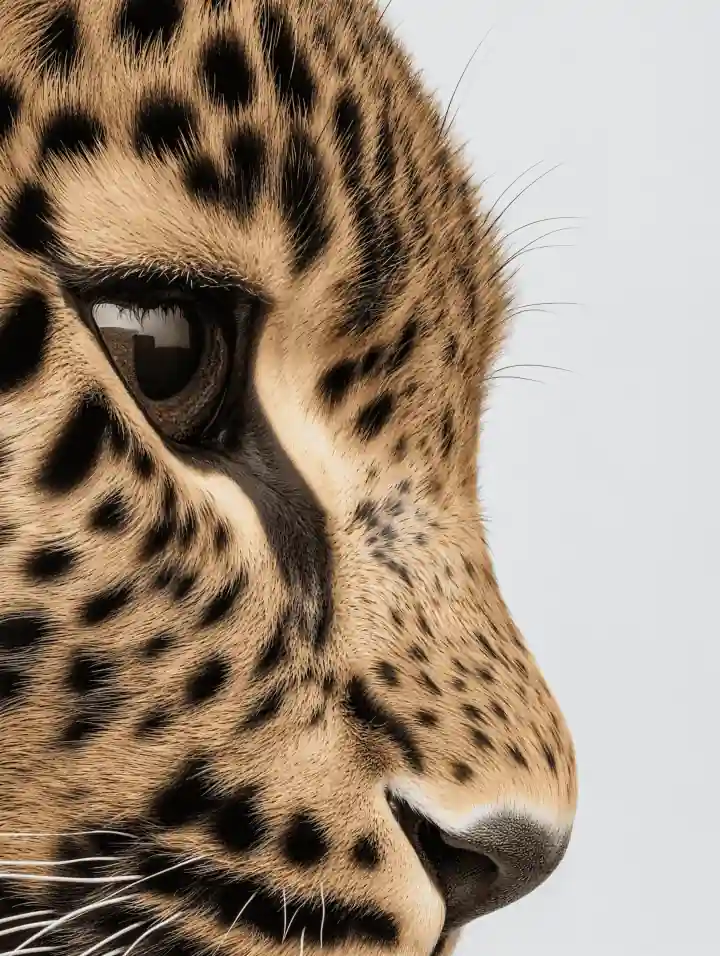
Targeted Editing
Modify the background, clothing, object, material, color, lighting, or another selected detail without intentionally redesigning the entire visual.
Nano Banana is the name widely used for Google’s Gemini 2.5 Flash Image model, introduced in August 2025 for native image generation and editing.
Use natural-language instructions together with image inputs.
Create a new image directly from a written description.
Upload an image and use text instructions to add, remove, modify, or transform visual elements.
The model was designed to preserve recognizable subjects more effectively across edits and creative changes.
Nano Banana can understand and combine multiple source images into a new visual.
The model uses Gemini’s broader understanding of objects, scenes, concepts, and the real world to interpret creative instructions.
Nano Banana lets you describe an image change as an instruction rather than rebuilding the entire scene from scratch.
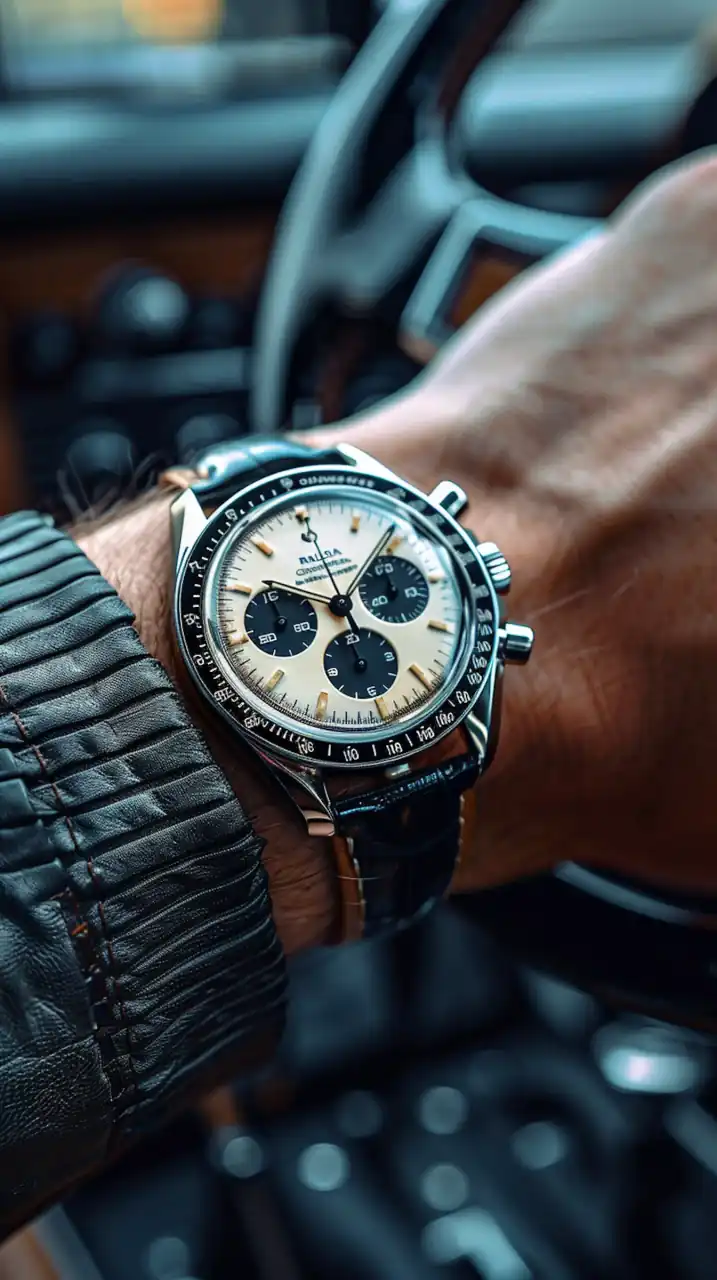
Introduce an object, person, accessory, decoration, or other visual element.
Remove an unwanted person, object, mark, or scene detail.
Swap the background, clothing, furniture, material, color, or another element.
Change a pose, arrangement, or other part of the scene.
Apply a different artistic, photographic, material, or visual treatment.
Use generative editing to explore repairs, recoloring, or creative restoration of an existing image.
One of the best-known Nano Banana workflows is changing the context around a subject while keeping that subject recognizable.
Change an outfit, environment, pose, profession, era, or visual concept while preserving recognizable appearance.
Place the same pet into different scenes or creative transformations while maintaining its key visual traits.
Develop variations of the same character for stories, illustrations, concepts, or social content.
Reuse a recognizable product across new backgrounds, environments, angles, and campaign concepts.
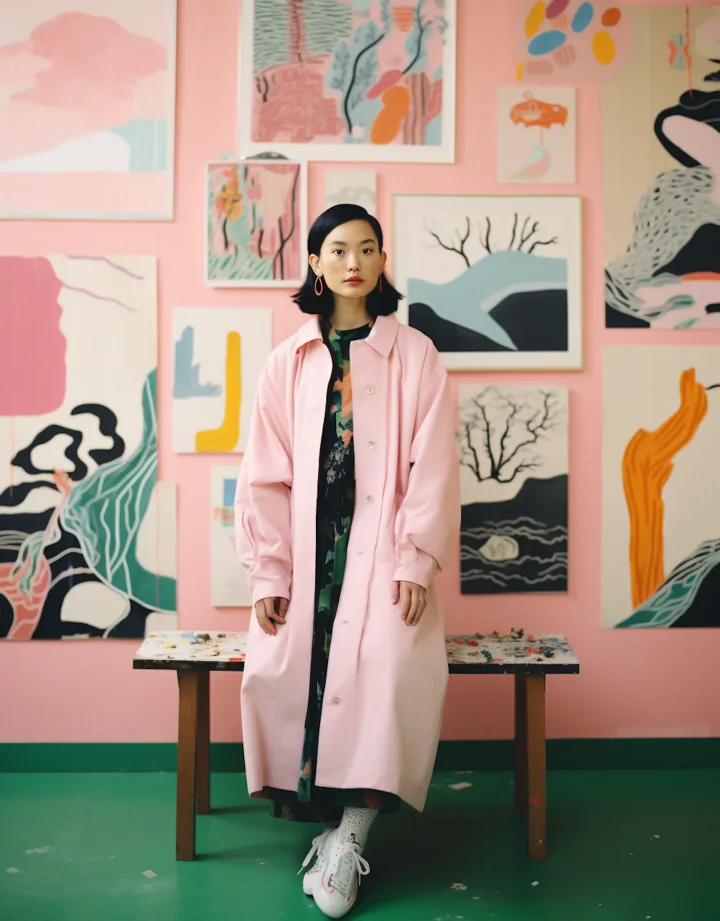
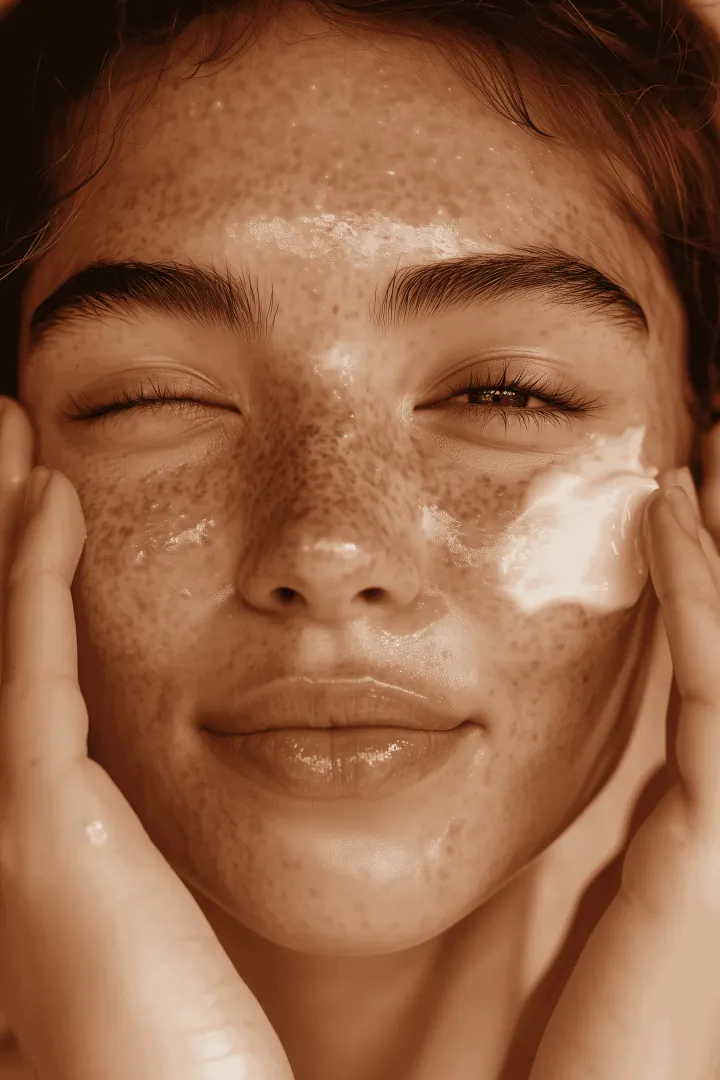

Consistency is improved, not guaranteed. Always review faces, products, logos, clothing, proportions, and other identity-critical details.
Nano Banana can use several source images to build a new visual that combines elements from each input.
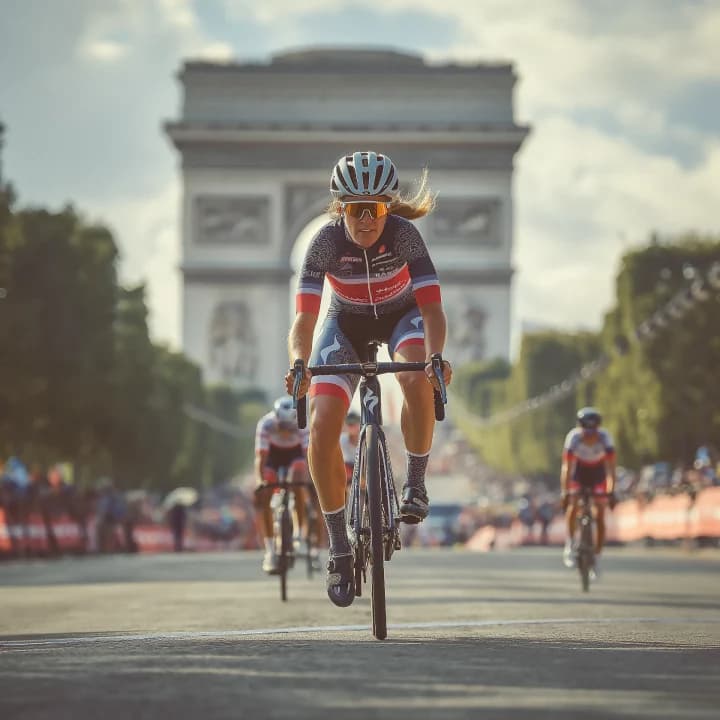
Nano Banana
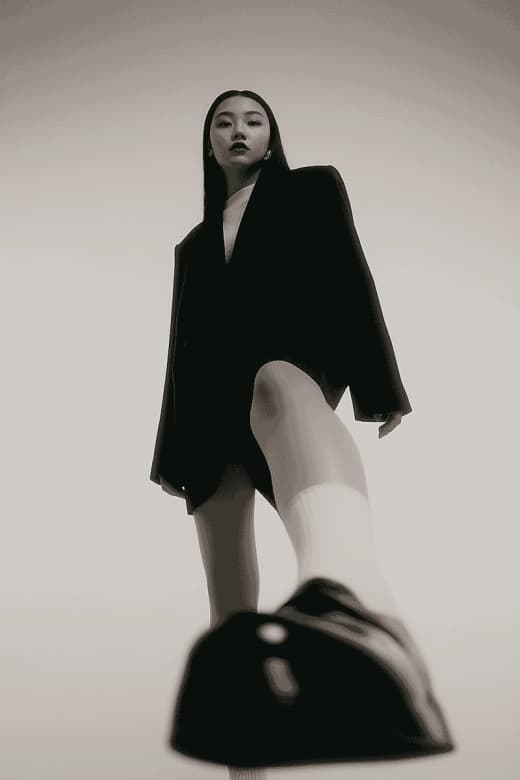
Place a subject from one image into the setting of another.
Combine an isolated product with a lifestyle or advertising environment.
Apply colors, textures, materials, or design ideas from one visual to another.
Bring people, pets, objects, or other source elements into one new scene.
Google’s current documentation states that Gemini 2.5 Flash Image works best with up to approximately three image inputs. The live DoMax AI generator remains the source of truth for the number of uploads currently supported here.
Move the subject into a studio, landscape, interior, city, fantasy setting, or another environment.
Change clothing, accessories, colors, or styling while keeping the subject recognizable.
Explore different materials, textures, finishes, and surface treatments.
Transform the time of day, light direction, atmosphere, color temperature, or photographic mood.
Move between realistic photography, illustration, retro visuals, cinematic looks, 3D-inspired concepts, and other creative directions.
Restyle rooms, walls, furniture, colors, textures, and decorative elements for visual concept exploration.
Character consistency is also useful for objects. Nano Banana can keep a source product recognizable while exploring new environments and creative treatments.
Place a product into studio, lifestyle, seasonal, or campaign environments.
Explore how an object could appear inside new visual concepts or presentations.
Create multiple visual treatments around the same source product.
Combine a product with realistic environmental context.
Explore advertising directions, visual stories, and promotional scenes.
Test colors, materials, textures, backgrounds, and styling before committing to a direction.
Nano Banana is not limited to editing. It can also generate a complete image directly from a written description.
Prompt
A modern reading chair beside a large window in a quiet apartment, warm afternoon sunlight, natural wood flooring, soft neutral fabrics, subtle indoor plants, editorial interior photography, realistic materials, calm atmosphere.
What should the image focus on?
Where does the scene take place?
What should the subject be doing, or what should be different?
Describe composition, lighting, style, materials, color, and overall visual mood.
The original Nano Banana model is optimized around approximately 1024px-class image generation rather than the higher-resolution workflows offered by newer Nano Banana models.
Model
Supported Model-Level Aspect Ratios
1:1
Square
1024 × 1024
2:3
Portrait
832 × 1248
3:2
Landscape
1248 × 832
3:4
Portrait
864 × 1184
4:3
Landscape
1184 × 864
4:5
Portrait
896 × 1152
5:4
Landscape
1152 × 896
9:16
Vertical
768 × 1344
16:9
Wide
1344 × 768
21:9
Ultra-wide
1536 × 672
These dimensions describe the underlying Gemini 2.5 Flash Image model. The aspect ratios and output options currently available on DoMax AI must always follow the live generator interface.
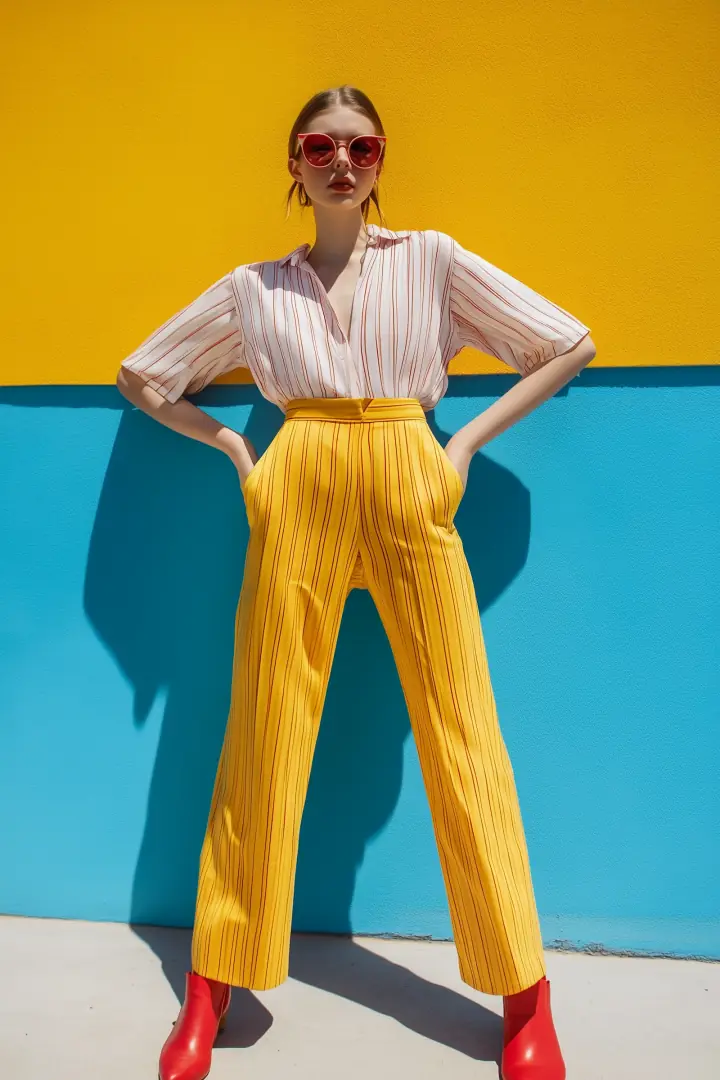
Change backgrounds, outfits, objects, colors, lighting, poses, and other image details using natural-language instructions.
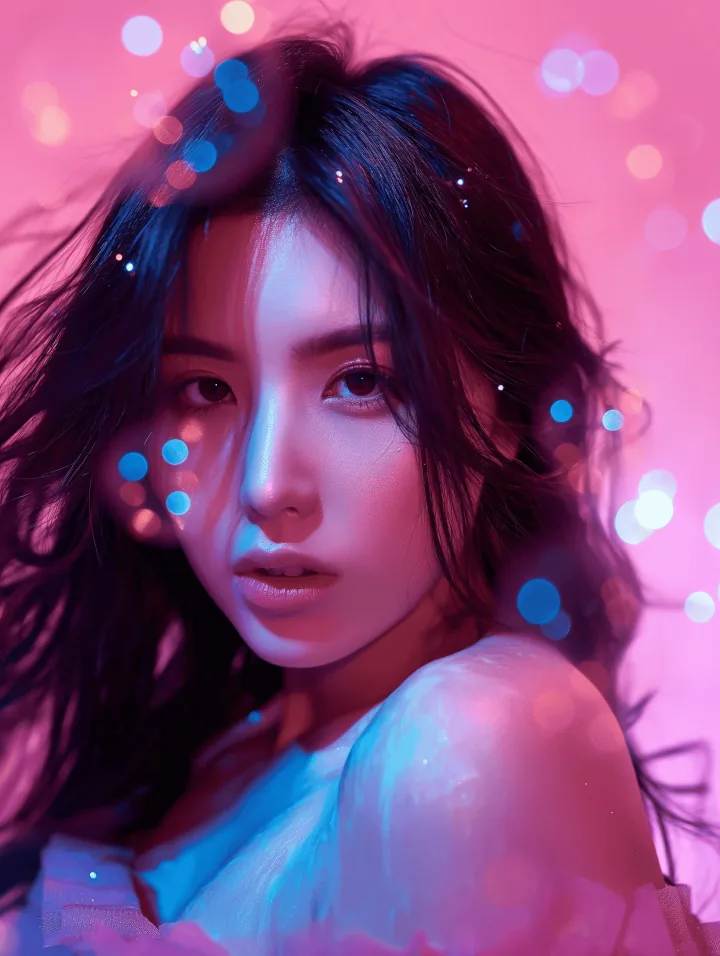
Keep a recognizable person, pet, or character while exploring different scenes, outfits, styles, and creative ideas.
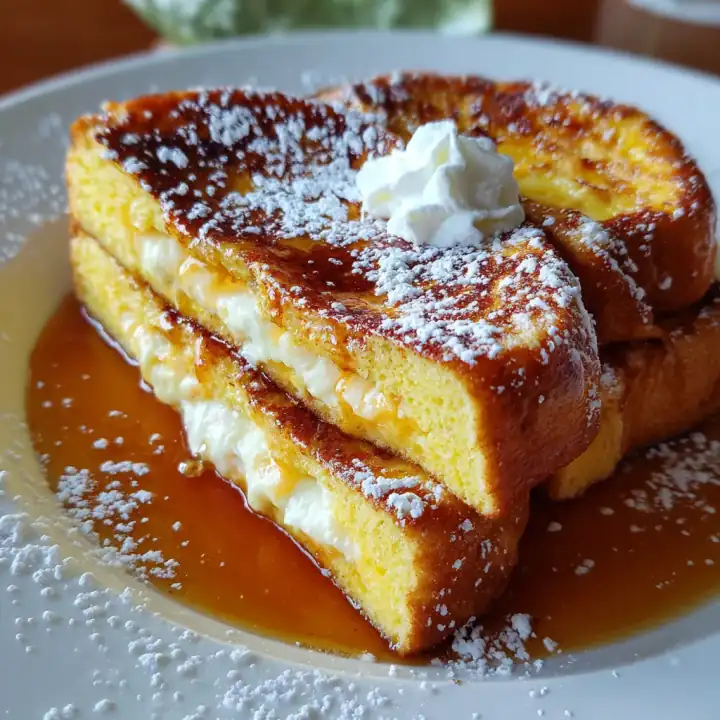
Create product backgrounds, lifestyle scenes, catalog variations, mockups, and campaign concepts from source imagery.
Combine people, products, environments, objects, colors, textures, or other ideas from multiple images.
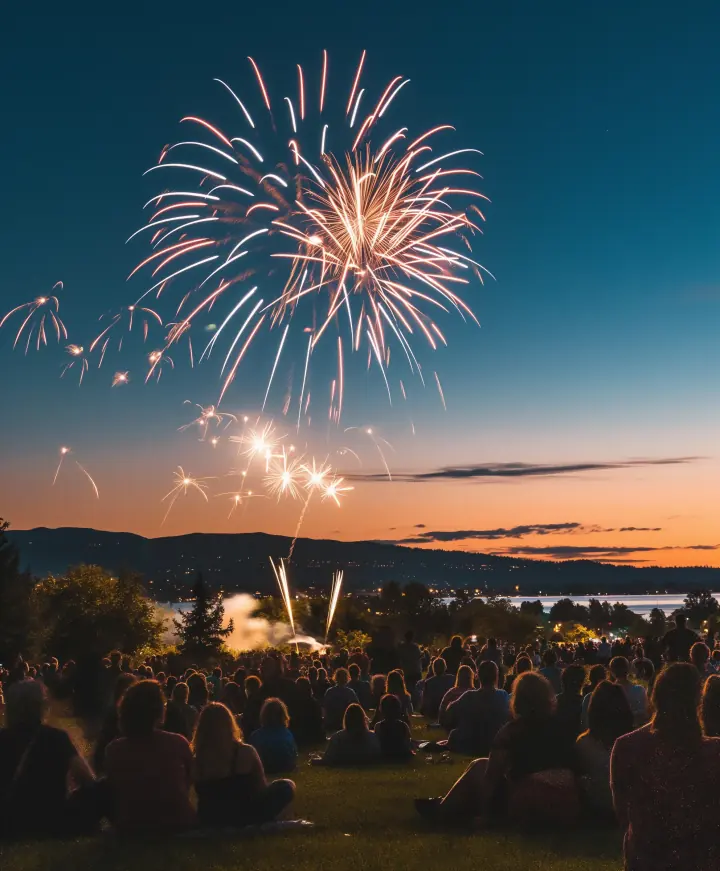
Explore furniture, wall colors, textures, materials, decoration, and visual changes without physically rebuilding the space.
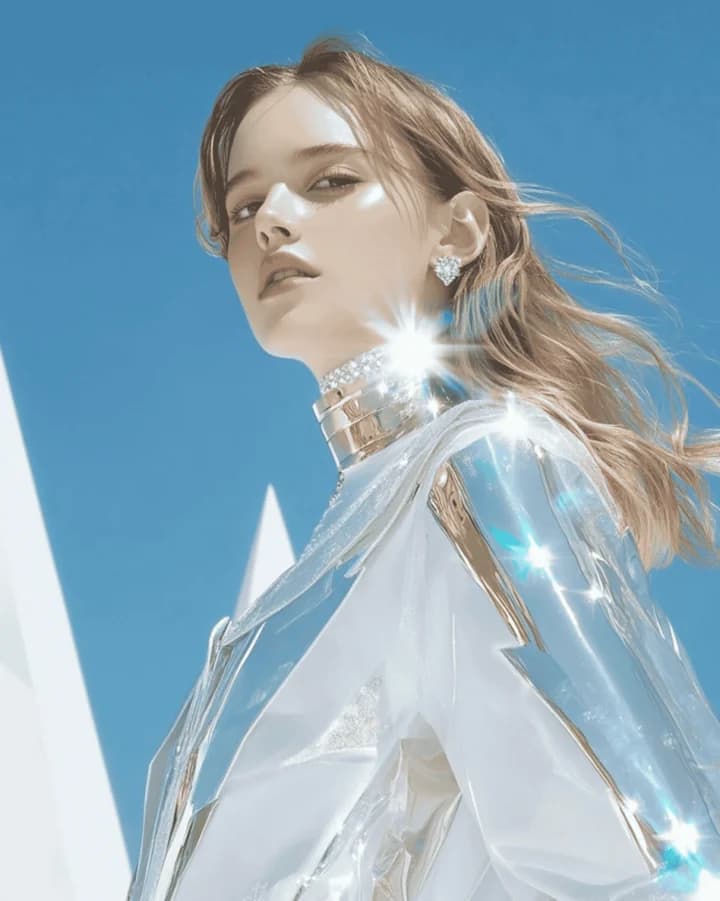
Turn photos into illustrations, characters, figurines, stylized artwork, imaginative scenes, and other visual interpretations.
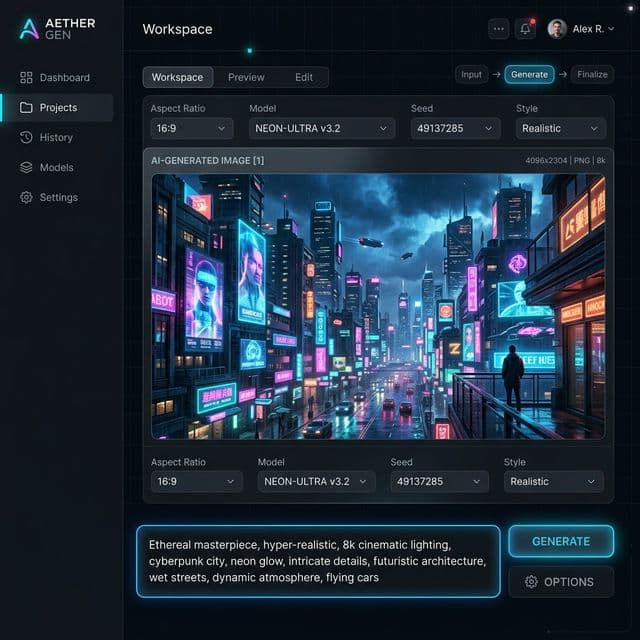
Use the live DoMax AI generator to review the model and controls currently available.
01
Open the Nano Banana generator when you want the Gemini 2.5 Flash Image workflow for generation or editing.
02
Write a text prompt or upload an image when you want to edit, transform, or use a visual reference.
03
Explain the final result and identify which parts of the source image should remain recognizable.
04
Choose from the aspect ratio, output, upload, or other options currently available in the DoMax AI generator.
05
Review identity, composition, product details, hands, text, background, and overall visual quality. Make a focused edit when most of the result already works.
When editing, explicitly identify the subject, product, face, composition, or other elements that should remain consistent.
Use instructions such as “change only the background” instead of vague requests such as “make this image better.”
Clear inputs make subject identity, objects, colors, and product details easier to interpret.
When combining images, explain which image supplies the subject, which supplies the environment, and which supplies style or another detail.
If most of an image already works, change one important thing at a time.
Check faces, hands, product geometry, logos, text, repeated objects, and other details before using the final image.
Nano Banana is the original Gemini 2.5 Flash Image model that introduced the Nano Banana name. It remains useful for fast image generation, natural-language editing, subject consistency, and multi-image creative workflows.
Newer Nano Banana models now exist, so do not choose the original model only because of the name. Use Nano Banana when its speed, editing workflow, 1024px output, and visual consistency match the task.
Explore Nano Banana across photo editing, characters, products, image fusion, interiors, and creative transformations.
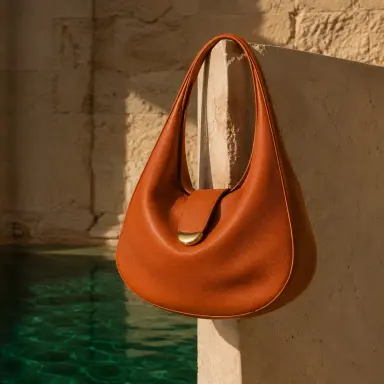

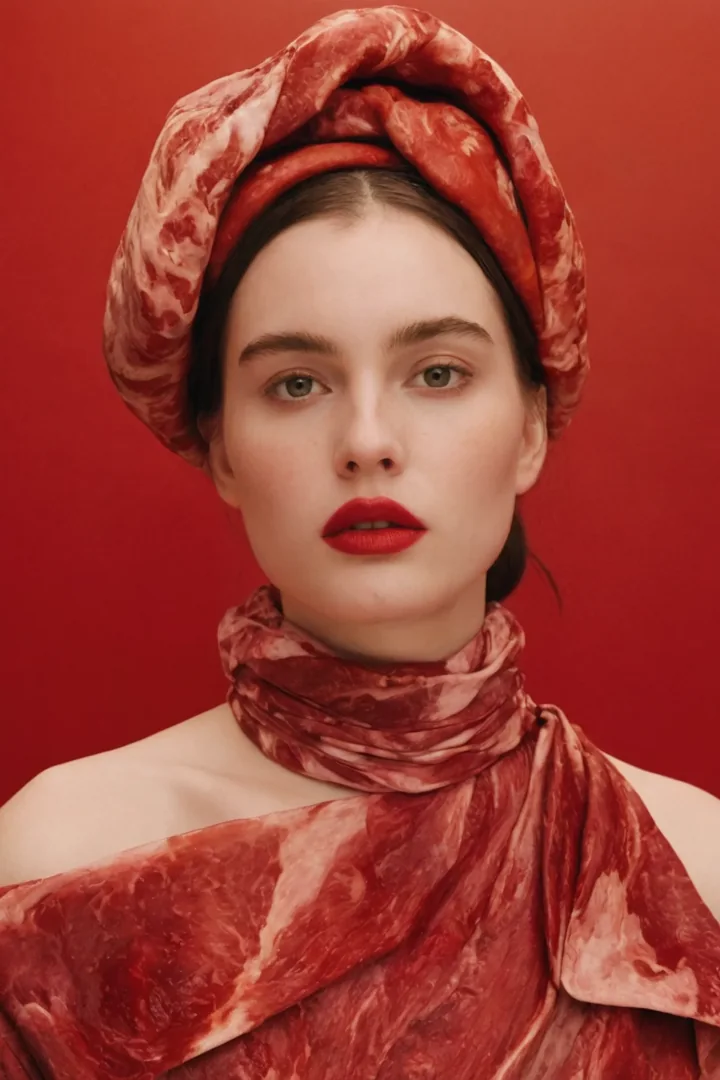
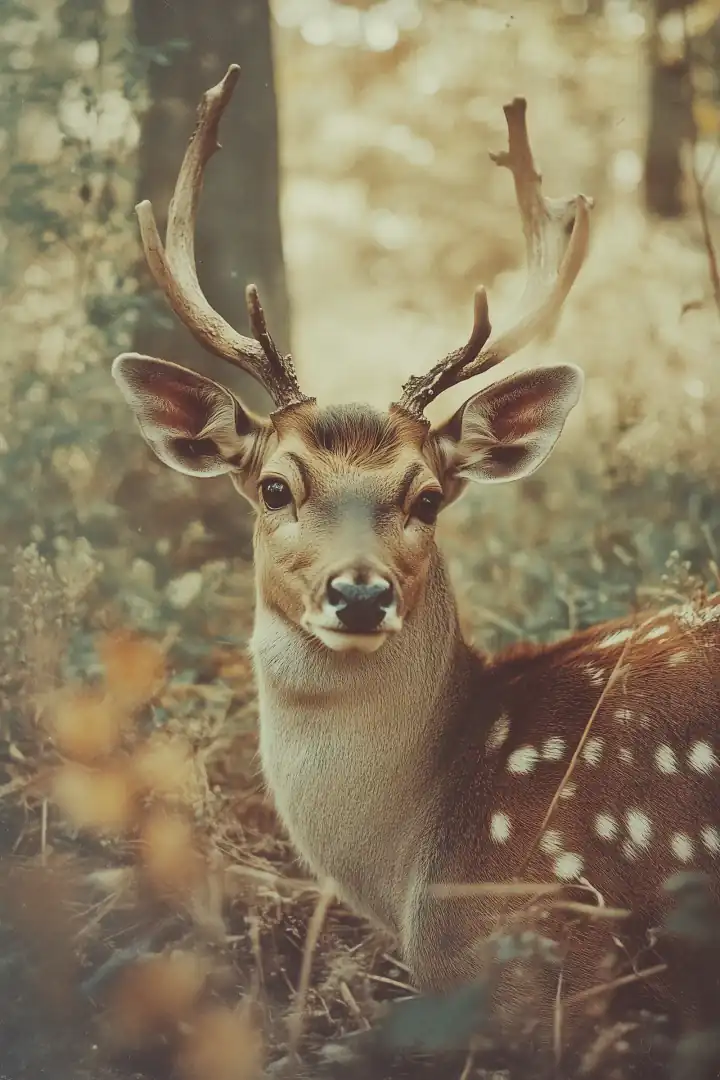
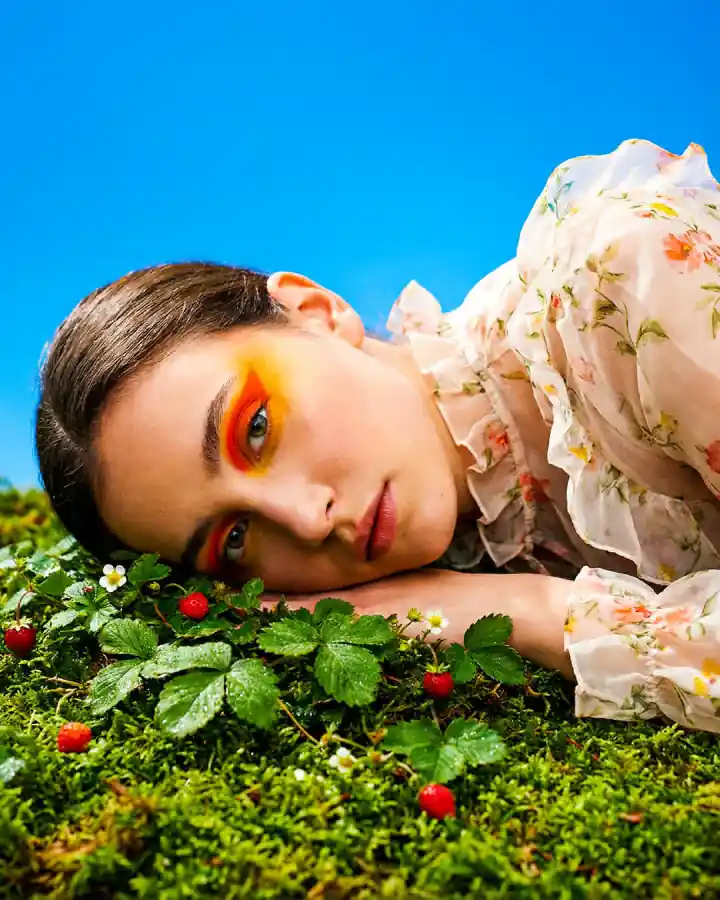
Generate new images or transform existing visuals with natural-language editing, character consistency, multi-image fusion, product workflows, and fast creative iteration.
Create an Image