DoMax AI Video Generator for Text and Image to Video
Create high-quality AI videos from text prompts or uploaded images using multiple leading video models. DoMax AI makes video generation fast, simple, and accessible — no editing experience required.
Free trial credits · No credit card requiredText to video and image to videoMultiple leading AI video modelsCommercial rights on paid plans
Sign up to get free credits and start generating AI videos instantly.
What Is DoMax AI’s Video Generator?
DoMax AI Video Generator is an online tool for turning text prompts or images into AI-generated videos. With multiple leading video models in one platform, creators can make cinematic clips, social media videos, product ads, animations, and marketing visuals without filming or advanced editing skills.
Text to Video AI
AI Text to Video Generator for Cinematic Video Creation
Turn text prompts into cinematic AI videos with DoMax AI. Describe a scene, product, character, or story idea, then create high-quality video content online using multiple leading AI video models.
Text to Video AI is ideal for TikTok, YouTube Shorts, product ads, anime scenes, brand campaigns, storytelling, and social media content — without filming or advanced editing software.
AI Image to Video Generator for Dynamic Video Creation
Turn photos, artwork, product images, and illustrations into cinematic AI videos with DoMax AI. Upload an image and generate dynamic video content online with realistic motion, camera movement, visual effects, and smooth scene transitions.
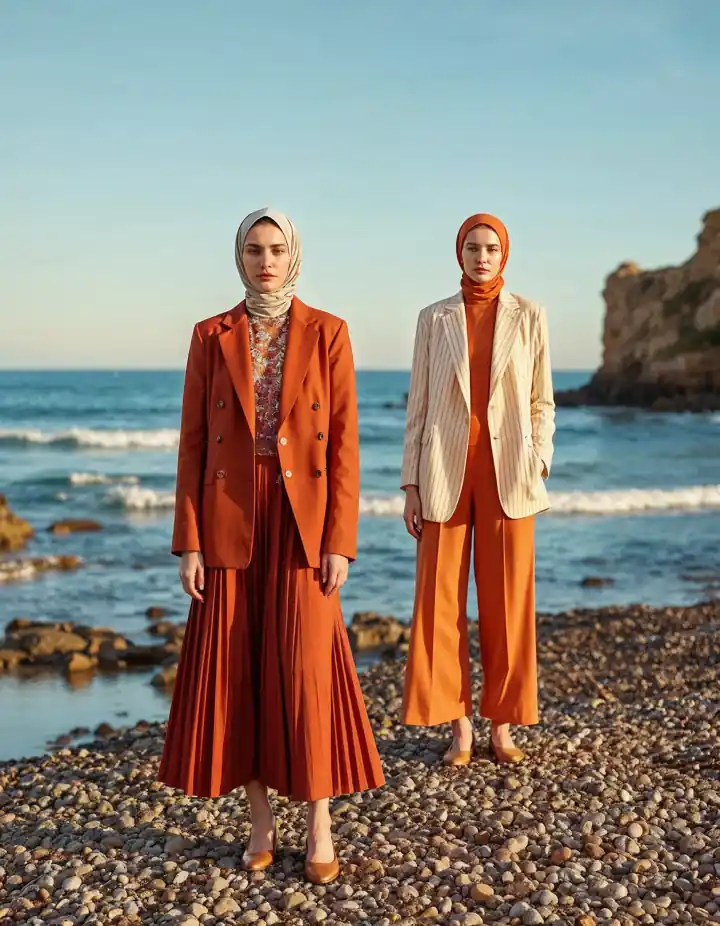
Image to Video AI is ideal for animating product photos, bringing artwork to life, creating model shots, adding motion to brand visuals, turning travel photos into clips, and transforming static assets into TikTok, Reels, and YouTube Shorts content.
Go from a text prompt or uploaded image to a finished AI video in three simple steps — no filming or complex editing required.
Step 01
Write a Prompt or Upload an Image
Start with a text prompt or upload an image. For text to video, describe the subject, action, setting, camera movement, and visual style. For image to video, upload a photo, product image, artwork, or illustration, and DoMax AI will turn it into a dynamic video with motion that matches the image.
Need inspiration? Choose a prompt template or use a quick example to fill the input automatically.
Step 02
Choose Your Model, Duration, and Format
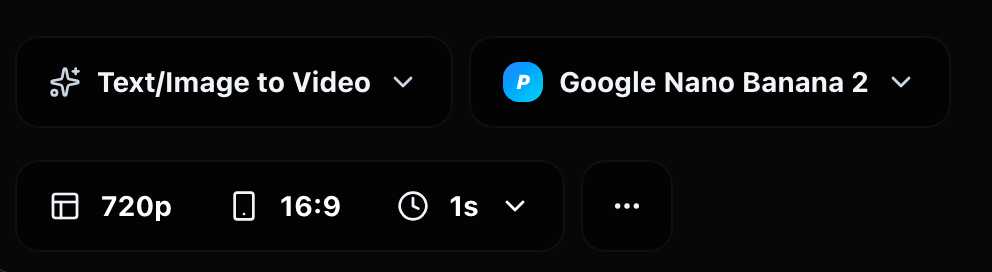
Select a video model based on your creative goal, then choose your preferred duration, aspect ratio, and output quality. Create landscape videos for YouTube, vertical videos for TikTok and Reels, or square videos for social posts and ads.
DoMax AI gives you flexible settings for different video styles, platforms, and content needs.
Step 03
Preview, Download, or Keep Editing
Preview your AI video when generation is complete. Download the finished video, adjust your prompt for another version, or continue editing with additional creative tools such as voiceover, music, captions, or visual refinements.
With DoMax AI, you can create, refine, and prepare video content in one online workspace.
AI Video Use Cases for Creators, Brands, and Teams
DoMax AI helps creators, marketers, brands, and teams create social videos, product ads, animated explainers, brand campaigns, and marketing content with text to video and image to video tools.
Use Case 01
AI Video Generator for YouTube and TikTok Creators
Create TikTok videos, YouTube Shorts, intros, B-roll, and social media clips faster with DoMax AI — no filming or advanced editing required.
Use Case 02
AI Product Video Generator for E-commerce Brands
Turn product photos into AI product videos for Shopify, Amazon, TikTok Shop, landing pages, and paid ads using cinematic image to video generation.
Use Case 03
AI Video Ads for Marketing and Advertising Teams
Use DoMax AI to generate short video ads, promotional clips, product launches, and branded social content faster for campaign production.
Use Case 04
AI Animation Generator for Education and Online Courses
Create animated explainers, visual lessons, training videos, course intros, and educational clips from simple prompts or reference images.
Use Case 05
AI Video Creation for Creative Agencies
Produce client concepts, campaign visuals, branded content, mood videos, and social media assets at scale with flexible AI video generation workflows.
Use Case 06
AI Storytelling Videos for Creators and Filmmakers
Transform story ideas, characters, scenes, and visual concepts into cinematic AI video clips for short films, trailers, concept art, and creative storytelling.
Start creating your AI video with DoMax AI today.
Why Choose DoMax AI for Video Creation?
Create cinematic AI videos from text prompts or images with DoMax AI. Use multiple leading AI video models in one online platform for text to video, image to video, animation, marketing, and social media content creation.
01
Multiple AI Video Models in One Platform
DoMax AI brings different video models together in one workspace, so you can choose the right model for your creative goal without switching between separate tools.
02
Text to Video and Image to Video
Start from a written prompt or upload an image to generate dynamic video content. The workspace supports both text to video and image to video workflows for flexible video creation.
03
Built for Creators, Brands, and Teams
Create videos for TikTok, YouTube Shorts, product ads, brand campaigns, storytelling, social media posts, and creative projects with a simple online workflow.
04
Fast, Simple, and No Editing Experience Required
DoMax AI makes video generation easier than traditional editing software. Generate product videos, animated clips, marketing videos, and cinematic scenes without filming or advanced editing skills.
AI Video Generator FAQs
Find quick answers about creating AI videos, including text to video, image to video, supported AI models, credits, video settings, downloads, and commercial use.
What is DoMax AI Video Generator?
It is an online AI video creation tool that helps you turn text prompts and images into AI-generated video clips. You can create videos for social media, ads, product showcases, storytelling, presentations, and creative projects.
How does video generation work on DoMax AI?
Choose Text to Video or Image to Video, enter your prompt or upload an image, select the available video settings, and generate online. DoMax AI uses multiple AI video models to help you create different styles and results in one workspace.
What is the difference between Text to Video and Image to Video?
Text to Video creates a video from a written prompt, script, or idea. Image to Video starts from an uploaded image and adds motion, depth, camera movement, and visual style based on your prompt.
Can I choose different AI video models?
Yes. DoMax AI gives you access to multiple AI video models in one workspace. Different models may work better for cinematic scenes, product videos, portrait animation, social clips, artwork, or creative experiments.
What can I create with DoMax AI?
You can create AI videos for TikTok, Instagram Reels, YouTube Shorts, product ads, brand campaigns, real estate previews, travel clips, portrait animations, artwork videos, training content, and business presentations.
Do I need video editing experience?
No. The video generator is built for users who want to create videos without filming, editing timelines, or complex production software. You only need to describe what you want to generate.
Can I adjust video settings before generation?
Yes. Depending on the selected model and available options, you can adjust settings such as model, duration, aspect ratio, resolution, style, and other generation parameters before creating your video.
Can I download my generated video?
Yes. After your video is generated, you can open it in your browser, preview the final result, and download the finished video as an MP4.
Can I try AI video generation for free?
New users can start with free credits. When you need more generations, you can buy one-time credit packs. DoMax AI does not require a subscription or automatic renewal for credit purchases.
Can I use DoMax AI videos for commercial projects?
Yes, generated videos can be used for commercial projects such as ads, product videos, social media content, brand visuals, and presentations, subject to DoMax AI’s usage terms and the rights of any content you upload or provide.
Create Your First AI Video with DoMax AI
Turn prompts or images into cinematic AI videos online. Start with free trial credits — no credit card required.