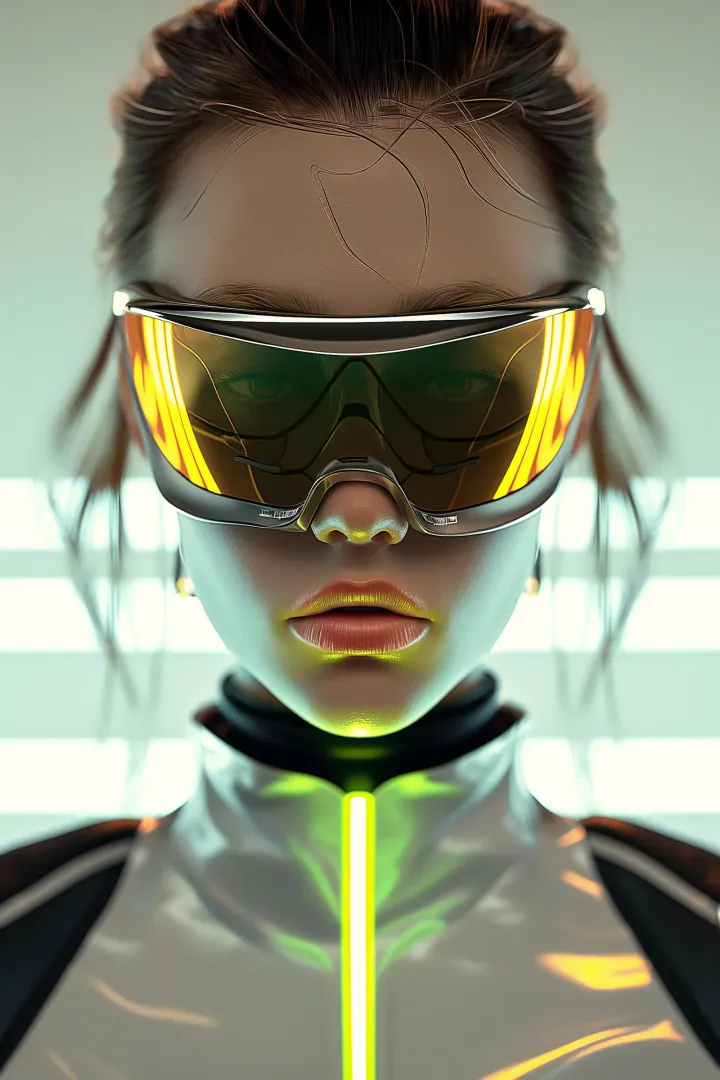
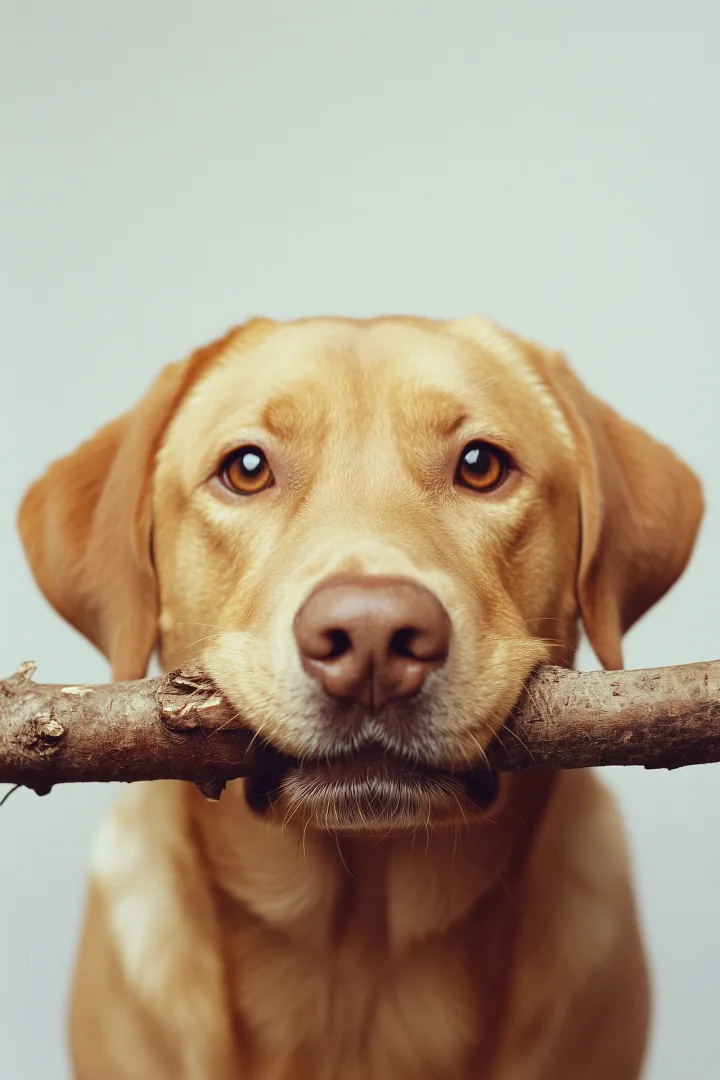
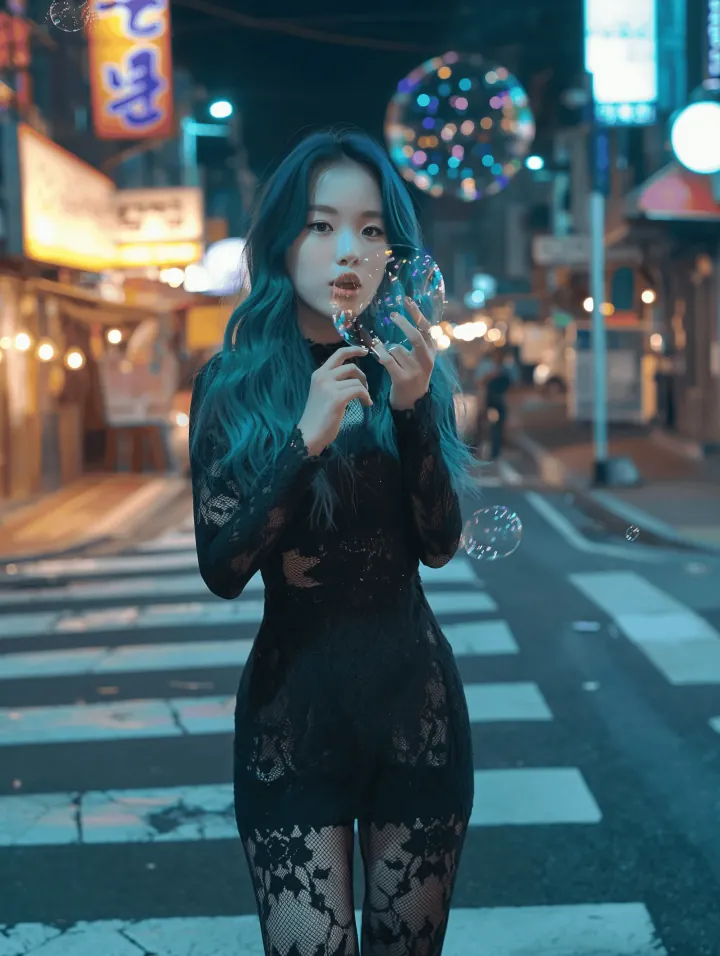
AI Image Generator for Text to Image and Image to Image
Create images from text prompts or transform existing visuals with DoMax AI Image Generator. Sign in to use free starter credits, explore multiple leading AI image models, and generate images online with no credit card required.
DoMax AI Image Generator is an online AI image creation tool that turns text prompts or existing images into new visuals. Create original images from words, transform uploaded visuals, and explore multiple leading AI image models in one workspace.
Text-to-Image AI — Describe It, Generate It
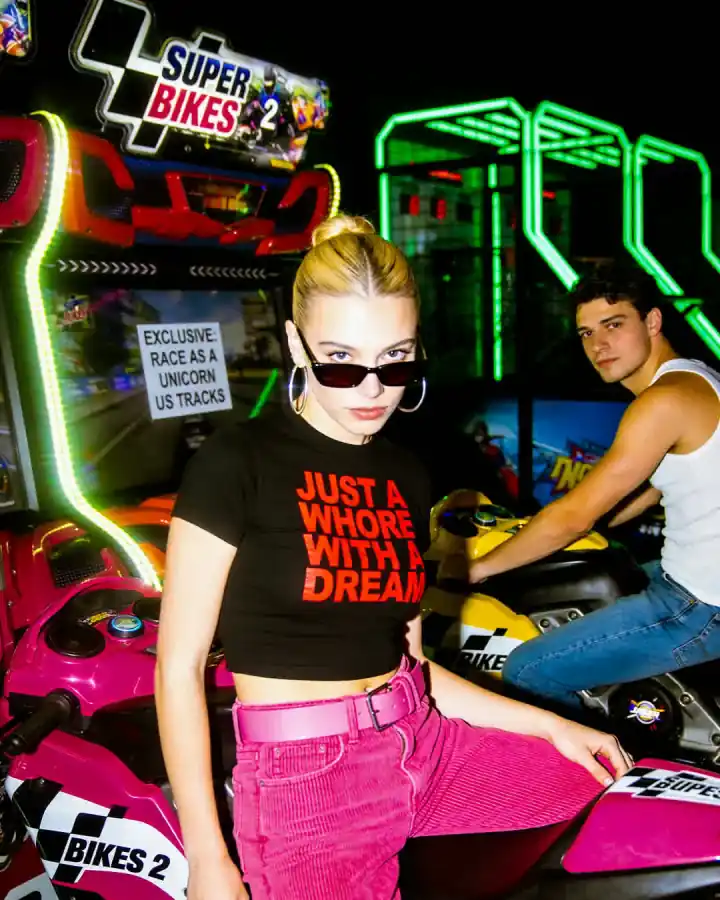
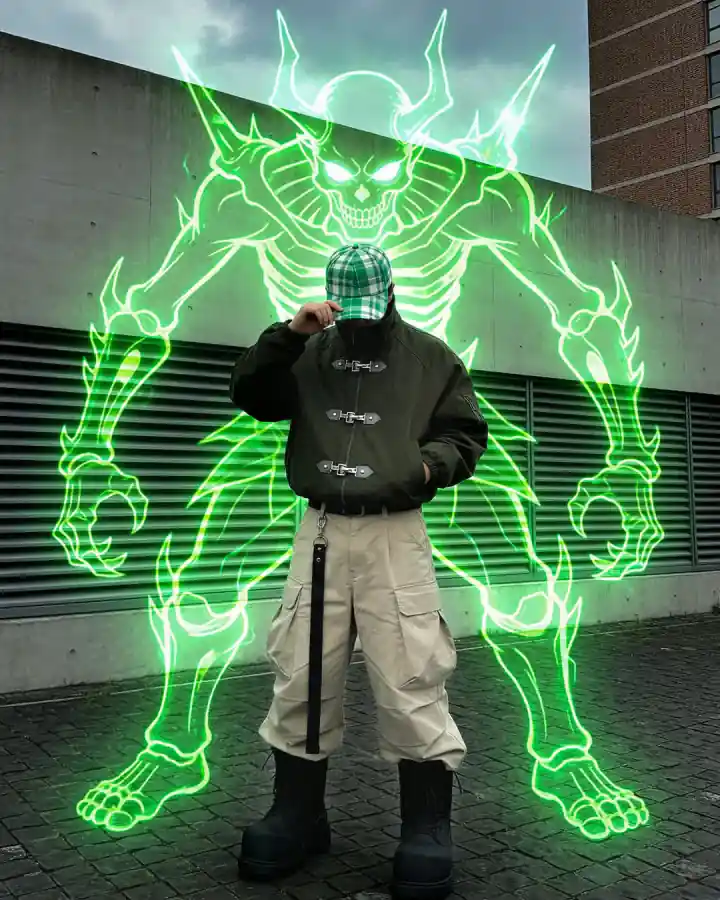
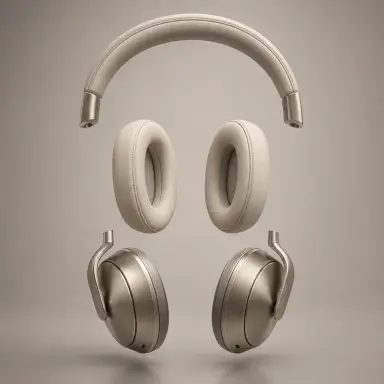
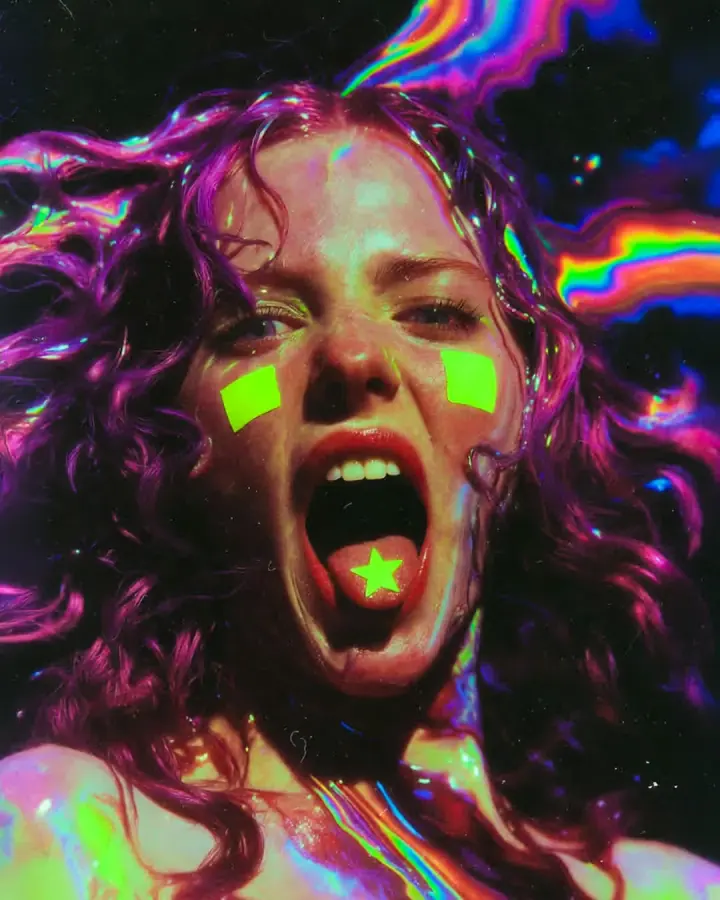
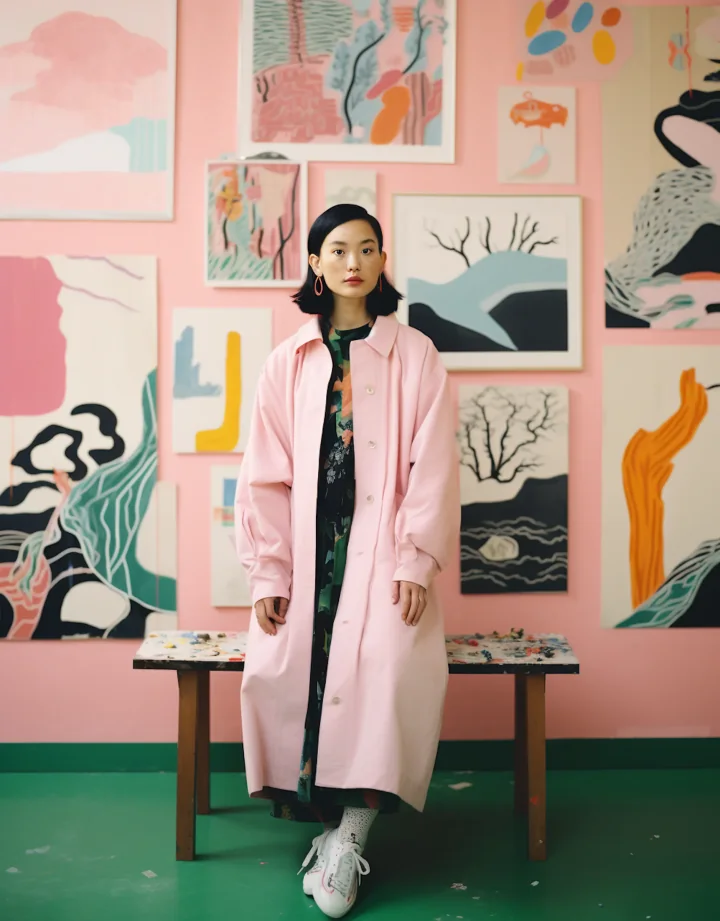
Turn text prompts into images with DoMax AI. Create product concepts, social media graphics, brand assets, illustrations, concept art, posters, characters, and campaign visuals in one online workspace.
Guide the subject, style, composition, lighting, colors, and mood with simple prompts or detailed descriptions. Explore multiple leading AI image models and compare different creative results without switching platforms.
Live Preview
Text to Image
Image-to-Image AI — Transform Existing Visuals
Upload an existing image and use image-to-image AI to create new styles, variations, and creative directions. Start with a product photo, portrait, sketch, artwork, design reference, or concept image, then describe the result you want.
Use DoMax AI to explore product concepts, character designs, ad creatives, artwork variations, brand visuals, and social content while keeping your original image as a reference.
Combine uploaded images, text prompts, and multiple leading AI image models in one workspace to create more flexible image-to-image results.
Live Preview
Image to Image
Popular AI Image Styles You Can Create
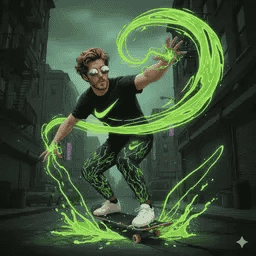
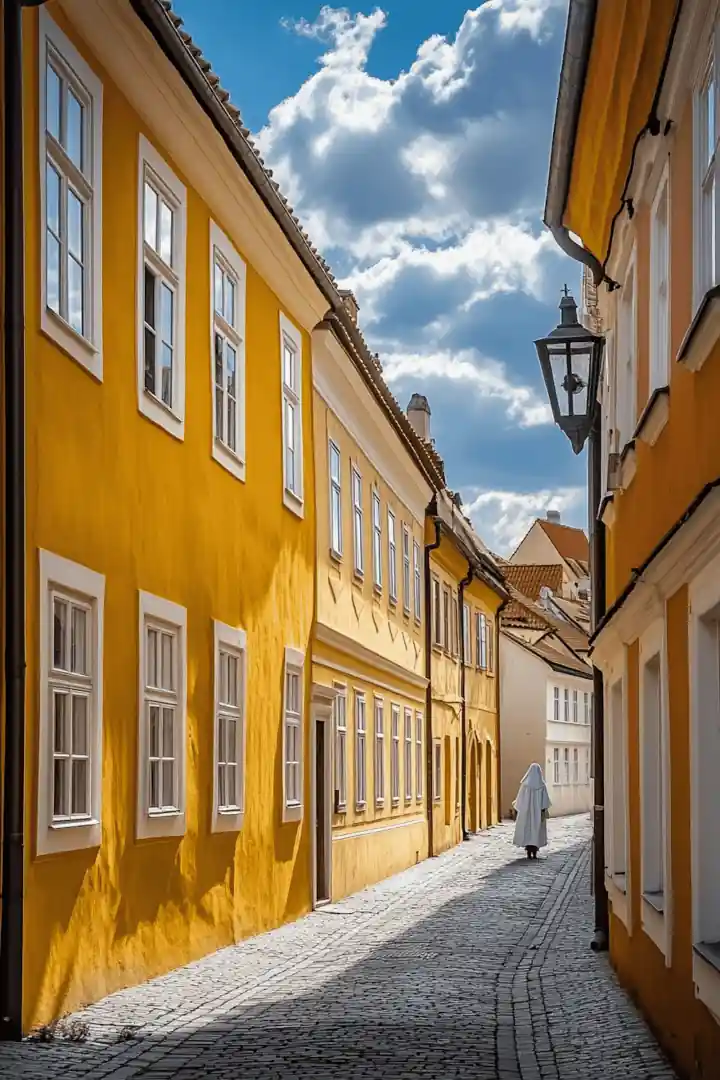
Explore popular AI image styles with DoMax AI. Create images from text prompts or transform existing visuals with image-to-image AI. Choose a style, refine your prompt, and generate visuals for products, campaigns, social media, and creative projects.
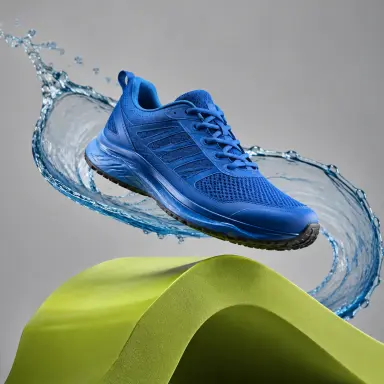
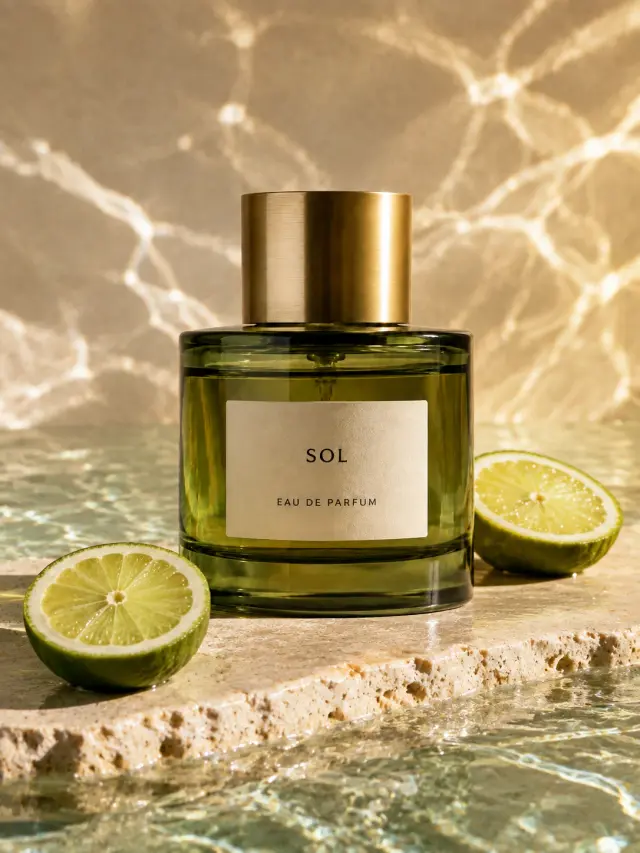
Product Photography
Prompt Idea
Blue running shoe suspended above a bold green form, studio product photography
Create AI images from text prompts or transform existing visuals with DoMax AI in three simple steps. Sign in to get free starter credits. No credit card required.
Step 01
Write a Prompt or Upload an Image
Enter a text prompt for text-to-image AI, or upload a reference image for image-to-image AI. Describe the subject, style, mood, lighting, and changes you want.
Step 02
Choose Your Model and Image Settings
Select an AI image model, image size, style, and available settings. Start simple, then refine your prompt and options for better results.
Step 03
Generate, Preview, and Download
Generate your AI image, preview it in your workspace, and download the final result. You can also adjust your prompt or create new variations with image-to-image AI.
Who Uses the AI Image Generator?
DoMax AI helps creators, sellers, marketers, educators, and business teams create images from text prompts or transform existing visuals with image-to-image AI. Use it for e-commerce, social media, ads, design concepts, presentations, and brand content.
Use Case 01
E-commerce Sellers — Product Images and Lifestyle Visuals
Create product concept images, white-background visuals, lifestyle scenes, seasonal graphics, and promotional assets from text prompts or product references.
With text-to-image and image-to-image AI, sellers can test backgrounds, styles, angles, and campaign ideas before final production.
Content Creators — Social Media Images and Channel Assets
Generate visuals for Instagram posts, X graphics, Pinterest pins, YouTube thumbnails, TikTok covers, and creator branding.
Start from a prompt or upload an image to explore new styles, colors, layouts, and content directions.
Marketing Teams — Ad Creatives and Campaign Visuals
Use DoMax AI to create ad concepts, campaign images, landing page visuals, email graphics, and branded creative variations.
Generate multiple visual directions for different audiences, platforms, seasons, or campaign angles.
Designers and Artists — Concepts and Visual References
Explore ideas, create mood board images, generate concept art, and test different visual styles.
Use text-to-image AI for new concepts or image-to-image AI to transform sketches, references, and existing artwork.
Educators and Presenters — Custom Visuals for Slides
Create custom images for lessons, reports, presentations, training materials, and keynote slides.
Instead of using generic stock images, generate visuals that match a specific topic, metaphor, process, or teaching concept.
Startups and Business Teams — Brand Visuals and Mockups
Create early-stage brand visuals, website graphics, pitch deck images, product mockups, and campaign concepts.
Use DoMax AI to move faster when you need visual options before final design or production.
Everything You Need to Know Before Creating AI Images Online
What is DoMax AI Image Generator?
It is an online AI image generator that creates images from text prompts or transforms existing visuals with image-to-image AI. It helps users create product images, social media graphics, marketing visuals, concept art, brand assets, and creative image variations.
How does image generation work on DoMax AI?
DoMax AI uses text-to-image and image-to-image AI models. You enter a prompt or upload an image, choose your settings, and generate a new AI image online.
Can I generate images from text prompts?
Yes. With text-to-image AI, you can describe the subject, style, lighting, mood, colors, and composition you want, then generate an image from your prompt.
Can I transform an existing image?
Yes. Image-to-image AI lets you upload a reference image and change its style, background, colors, composition, or creative direction while keeping parts of the original visual.
What can I create with DoMax AI?
You can create product visuals, social media images, ad creatives, concept art, brand graphics, presentation images, thumbnails, lifestyle scenes, and creative mockups.
Do I need design skills to use it?
No. The image generator is designed for beginners and professionals. Start with a simple prompt, preview the result, then refine your prompt and settings.
Can I try AI image generation for free?
Yes. New users can sign in to get free starter credits. No credit card is required to start generating AI images.
Which AI image model should I choose?
Different models work better for different goals. Some are better for realistic images, while others are stronger for illustrations, product concepts, creative styles, or fast image variations.
Can I use AI-generated images for business?
Yes, you can use generated images for business content such as product pages, ads, social posts, presentations, and marketing campaigns, depending on your plan and usage rights.
How do I get better AI image results?
Write clear prompts with details about the subject, style, lighting, background, mood, and composition. For more control, upload a reference image and use image-to-image AI to guide the result.
Create Your First AI Image Today
Sign in to get free starter credits, choose from multiple AI models, and generate images from text prompts or reference images.
No credit card required · Multiple AI models · Text-to-image & image-to-image