AI Text to Video Generator
Turn Text Prompts into AI Videos
Create videos from prompts, scripts, product ideas, and story concepts with multiple leading AI video models in one workspace. DoMax AI makes text to video generation fast, flexible, and easy to start online.
What Is DoMax AI Text to Video Generator?
DoMax AI Text to Video Generator turns prompts, scripts, and creative ideas into AI-generated videos. Describe the scene you want, choose your settings, and create videos with motion, lighting, depth, and visual style from text.
Instead of using stock footage or simple slideshow effects, text to video AI generates new video content based on your prompt. A short idea can become a cinematic scene, social clip, product video, or creative visual in minutes.
DoMax AI brings multiple leading text to video models into one workflow, so you can create, compare, and refine AI Text to Video results online without filming or complex editing.
Prompt
What Can You Create with AI Text to Video?
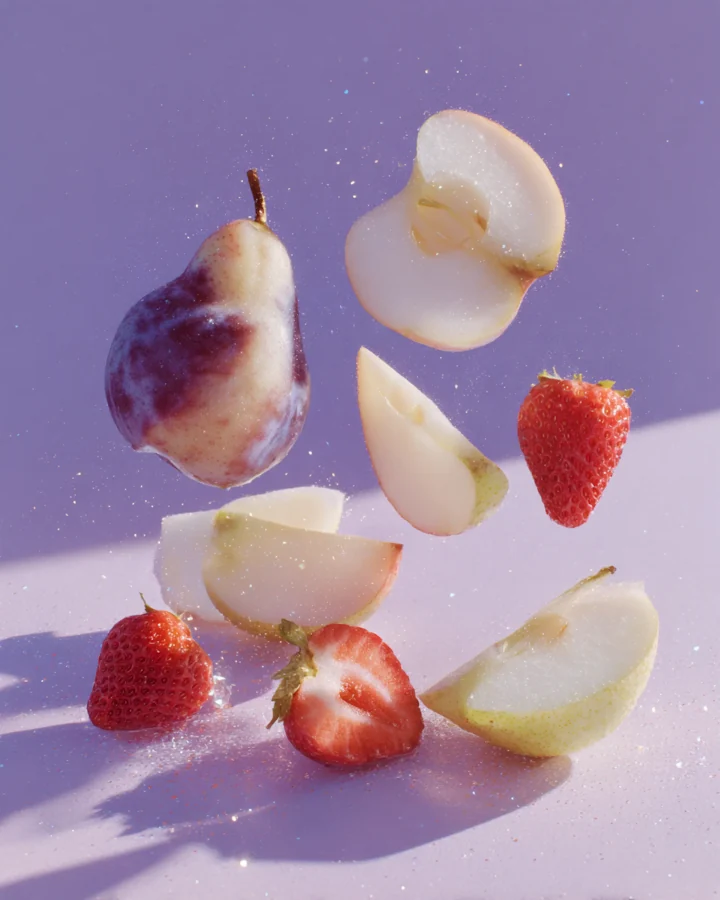
Create videos from simple prompts for YouTube, TikTok, product ads, brand campaigns, training clips, business presentations, and creative storytelling with DoMax AI Text to Video Generator.
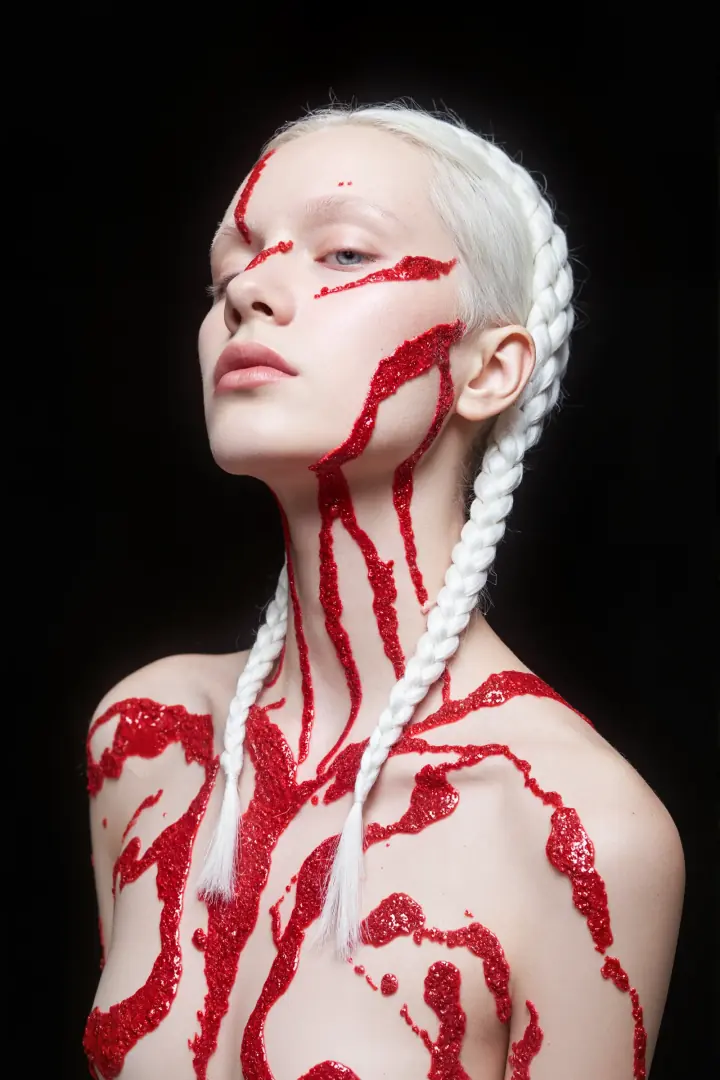
Generate YouTube B-Roll, Intros, and Scene Visuals
Turn ideas, scripts, and scene descriptions into AI-generated video clips for YouTube content. Use DoMax AI Text to Video Generator to create B-roll, intros, transitions, explainer visuals, and storytelling scenes without filming or licensing stock footage.
Create Product Videos from Text Prompts
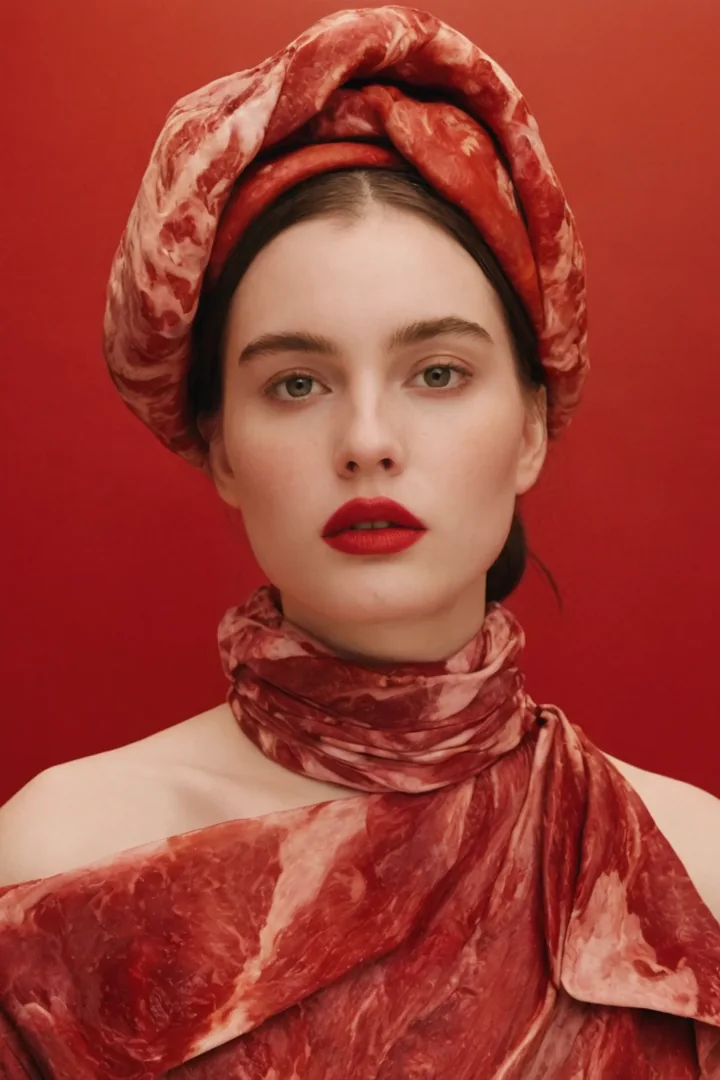
Describe your product, feature, or campaign idea and generate product-focused AI videos for online stores, launch pages, ads, and social media. DoMax AI Text to Video Generator helps e-commerce teams create demos, promotional clips, and seasonal campaign visuals faster.
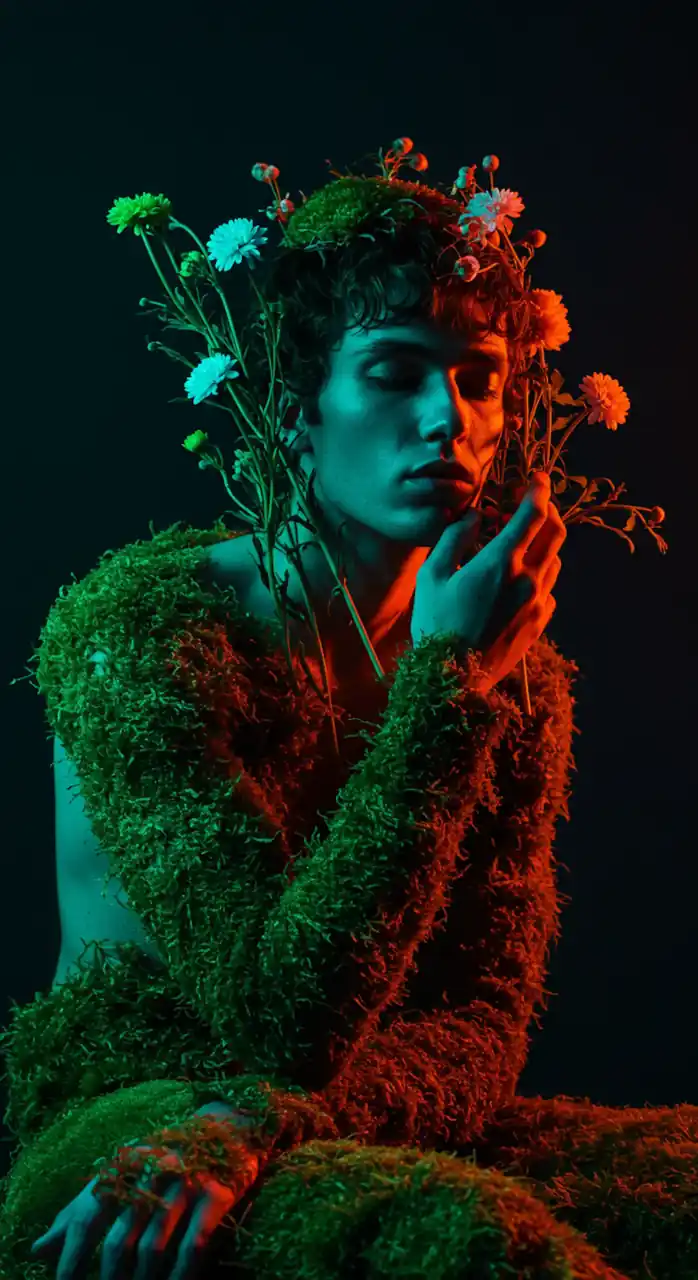
Generate Ad Videos with AI Text to Video
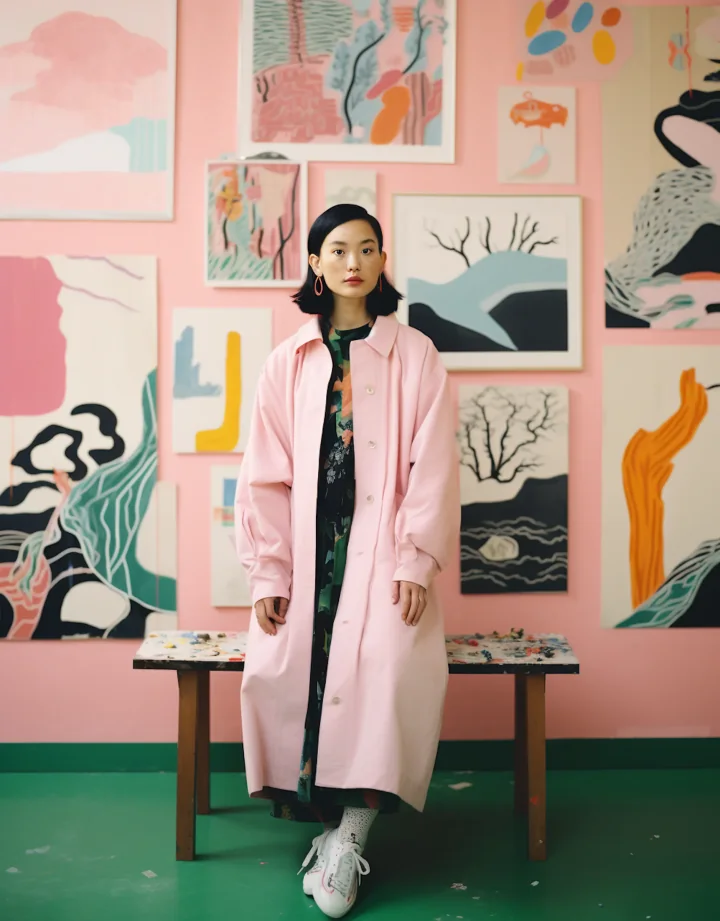
Turn campaign ideas into video variations for paid ads, landing pages, product launches, and brand storytelling. Test different hooks, formats, and creative angles faster from simple text prompts.
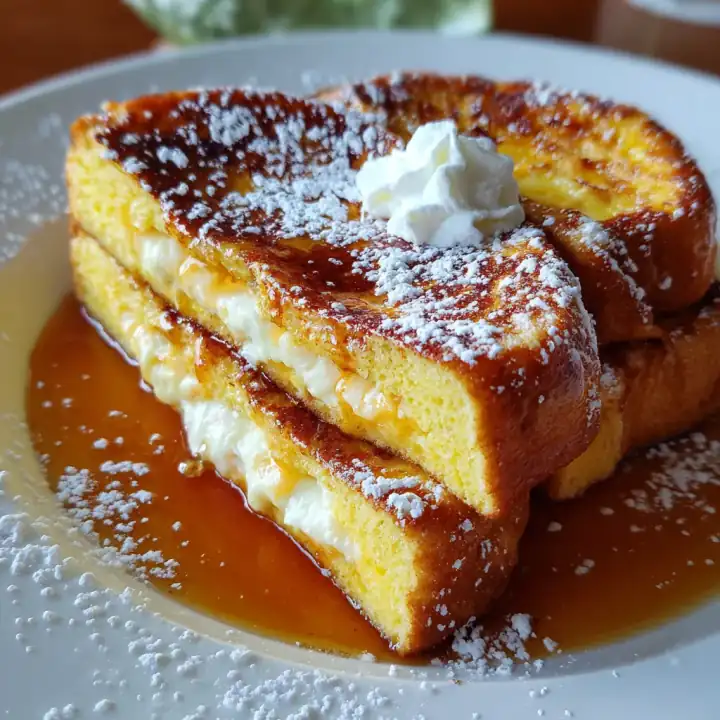
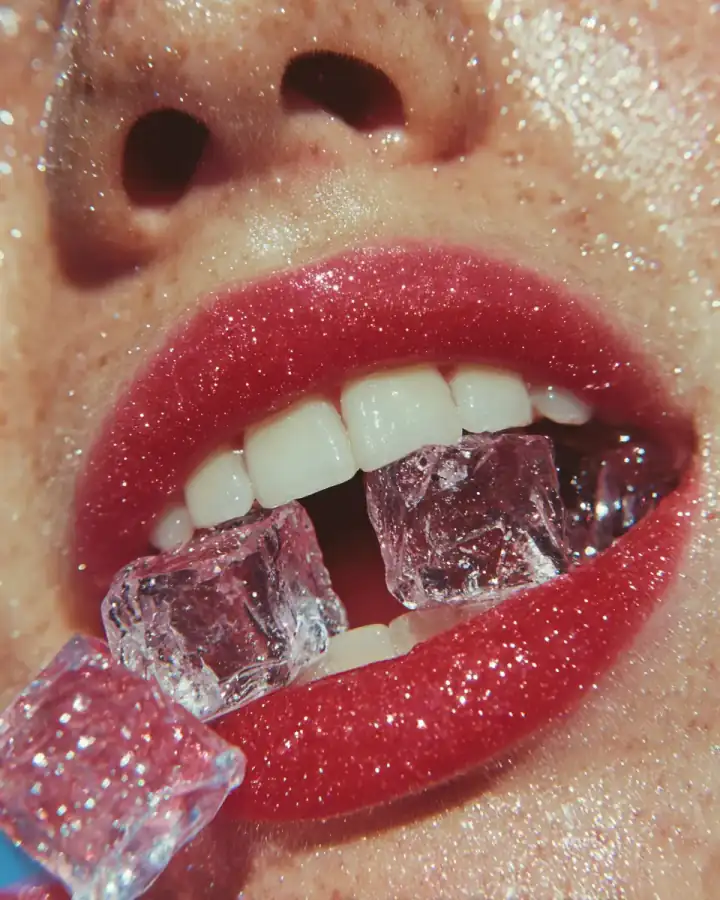
Create Training Videos with AI Text to Video
Turn lessons, training scripts, and complex ideas into visual video clips for explainers, learning materials, internal training, and business presentations.
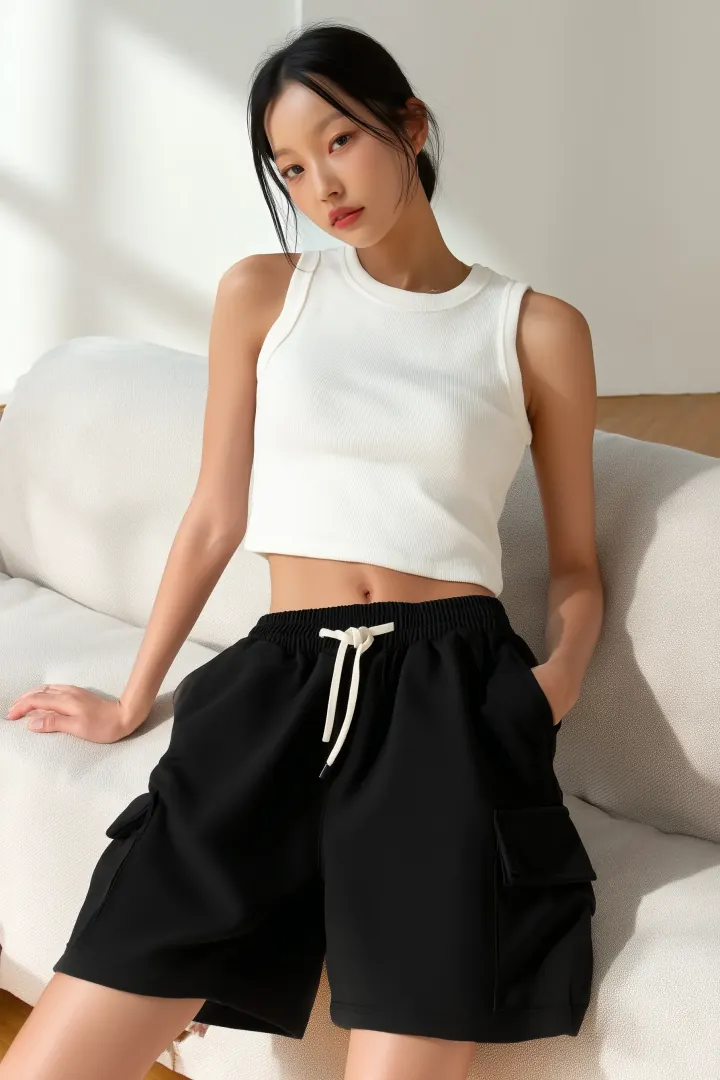

Create Short-Form Videos with AI Text to Video
Turn prompts into vertical video clips for Instagram Reels, YouTube Shorts, TikTok, and other social platforms. Generate visual hooks, story scenes, and creative concepts faster.
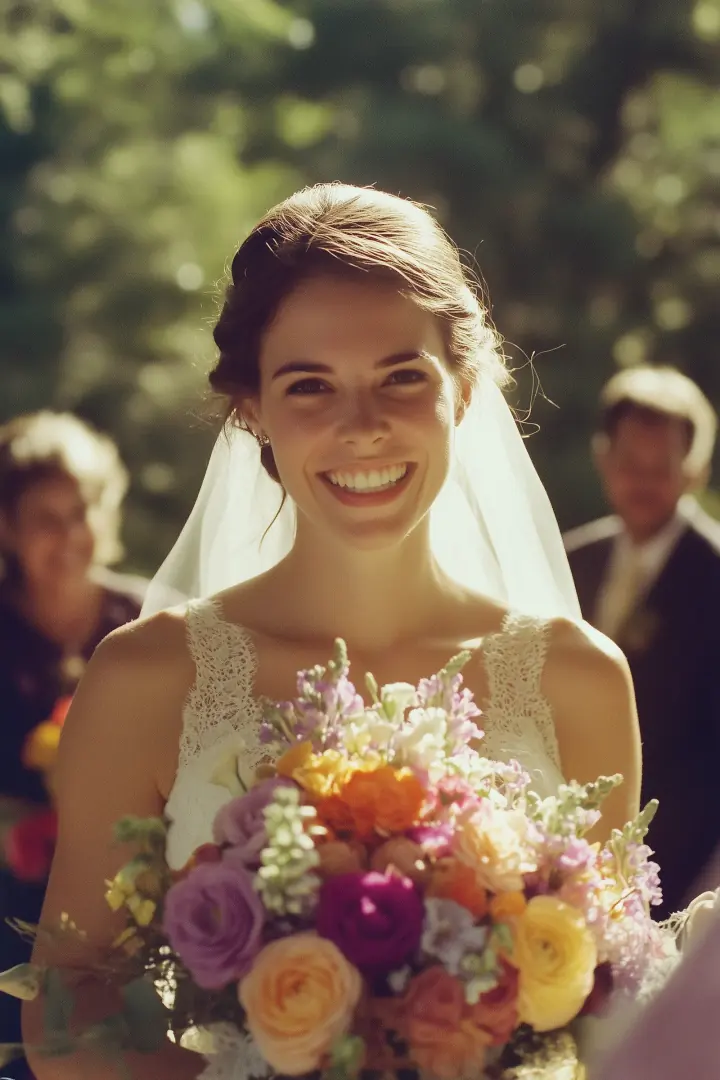

Create Business Videos with AI Text to Video
Turn pitch ideas, product stories, internal updates, and business concepts into video clips for investor decks, sales presentations, product explainers, and brand visuals.
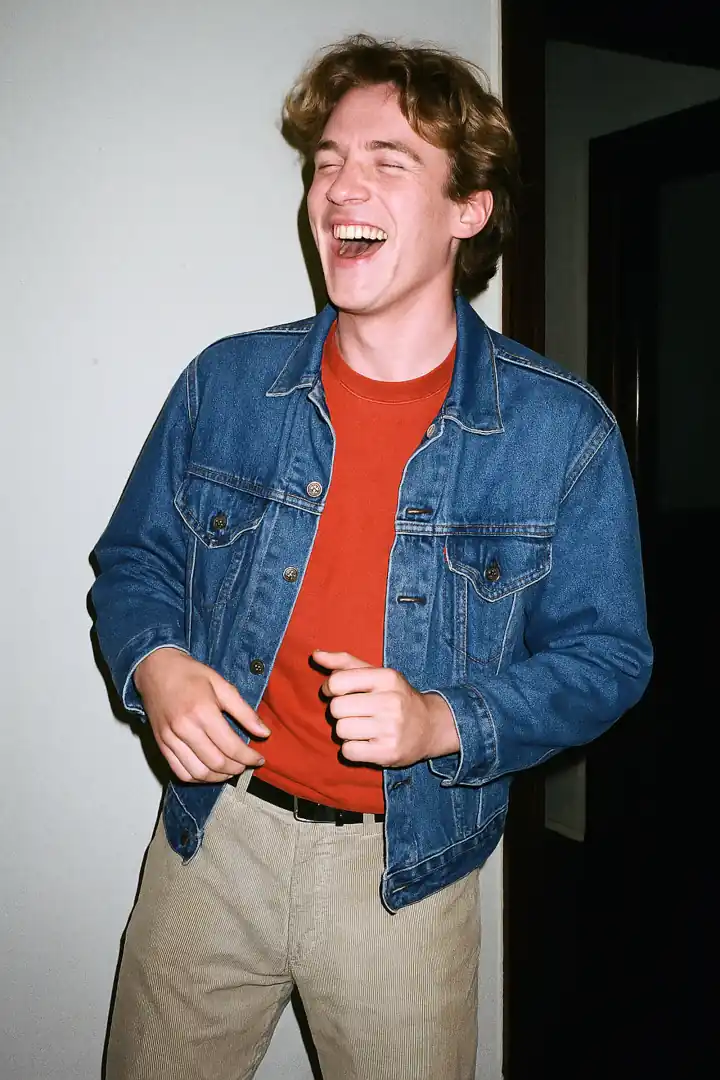
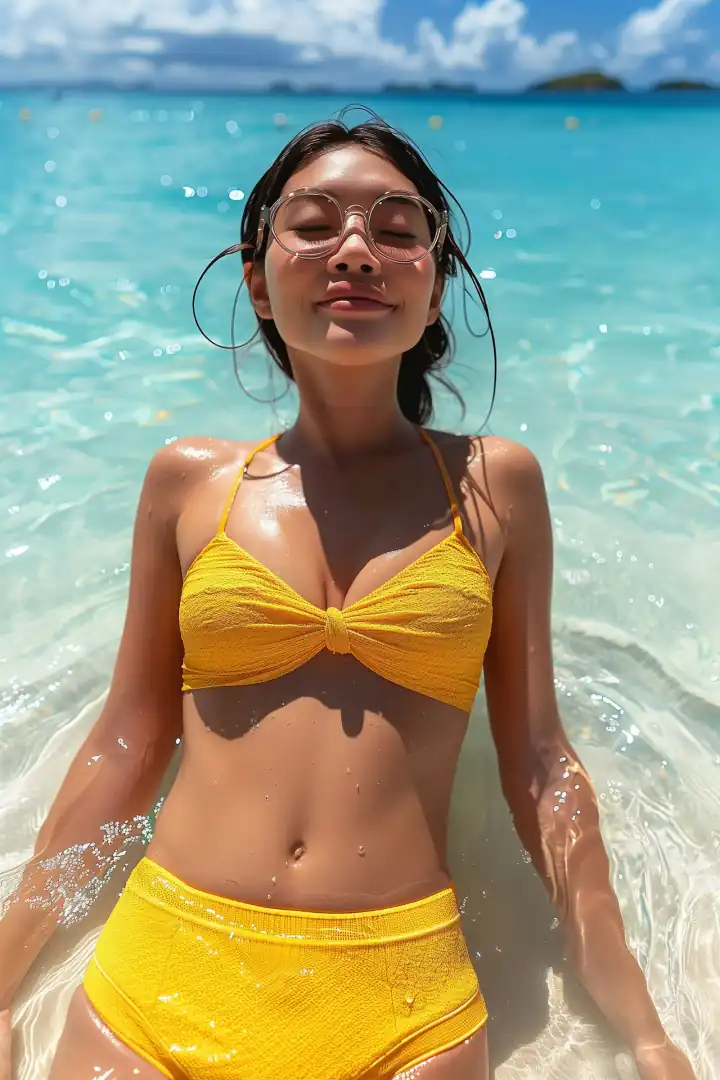
How to Create AI Videos from Text with DoMax AI
Turn prompts, scripts, and creative ideas into AI-generated videos in three simple steps. Write your text prompt, choose your video settings, and open the finished MP4 to review the result.
Write Your Prompt
Describe the video you want in plain language. Include the scene, subject, action, visual style, and camera movement to help the AI understand your creative direction.

Use clear prompt details to guide motion, lighting, atmosphere, and visual style.
Set Video Options
Choose your available video model, duration, aspect ratio, style, and quality settings. Different AI video models may work better for cinematic scenes, social clips, product concepts, animation, or complex visual ideas.
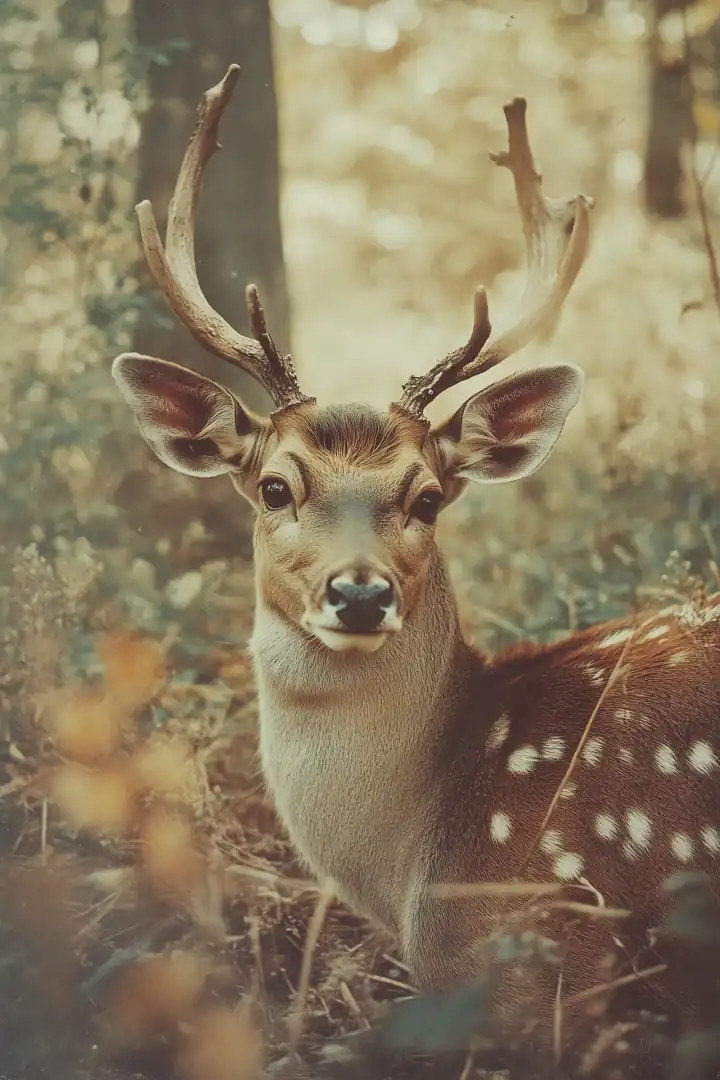
Adjust your prompt and settings to guide the final AI text to video result.
Generate and View Your Video
Generate your AI text to video result, then open the finished video in your browser to preview the motion, quality, and final output.
AI Text to Video Prompt Tips
Better prompts create better AI text to video results. A strong prompt gives the AI clear visual direction, including the scene, subject, action, setting, camera movement, mood, and style. Instead of writing a short idea, describe what the final video should look and feel like.
Describe the Scene Clearly
Start with the main scene you want to generate. Include the subject, environment, lighting, and visual mood so the AI video model understands the full context.
Example:
“A modern skincare bottle on a marble table, soft studio lighting, luxury beauty ad style, clean background, realistic reflections.”
This gives the AI Text to Video Generator a clearer direction than a vague prompt like “make a product video.”
Add Subject, Action, and Setting
A good text to video prompt should explain who or what appears in the video, what is happening, and where the scene takes place. This helps the AI create more coherent motion and stronger visual storytelling.
Example:
“A young traveler walking through a neon-lit Tokyo street at night, light rain, reflections on the pavement, cinematic atmosphere.”
Use this structure:
Subject + Action + Setting + Mood + Style
Include Camera Movement and Style
Text to video AI can follow visual direction when your prompt includes camera movement and style. Add phrases like slow push-in, wide cinematic shot, handheld camera, drone-style view, orbit shot, close-up detail, or smooth tracking shot.
Example:
“Slow cinematic push-in on a futuristic electric car driving through a mountain road at sunrise, dramatic lighting, premium commercial style.”
Camera direction is especially useful for ads, product videos, cinematic scenes, and social media clips.
Keep Prompts Focused and Visual
Avoid prompts that are too broad or overloaded with unrelated details. The best AI text to video prompts are specific, visual, and easy to understand. Focus on one main scene, one clear action, and one visual style.
Better prompt:
“A golden retriever running through a sunny park, slow-motion shot, warm afternoon light, joyful mood.”
Weaker prompt:
“Make a fun dog video with lots of things happening.”
Clear prompts help generate smoother, more usable AI videos.
Why Choose DoMax AI for Text to Video?
DoMax AI helps you create text to video content online with multiple leading AI video models in one workspace. Write a prompt, choose your settings, generate your video, and download a ready-to-share MP4 without switching between platforms.
Multiple AI Video Models
Different models can produce different styles, motion quality, and visual results. DoMax AI lets you test multiple AI video models for cinematic scenes, product videos, social clips, animation, ads, and creative concepts.
Built for Prompts, Scripts, and Ideas
Turn simple prompts, detailed scripts, product concepts, or campaign ideas into AI-generated video clips. DoMax AI Text to Video Generator is useful for creators, marketers, educators, product teams, and businesses that need visual content without a full production workflow.
Flexible Video Settings
Choose available options such as model, duration, aspect ratio, resolution, and other generation settings. Use prompt details to guide motion, camera movement, lighting, mood, and visual style.
Fast Online Generation
Create videos directly in your browser. Write your idea, set your options, generate the result, preview the video online, and download the finished MP4.
Ready for Social, Ads, and Brand Content
Use AI text to video to create clips for TikTok, Instagram Reels, YouTube Shorts, product ads, landing pages, explainers, pitch decks, and branded campaigns.
DoMax AI Text to Video FAQs
Find quick answers about AI Text to Video generation, prompts, supported models, video settings, free credits, downloads, and commercial use.
What is DoMax AI Text to Video?
How does DoMax AI Text to Video Generator work?
Do I need video editing experience?
What can I create with AI Text to Video?
How do I write a good AI Text to Video prompt?
Can I choose different AI video models?
Can I adjust video settings before generation?
Can I download the generated video?
Is AI Text to Video free to use?
Can I use AI Text to Video for commercial projects?
Create Your First AI Text to Video Today
Turn a prompt, script, or creative idea into an AI-generated video with DoMax AI. Use free credits to start creating online.