Generate
Create a new image from a written idea.
Nano Banana 2
Create high-quality images with Nano Banana 2, Google’s Gemini 3.1 Flash Image model. Generate and edit visuals from text and image references, work with multiple subjects or products, render useful text, and create 4K-capable assets with a workflow designed to balance quality, intelligence, and speed.
Nano Banana 2 • Gemini 3.1 Flash Image
Start from a text prompt or supported visual reference. Describe the image you want, add reference material when it improves creative control, and use the image size, aspect ratio, editing, or other options currently available in the DoMax AI generator.
Create a new image from a written idea.
Upload an existing image and describe the changes you want.
Use supported reference images to guide characters, products, objects, composition, or other visual details.
Nano Banana 2 is designed as the general-purpose workhorse of Google’s current Nano Banana image family, combining higher-quality visual generation with Flash-class speed and broad creative control.
Generate at model-level resolutions ranging from lightweight previews to 2K and 4K-capable production assets.
Use several source images when a creative brief includes specific products, people, objects, or visual elements.
Maintain recognizable people or characters more effectively across new scenes, poses, and compositions.
Create posters, infographics, diagrams, menus, ads, and other visuals where readable text is an important part of the image.
Refine generated or uploaded imagery conversationally instead of restarting every visual from scratch.
Use Gemini’s broader understanding—and model-level Search grounding where integrated—to create visuals informed by concepts and real-world information.
Nano Banana 2 is designed for both creative image generation and structured visual tasks where references, text, consistency, or detailed instructions matter.
4K-Capable
Move from lightweight ideation to larger image assets when the workflow needs more detail or production resolution.
Multiple References
Use several reference images to define the visual elements that should appear in one new composition.
Text + Design
Generate posters, infographics, diagrams, menus, advertisements, and other designs where text and image composition work together.
Nano Banana 2 is Google’s Gemini 3.1 Flash Image model, introduced in February 2026 and later released as a stable Gemini model. It combines Gemini 3-series intelligence with fast native image generation and editing.
gemini-3.1-flash-image
Create images using written instructions and visual source material.
Generate and refine images through conversational, multi-turn instructions.
The model supports 0.5K, 1K, 2K, and 4K output sizes at the model level.
Gemini 3 image workflows support large reference sets, with Nano Banana 2 designed to preserve multiple objects and characters in a single workflow.
Create more reliable stylized text for posters, infographics, menus, diagrams, and marketing creative.
At the model level, Nano Banana 2 can use Google Web Search and Google Image Search grounding to inform image generation.
Gemini 3.1 Flash Image supports video input at the model level, enabling video-informed image generation workflows.
Nano Banana 2 supports multiple model-level resolution tiers, allowing the same image model to serve quick visual iteration and larger production assets.
0.5K
Best for
Fast previews, small concepts, thumbnails, and lightweight iteration.
1K
Best for
Everyday image generation, web imagery, social creative, and general visual work.
2K
Best for
Larger campaign assets, presentation graphics, detailed products, and design work.
4K
Best for
High-resolution visual assets, large-format compositions, detailed creative, and workflows that benefit from additional image detail.
These are Gemini 3.1 Flash Image model-level capabilities. DoMax AI users should only select resolutions currently exposed by the live generator.
Nano Banana 2 can work with a larger set of visual references than the original Nano Banana model, making it better suited to scenes with several specific characters, products, or objects.
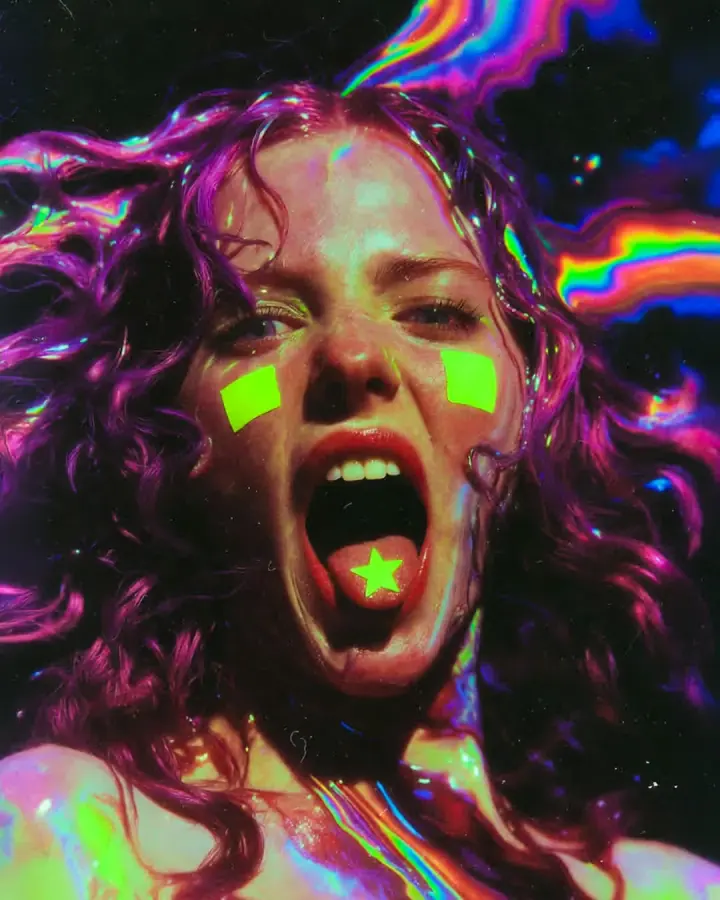
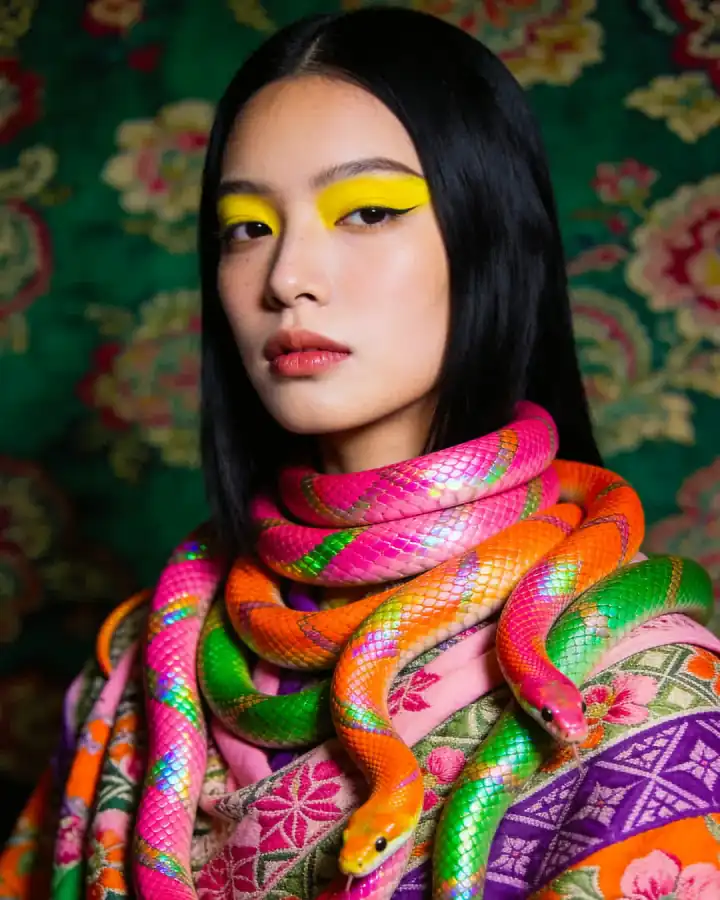
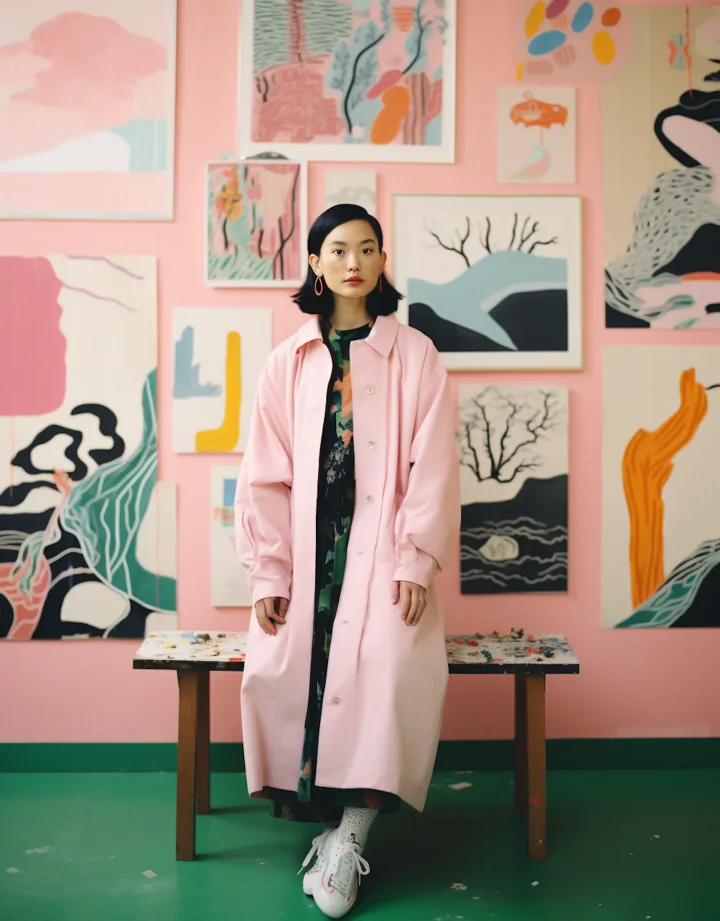
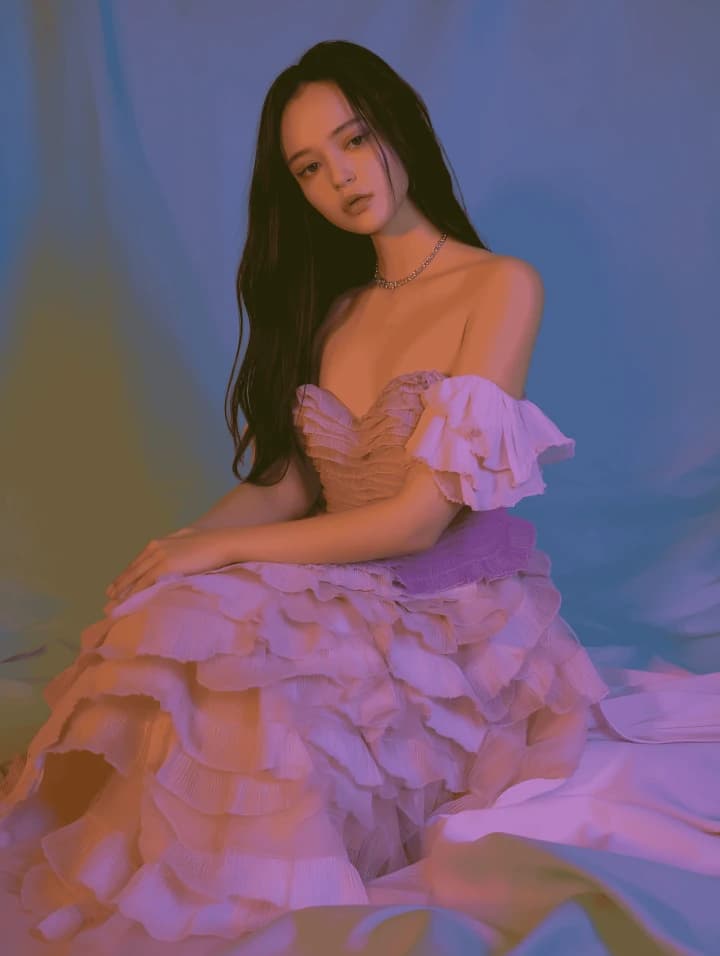
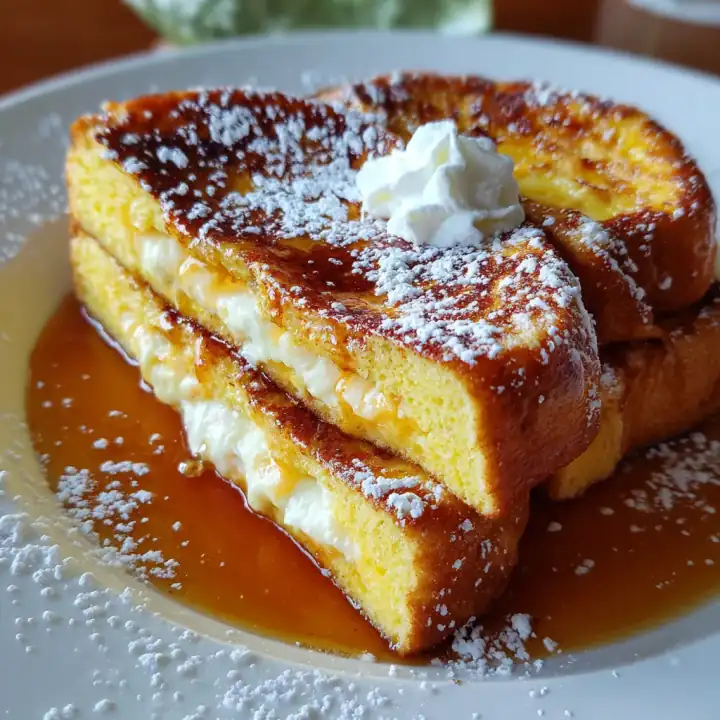
Model-Level Reference Capability
Combine several recognizable people or characters into a new image.
Use different product images when exact visual objects need to appear in one creative asset.
Provide source material for props, furniture, clothing, accessories, or other visual elements.
Use reference images to help communicate scene structure, framing, environment, or visual relationships.
More references do not automatically produce a better image. Give each reference a clear purpose and avoid contradictory source material.
Nano Banana 2 improves consistency across reference-heavy workflows, making it useful when recognizable subjects need to survive larger creative changes.
Move the same character between environments, poses, outfits, and story concepts.
Use reference images to maintain recognizable facial and visual traits across creative scenes.
Build campaigns or lifestyle imagery around an existing product while attempting to preserve its important design details.
Reuse recognizable visual objects across compositions, ads, presentations, or design variations.
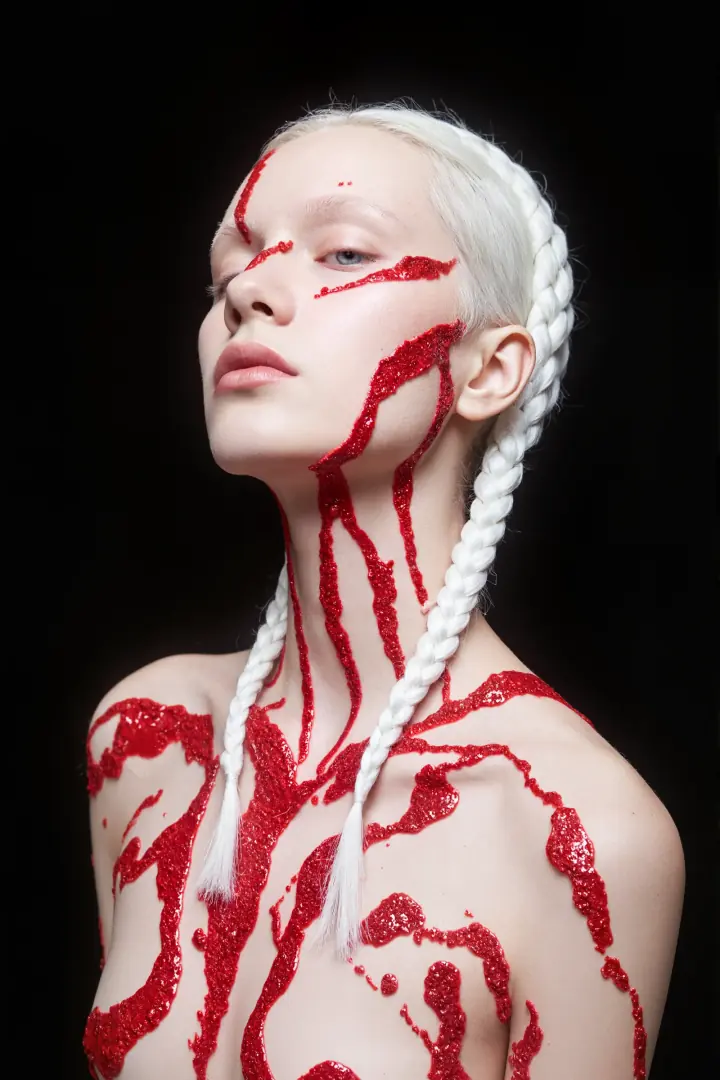


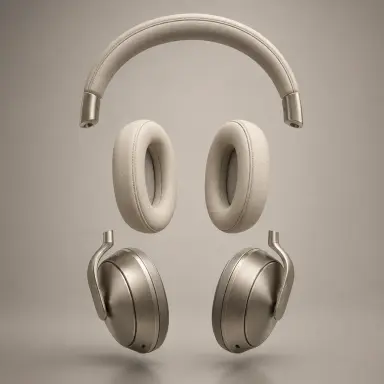
Consistency is improved, not guaranteed. Review identity, product geometry, logos, typography, materials, and other critical details before production use.
Nano Banana 2 supports conversational image editing, allowing a visual to develop through a sequence of focused instructions.


Introduce new objects, subjects, text, or scene elements.
Remove unwanted people, objects, text, or visual details.
Swap backgrounds, clothing, materials, products, objects, colors, or other components.
Change the photographic, illustrative, graphic, cinematic, or artistic direction.
Adjust framing, positioning, scene structure, or relationships between important elements.
Continue editing the same image through additional instructions instead of restarting from the beginning.
Text rendering is one of the areas where Nano Banana 2 expands beyond simple image generation.
Create imagery, headlines, visual hierarchy, and supporting copy in one design.
Turn concepts, processes, comparisons, or information into structured visual communication.
Generate visual explanations with labels, relationships, and organized information.
Create food, service, product, or promotional layouts where imagery and readable text work together.
Combine product visuals, campaign messaging, and graphic composition.
Create visual concepts containing text across supported languages and localized design workflows.
Text rendering is improved but not infallible. Review spelling, numbers, brand names, factual data, hierarchy, and typography before publishing.
At the Gemini model level, Nano Banana 2 can use Google Search to bring current web information into an image-generation workflow. Gemini 3.1 Flash Image can also use Google Image Search as visual grounding.
Create charts, explanatory visuals, or graphics informed by recent information.
Use search grounding to improve factual context around places, objects, species, products, or other real-world topics.
Google Image Search grounding can provide visual context for image generation at the underlying model level.
Combine current information with Nano Banana 2’s text rendering and layout capabilities.
Gemini 3.1 Flash Image supports video input at the model level, allowing a video to provide multimodal context for generating a new still image.
Use video context to create thumbnail concepts related to the source footage.
Turn video context into a cinematic poster or promotional still.
Use video content as context for a visual summary, educational graphic, or supporting creative asset.
Nano Banana 2 supports both common image formats and unusually wide or tall compositions at the model level.
Resolutions
Model-Level Aspect Ratios
1:1
Square
2:3
Portrait
3:2
Landscape
3:4
Portrait
4:3
Landscape
4:5
Portrait
5:4
Landscape
9:16
Vertical
16:9
Wide
21:9
Ultra-wide
1:4
Tall
Extreme
4:1
Wide
Extreme
1:8
Ultra-tall
Extreme
8:1
Ultra-wide
Extreme
These describe the underlying Gemini 3.1 Flash Image model. The DoMax AI generator is the source of truth for the resolutions and aspect ratios currently exposed on this page.
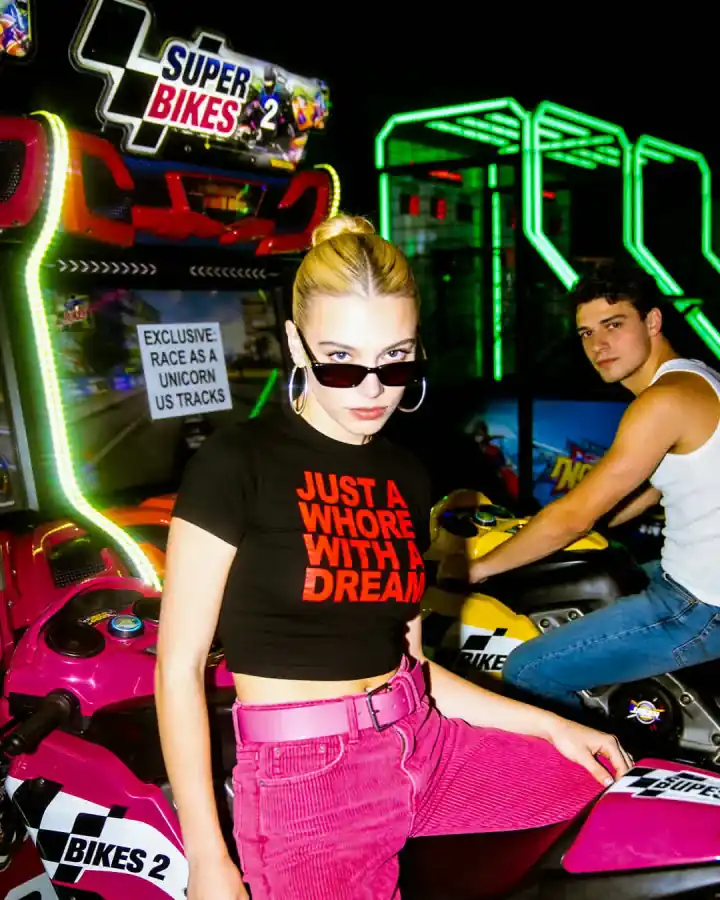
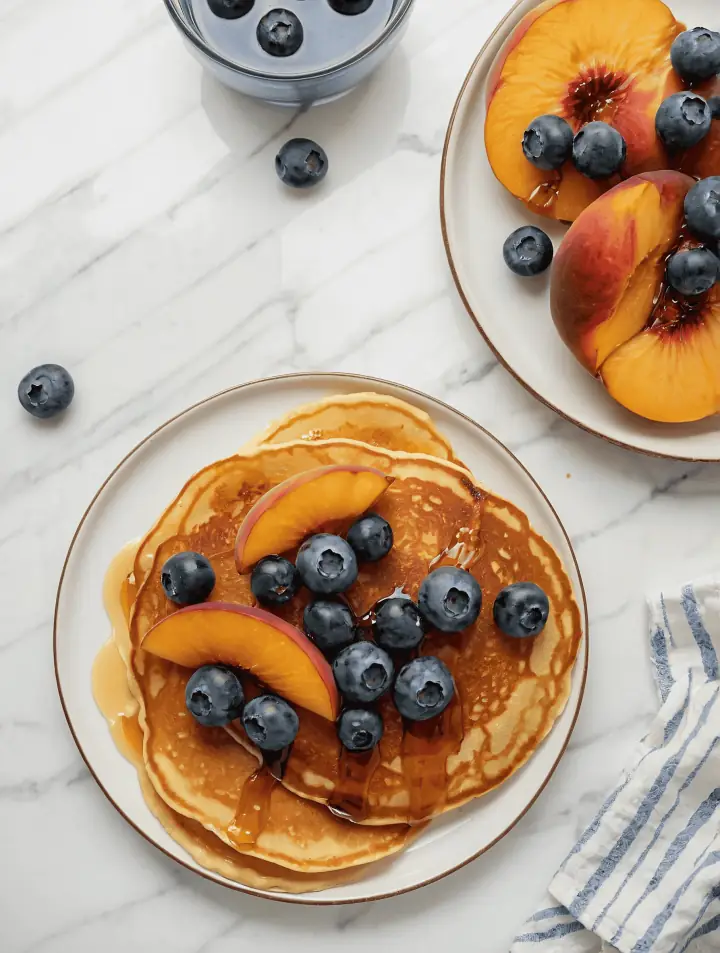
Create studio images, lifestyle scenes, campaign concepts, product compositions, and promotional visuals using one or more product references.
Develop recurring characters across scenes, outfits, poses, environments, and narrative concepts.
Combine imagery, readable text, structured layouts, and visual information in one generated asset.

Refine uploaded or generated imagery through natural-language changes and multi-turn creative iteration.
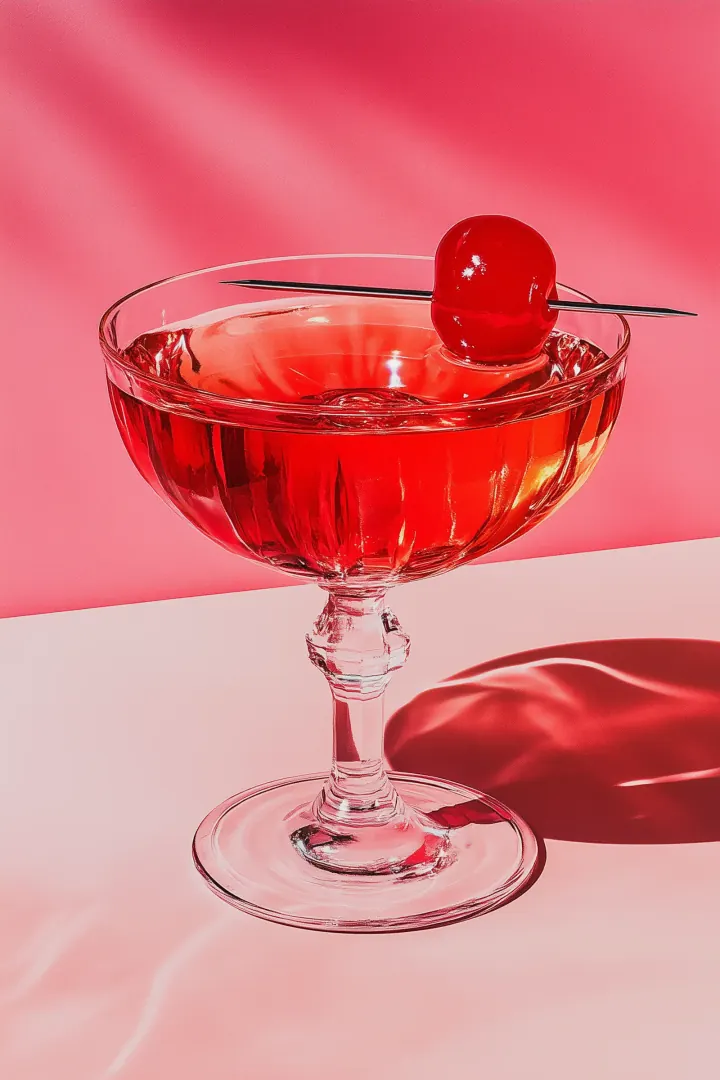
Create campaign visuals, social graphics, announcements, covers, ads, and visual variations in different formats.

Use 2K or 4K-capable model output when the creative workflow benefits from additional image detail and larger dimensions.
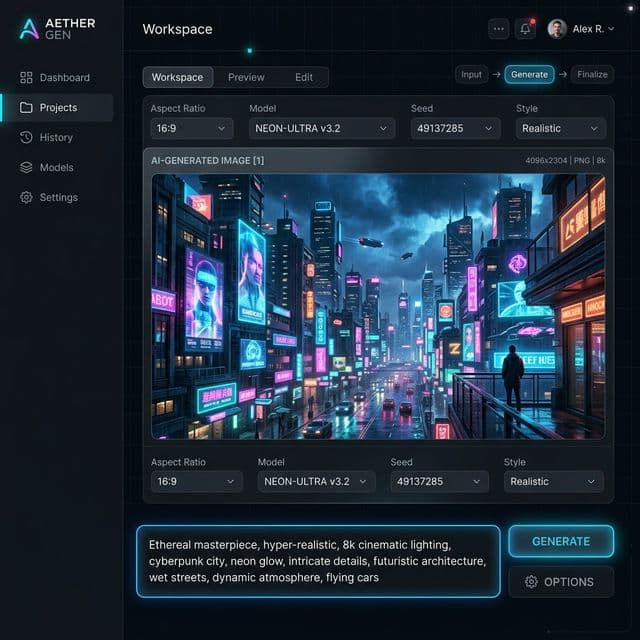
Use the live DoMax AI generator to review the controls currently available.
01
Open the Gemini 3.1 Flash Image workflow when you need its generation, editing, reference, text-rendering, or high-resolution capabilities.
02
Write a prompt or upload supported source images for editing and reference-based creation.
03
Define the subject, environment, composition, style, lighting, text, important details, and creative purpose.
04
Use reference images intentionally and select the resolution, aspect ratio, or other options currently available in the DoMax AI generator.
05
Review composition, subject consistency, text, product details, identity, and visual hierarchy. Continue with focused edits when most of the image already works.
Explain which image defines the character, product, object, environment, or other creative detail.
State how subjects should be arranged, framed, sized, and positioned.
For posters and graphics, provide important copy exactly as it should appear.
When most of an image works, make focused changes instead of rewriting the entire creative brief.
Use lightweight resolutions for rapid exploration and larger outputs when additional detail is actually useful.
Search grounding can improve context, but important numbers, labels, dates, maps, charts, and factual statements should still be checked.
Inspect faces, products, logos, materials, text, hands, geometry, and other production-critical details before publishing.
General-purpose workhorse
Earlier fast image workflow
Choose a Nano Banana model based on the amount of reference control, image resolution, speed, efficiency, and production precision your workflow actually needs.
Explore original Nano BananaExplore Nano Banana 2 across high-resolution imagery, editing, characters, product creative, typography, and structured visual design.
Original workflow
For fast image generation, natural-language editing, subject consistency, and simpler reference workflows.
Explore Nano BananaGenerate and edit high-quality images with multiple references, character consistency, text rendering, broad aspect ratios, and up to 4K model-level output.