Generate
Create a new visual from a natural-language prompt.
GPT Image 1.5
Create and refine images with GPT Image 1.5. Generate visuals from text, edit existing images with natural-language instructions, preserve important details across revisions, and build product, marketing, ecommerce, poster, and creative assets with an established GPT Image workflow.
GPT Image 1.5 • Released December 2025
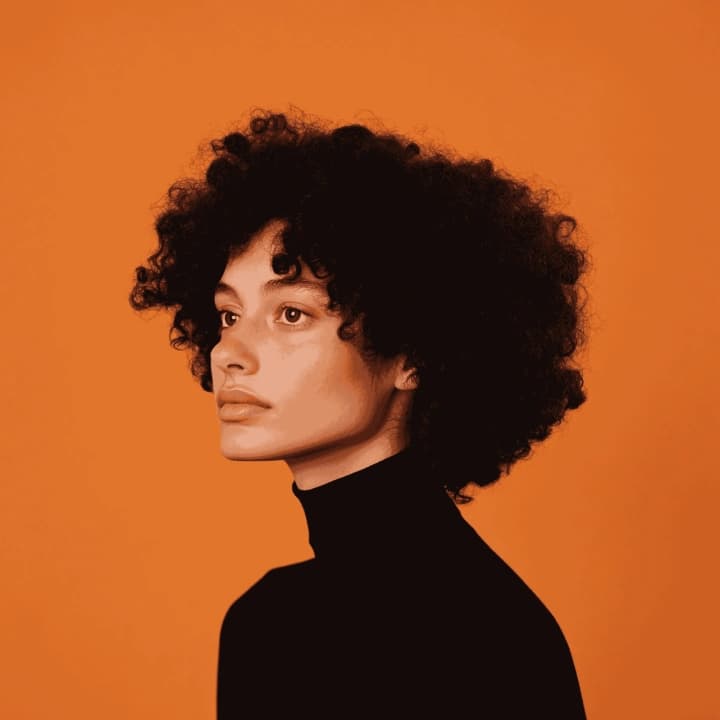
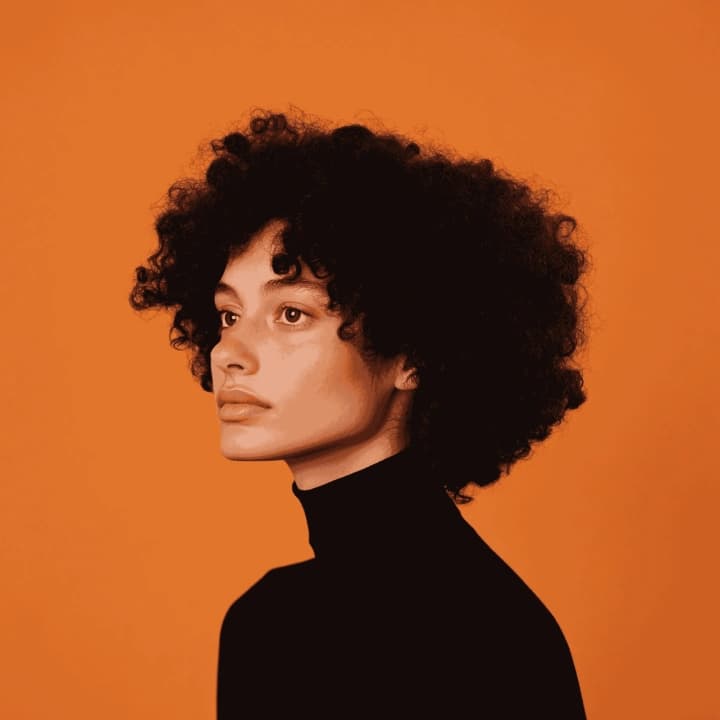
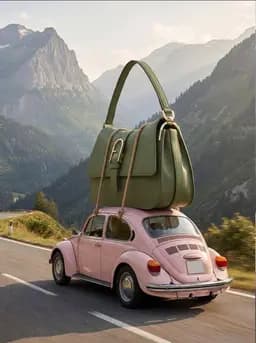
Start from a written prompt or upload an image for a supported editing workflow. Describe what you want to create or change, configure the options currently available on DoMax AI, and refine the strongest result with focused instructions.
Create a new visual from a natural-language prompt.
Use an existing image as the starting point and describe the change you want.
Keep the useful subject or composition while changing the style, environment, lighting, materials, colors, or creative direction.
GPT Image 1.5 is particularly useful when the starting visual already contains details worth preserving and the goal is to improve, transform, or expand the image without losing its identity.
Describe a targeted change in natural language while keeping the useful parts of the original visual intact.
GPT Image 1.5 improved preservation of important visual elements across edits compared with the earlier GPT Image generation.
Use clear written instructions to control what should change and what should remain consistent.
Create visuals containing denser or smaller text more reliably than earlier GPT Image generations.
Use the model for product catalogs, ecommerce variations, campaign images, graphics, posters, brand concepts, and other repeatable image-production tasks.
GPT Image 1.5 can create a new visual from text, but many of its most useful workflows begin with an image that already contains something worth keeping.
Image Editing
Preserve the useful subject and composition while changing selected visual details.
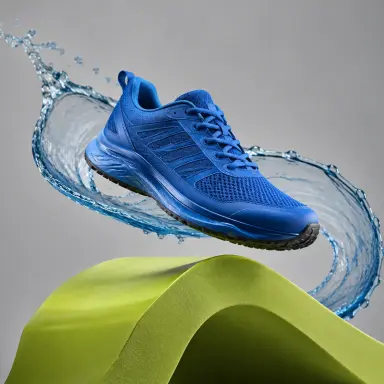
Product Creative
Explore different backgrounds, angles, environments, campaign directions, and product presentations from a source visual.
Text + Design
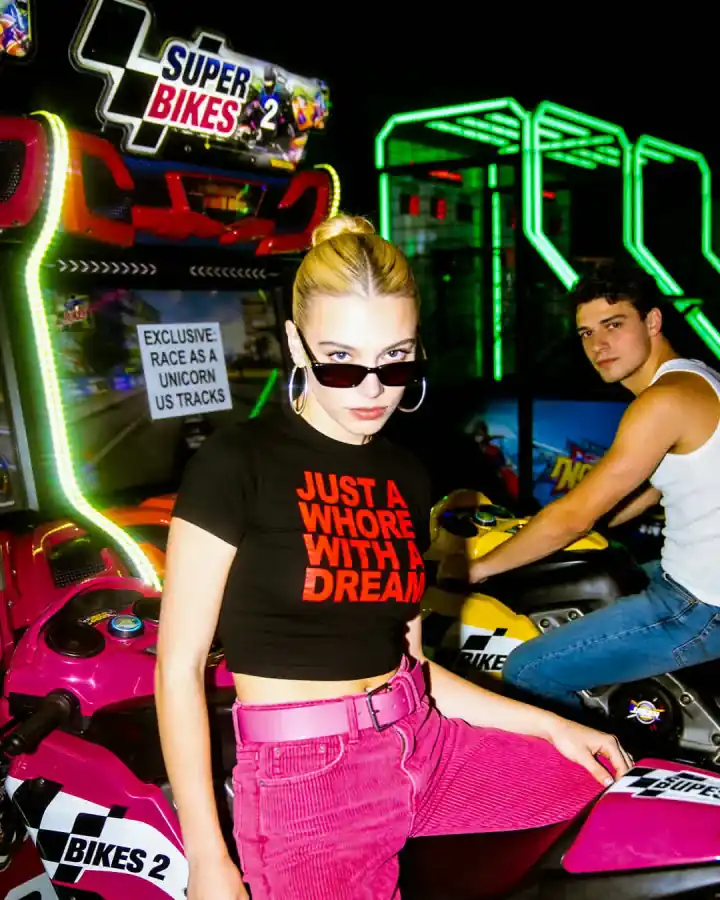
Generate posters, promotional visuals, signs, labels, and other designs where text is part of the creative.
GPT Image 1.5 is an OpenAI image-generation and editing model released in December 2025. It improved instruction following, image editing, visual-detail preservation, text rendering, and natural-looking image generation compared with GPT Image 1.
Generate new images from natural-language descriptions.
Use an existing visual as input and describe the changes you want.
GPT Image 1.5 was introduced with improved adherence to prompts and editing instructions.
The model was designed to preserve important visual elements more consistently while making requested edits.
GPT Image 1.5 improved the ability to generate smaller and denser text inside images.
The 1.5 release improved general visual quality and natural-looking output compared with the previous GPT Image generation.
When most of an image already works, editing can be more efficient than rebuilding the entire visual from a new prompt.
Swap an object, background, material, color, outfit, prop, or other part of the scene.
Remove unwanted visual content while rebuilding the surrounding area.
Move an existing subject or product into a different location or campaign setting.
Change lighting, colors, expression, styling, materials, accessories, or other focused details.
Reinterpret the visual in a different artistic, photographic, or design direction while retaining important parts of the original.
One of the defining improvements of GPT Image 1.5 was stronger preservation of important visual information while applying requested changes.
Keep important facial or subject characteristics more consistent while changing other parts of the image.
Preserve recognizable product features while testing new backgrounds, scenes, and presentations.
Maintain key visual elements more consistently when producing creative variations.
Keep a useful overall structure while modifying selected objects, colors, text, or environmental details.
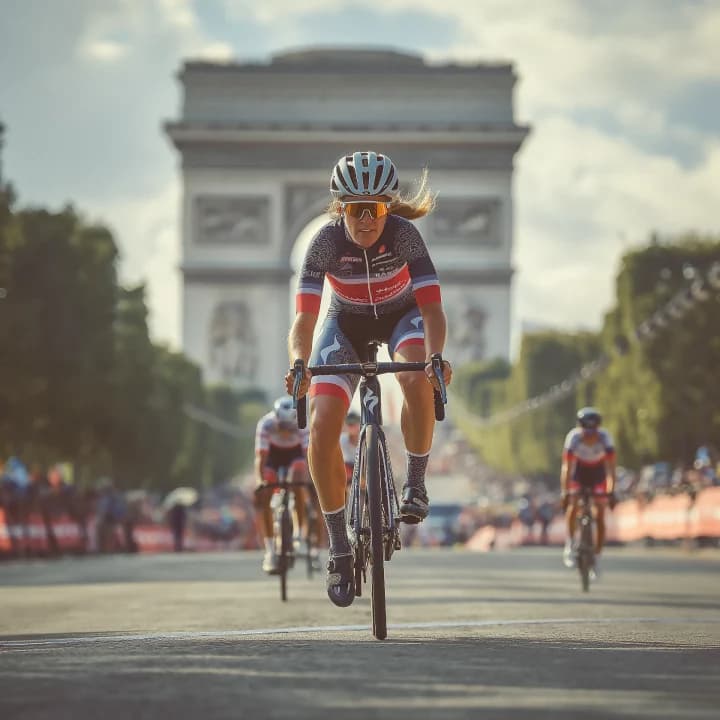
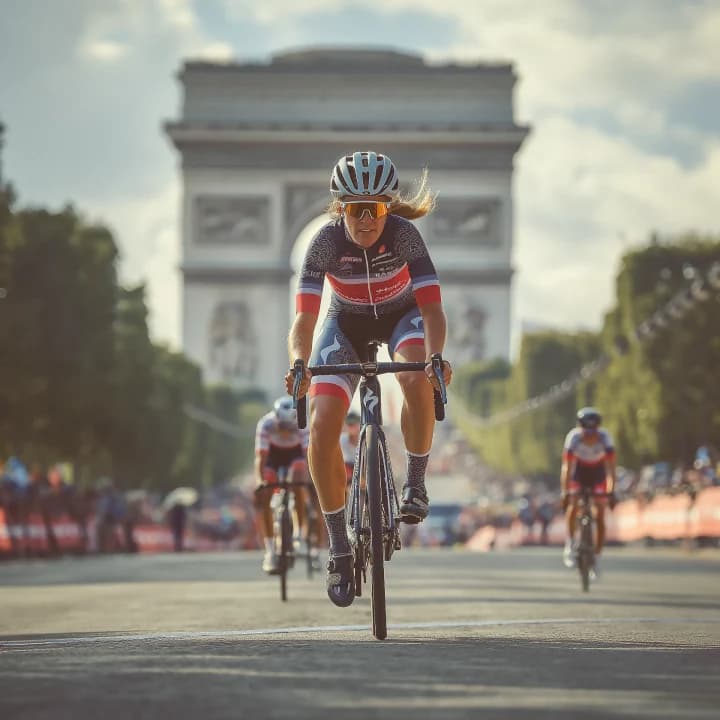
Preservation is improved, not guaranteed. Always review identity, logos, product geometry, typography, and other production-critical details before using the result.
GPT Image 1.5 is well suited to repeatable workflows where one source visual needs to become several useful creative assets.
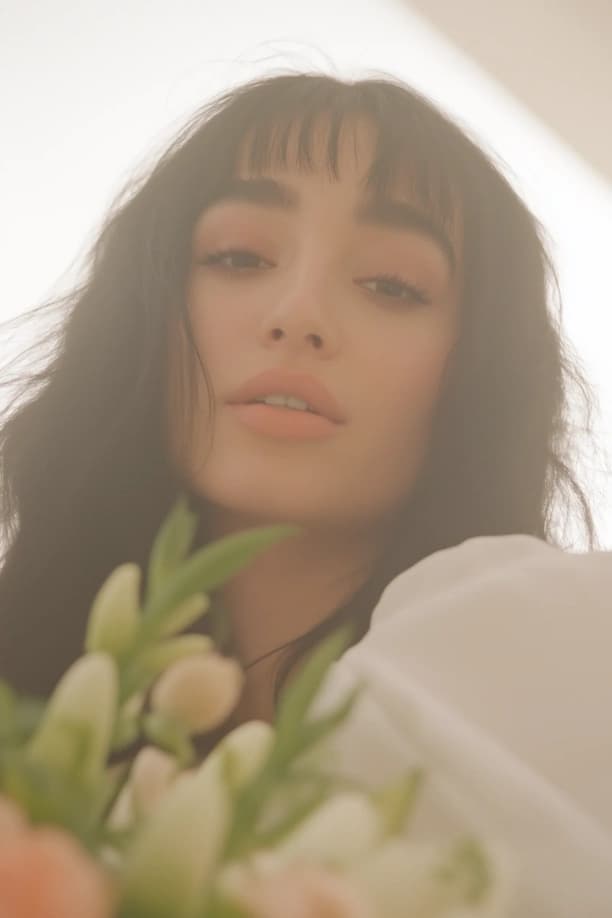
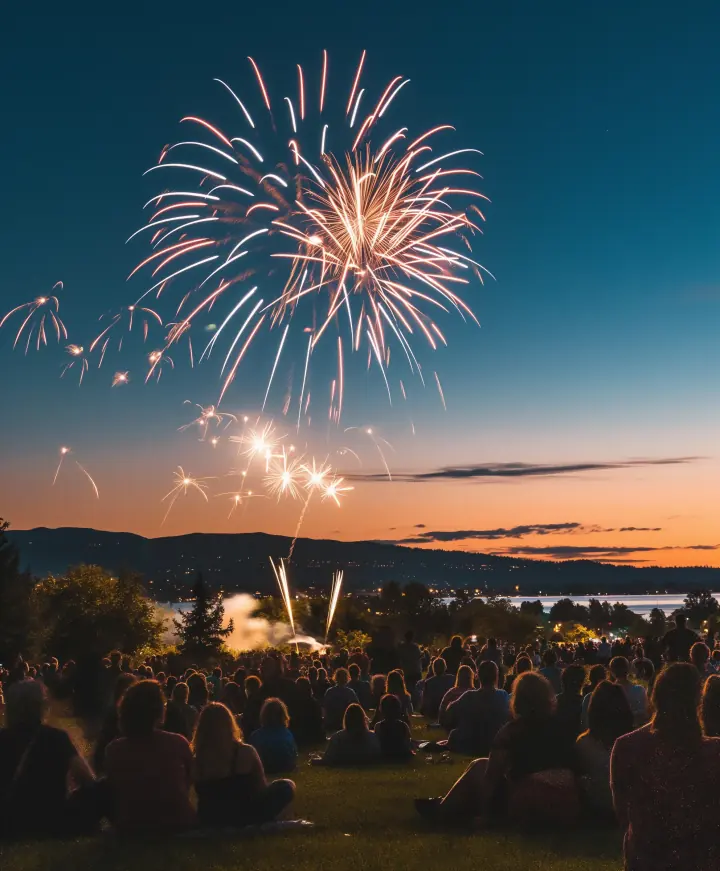
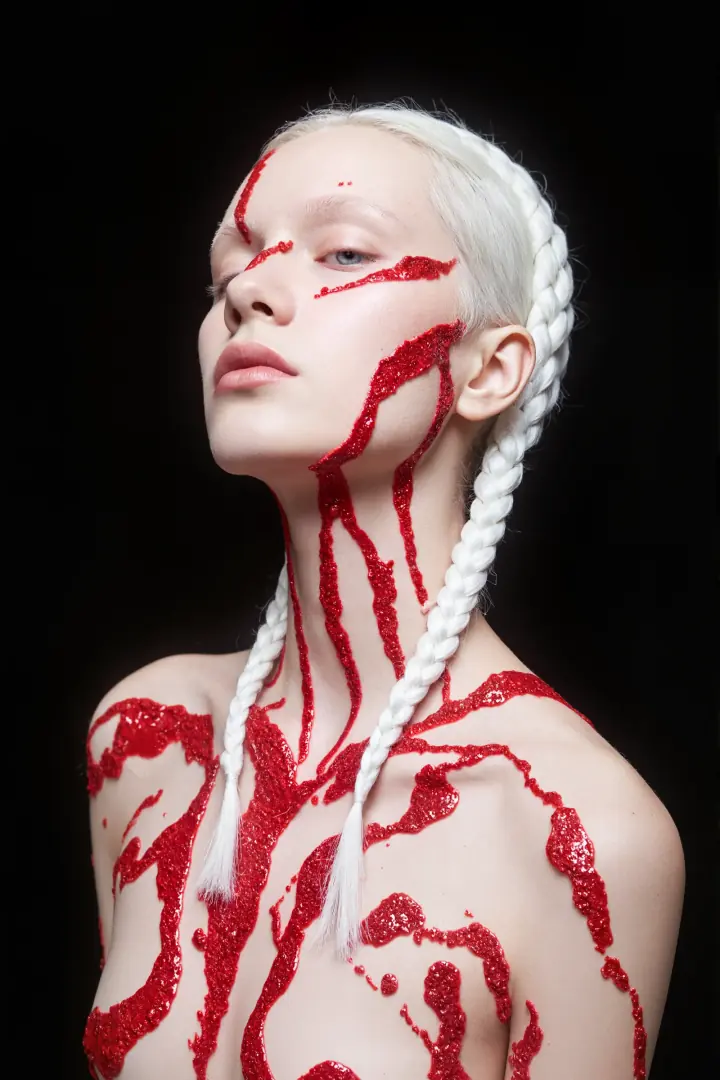
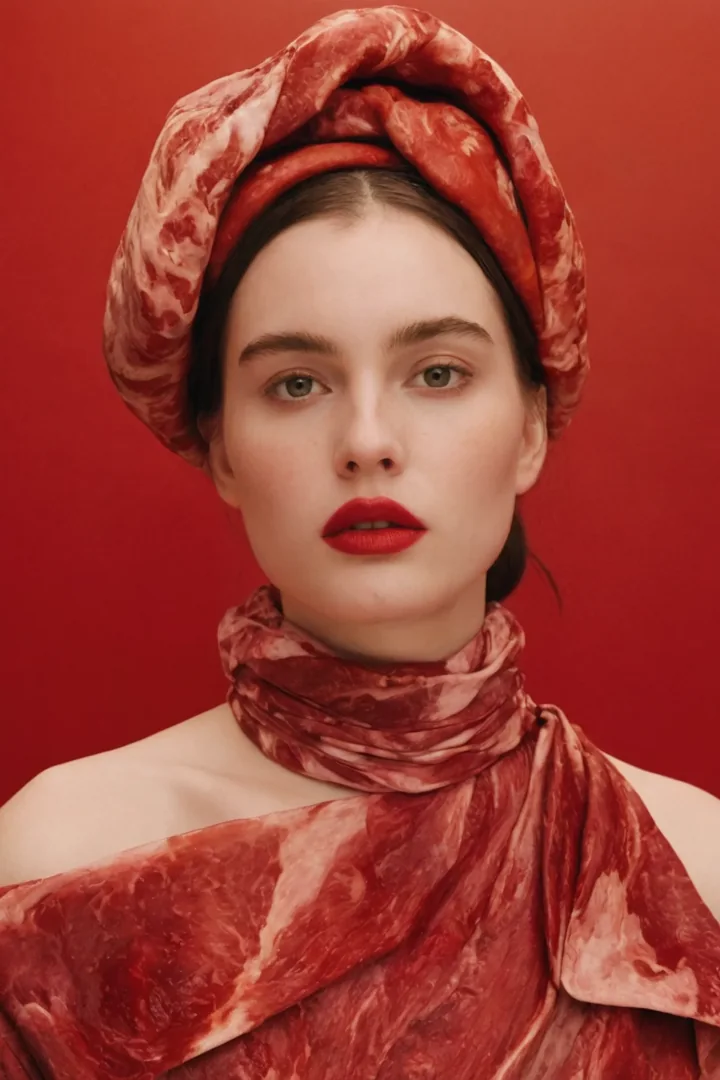
Create alternative colors, presentations, settings, and visual treatments from a product source image.
Place a product into new environments while keeping the main product recognizable.
Develop multiple visual assets around a shared product or source image.
Explore advertising, promotional, seasonal, and branded visual concepts.
Combine product visuals with layout, messaging, and creative direction.
Refine a strong asset through several focused edits instead of regenerating the entire concept each time.
GPT Image 1.5 improved text rendering, including the ability to handle denser and smaller text than earlier GPT Image generations.
Combine a headline, visual concept, and supporting copy.
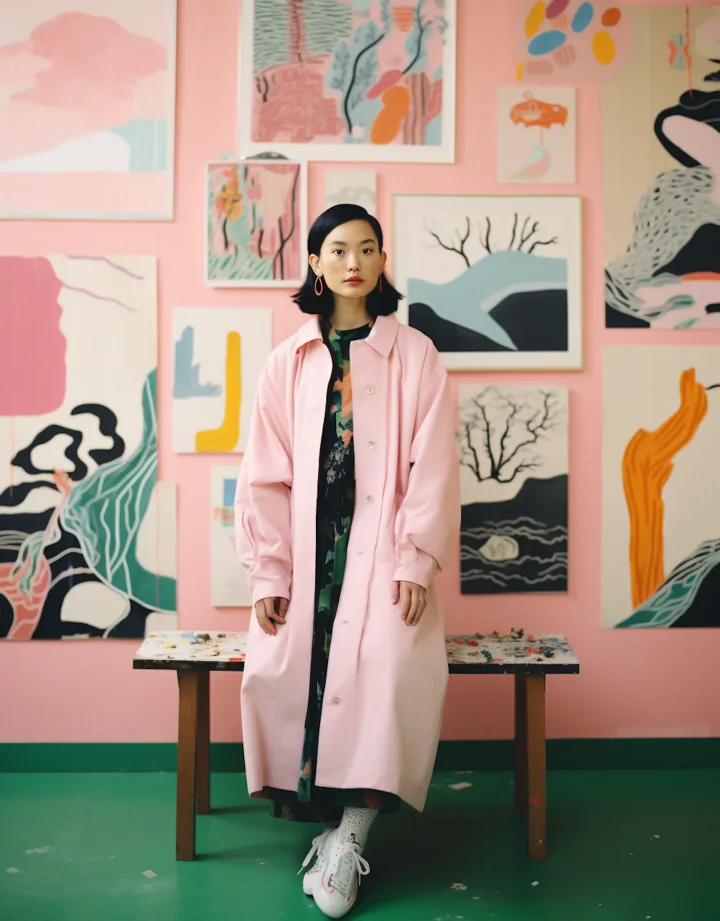
Create promotional posts, announcements, visual campaigns, and shareable creative.
Explore packaging, product labels, promotional cards, and ecommerce concepts.
Generate concepts containing signs, environmental text, labels, or display graphics.
Create editorial, presentation, campaign, event, or publication cover concepts.
Combine product imagery, copy, visual hierarchy, and promotional direction.
Improved text rendering does not mean perfect typography. Review spelling, punctuation, alignment, line breaks, and important brand copy before production use.
GPT Image 1.5 can also create a complete image from a written description without requiring a source image.
Prompt
A modern ceramic coffee maker on a warm oak kitchen counter, soft morning window light, subtle steam, natural lifestyle photography, neutral colors, realistic materials, editorial framing.
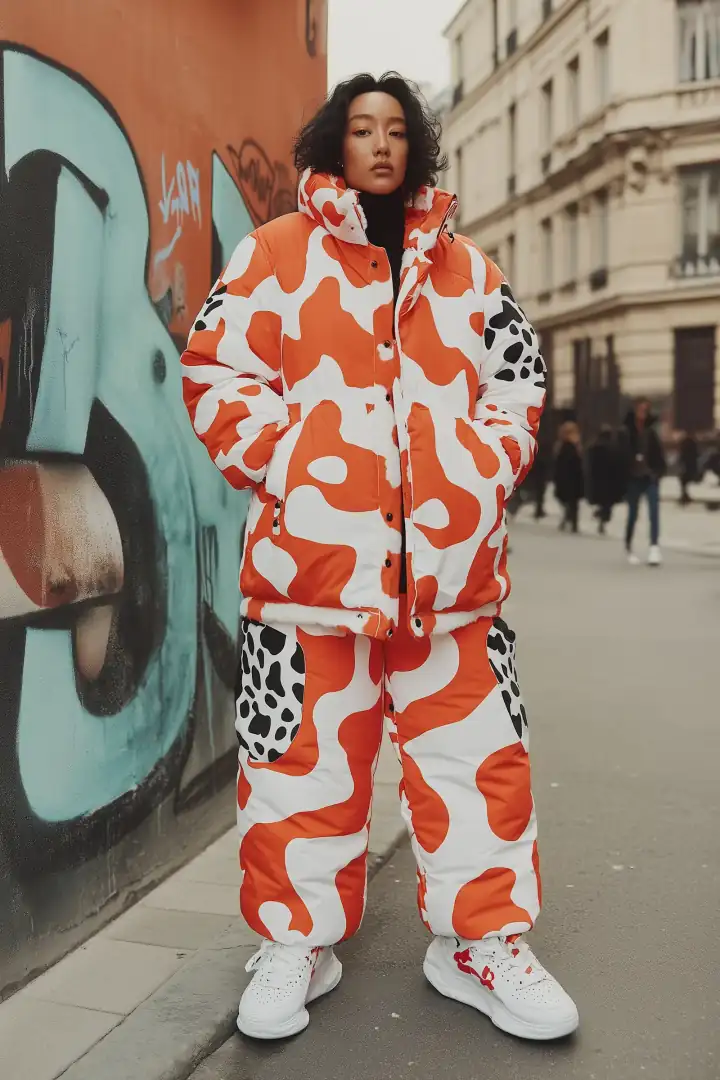
Define what should be the focus of the image.
Explain where the subject appears and what surrounds it.
Describe photography, illustration, editorial design, realism, lighting, colors, and materials.
Define camera angle, framing, depth, layout, and placement of important elements.
At the model level, GPT Image 1.5 uses three primary output dimensions covering common square, portrait, and landscape workflows.
1024 × 1024
Useful for
social graphics, product images, profile creative, and general square compositions.
1024 × 1536
Useful for
posters, vertical creative, editorial concepts, portraits, and mobile-first imagery.
1536 × 1024
Useful for
campaign scenes, banners, editorial visuals, product environments, and wider compositions.
These are model-level GPT Image 1.5 sizes. The options currently available on DoMax AI must always follow the live generator interface.
Make targeted changes to an existing visual while preserving the strongest parts of the source image.
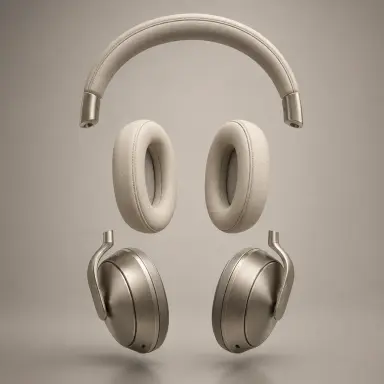
Create product variations, lifestyle scenes, catalog visuals, alternative backgrounds, and promotional creative.
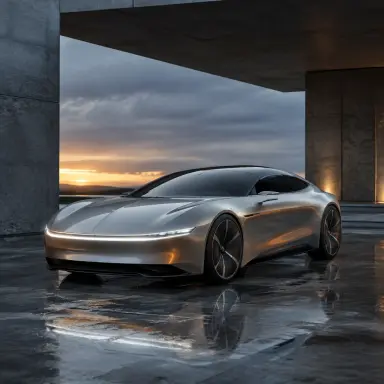
Develop campaign images, promotional graphics, visual concepts, and repeatable creative variations.
Combine imagery and text for posters, announcements, social content, covers, and promotional visuals.
Restyle or reinterpret an existing visual while keeping the central subject or creative foundation recognizable.
Generate photography-inspired visuals, illustrations, products, scenes, characters, and other image concepts directly from a prompt.
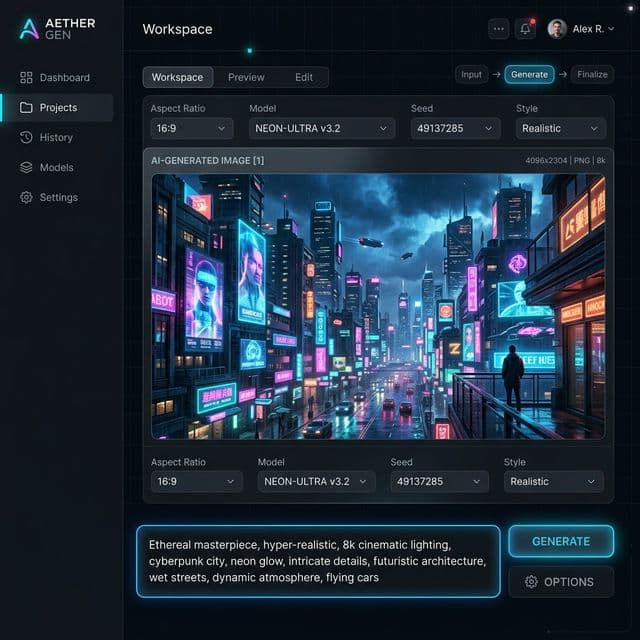
Use the live DoMax AI generator to select the model and review the controls currently available.
01
Select the model when you want the established 1.5 workflow for generation, precise editing, visual preservation, or repeatable creative production.
02
Generate a new image from text or upload an existing visual when using a supported editing workflow.
03
Define what should appear, what should change, and—when editing—what must remain consistent.
04
Choose from the image size, quality, output, or other settings currently exposed by the DoMax AI generator.
05
Review the subject, product details, composition, text, lighting, and overall visual direction. Make focused edits when most of the image already works.
When editing, explicitly identify the product, subject, composition, or visual details that should remain unchanged.
Use clear instructions such as “replace the background” or “change only the jacket color” instead of asking for a vague overall improvement.
Focused changes are easier to evaluate and preserve more of the source visual.
Clear, well-lit reference images make important product, character, or visual details easier to interpret.
For posters and graphics, supply the wording exactly as it should appear and keep the amount of copy manageable.
Review logos, text, faces, hands, product geometry, colors, and repeated visual elements before publishing the image.
Best suited to
Designed for
For a complete comparison of the GPT Image models currently available on DoMax AI, use the family guide instead of choosing only by version number.
Compare GPT Image modelsExplore GPT Image 1.5 across editing, ecommerce, marketing, photography, text, and design workflows.
Newer GPT Image workflow
For high-quality generation and editing, flexible image dimensions, high-fidelity image inputs, and more complex visual workflows.
Explore GPT Image 2Generate new images or refine existing visuals for products, ecommerce, marketing, posters, social graphics, photography, illustration, and creative design.