Start from text
Describe the subject, action, setting, camera, and sound.
Seedance 2.0 Fast
Create and iterate faster with Seedance 2.0 Fast. Generate AI video from text or images, work with multimodal references, create synchronized audio and visuals, and refine ideas through editing or video extension—all with a workflow optimized for faster generation.
Seedance 2.0 Fast
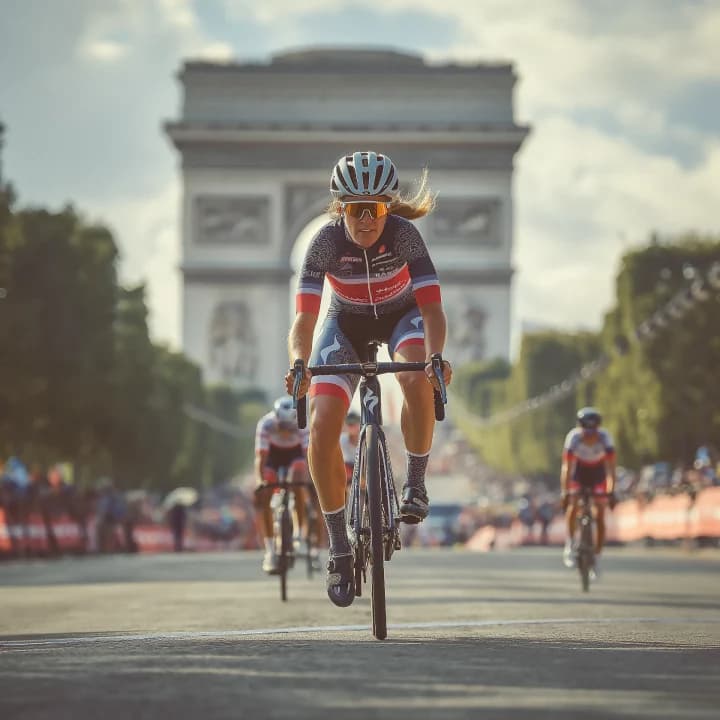
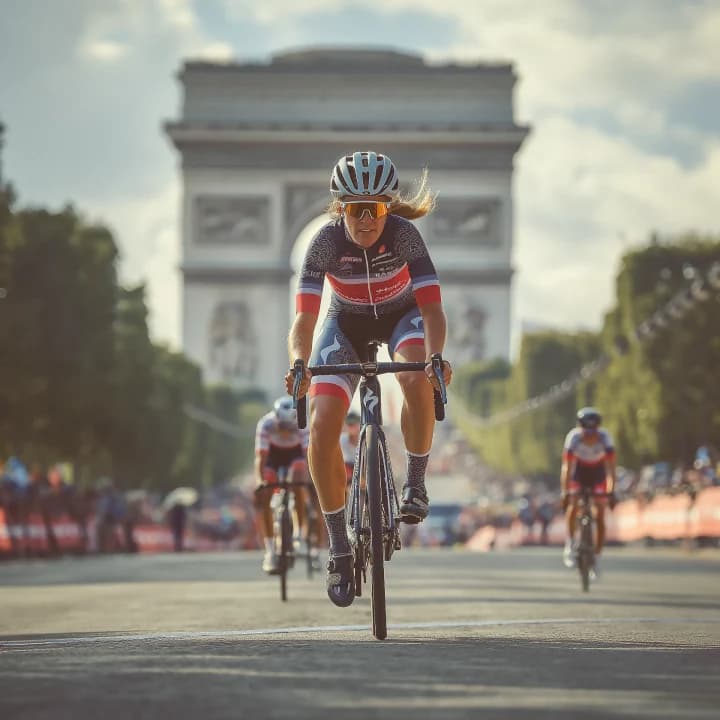
Illustrative footage
Use Seedance 2.0 Fast when you want to move quickly from an idea to a usable video draft. Add your prompt, choose a supported generation workflow, include reference media when useful, and adjust the settings currently available in the generator.
Describe the subject, action, setting, camera, and sound.
Use a visual reference and direct how it should move or develop.
Use supported reference media to guide appearance, motion, camera language, or audio.
Seedance 2.0 Fast is designed for workflows where iteration speed matters more than extracting the maximum quality from every generation.
Generate ideas, compare directions, and refine prompts without treating every attempt as a final render.
Work with text, images, video, and audio references where supported by the current integration.
Create synchronized visual and audio content in the same generation workflow.
Use supported editing workflows when a promising result needs changes rather than a complete rebuild.
Extend an existing sequence when the next creative step should continue from a generated video.
Choose Fast when speed improves the creative process. Move to a higher-quality or more production-focused Seedance model when the selected concept needs additional finishing control.
Shared demo clips illustrate possible workflows; they are not verified Seedance 2.0 Fast outputs.
Text to Video
Describe the scene, action, camera, environment, and sound, then quickly test how the idea works in motion.
Image to Video
Start with an image and direct movement, expression, atmosphere, camera behavior, and scene progression.
Multimodal
Use supported visual, motion, or audio references when a prompt alone cannot communicate the intended direction clearly.
Seedance 2.0 Fast is the faster variant of the Seedance 2.0 video model. It keeps the core multimodal architecture and creation workflows of the 2.0 generation while prioritizing quicker generation and iteration.
Built for creators who expect to generate, compare, revise, and regenerate several ideas before choosing a final direction.
Create video directly from a written description or animate an image with controlled motion and camera direction.
Use supported reference media to guide subjects, environments, style, motion, camera language, or audio.
Generate visuals and sound as part of the same workflow rather than treating audio as a completely separate stage.
Supported workflows can modify an existing video or continue a scene beyond the original clip.
Fast is particularly useful during concept development, prompt testing, social creative production, ad variation, and other workflows that benefit from repeated generation.
Turn a written scene description into moving audiovisual content with directed action, setting, camera behavior, and style.
Use an image as the visual starting point, then define what moves, how the camera behaves, and how the scene develops.
Use supported images, clips, or audio references to communicate creative direction that is difficult to express precisely with text.
Generate sound alongside the visuals for scenes that need dialogue, ambience, effects, music, or audiovisual timing.
Use supported reference-video workflows to describe changes to an existing sequence without rebuilding the entire idea from zero.
Continue a video beyond its current ending while guiding the next action or story beat with a prompt.
A reference can establish the visual direction while the prompt explains what should happen next. Use references intentionally: define what should stay consistent and what should change over time.
Both models belong to the Seedance 2.0 workflow. The main decision is whether your priority is faster iteration or maximizing final-generation quality.
Seedance 2.0 Fast
Speed and iteration
Seedance 2.0
Higher-quality final generation
Seedance 2.0 Fast
Supported
Seedance 2.0
Supported
Seedance 2.0 Fast
Supported
Seedance 2.0
Supported
Seedance 2.0 Fast
Supported
Seedance 2.0
Supported
Seedance 2.0 Fast
Supported
Seedance 2.0
Supported
Seedance 2.0 Fast
Supported
Seedance 2.0
Supported
Seedance 2.0 Fast
Drafts, testing, variations, rapid creative workflows
Seedance 2.0
Selected concepts where output quality has higher priority
Choose Seedance 2.0 Fast when you expect to test several ideas or revisions. Choose Seedance 2.0 when the concept is already established and quality matters more than iteration speed.
Explore Seedance 2.0Best for
Fast creative development
Use it when
Best for
Longer and more production-focused creation
Use it when
A practical workflow can use Fast for exploration and a more production-focused model for selected final concepts. The right choice depends on whether the current stage of the project values iteration speed or finishing control.
Explore Seedance 2.5
Test different actions, camera directions, environments, and styles before committing to one concept.

Develop short creative ideas, hooks, visual treatments, and multiple directions for social content.
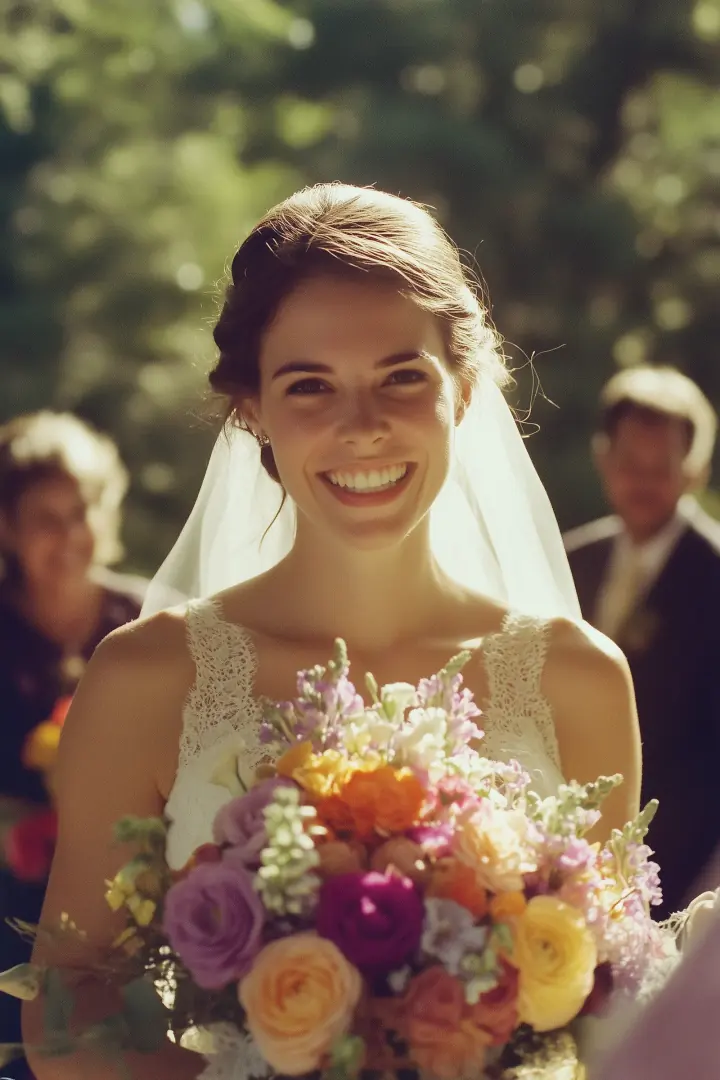
Explore different product angles, environments, pacing, and visual concepts for campaign development.

Quickly test how a portrait, illustration, product image, or concept frame could work in motion.
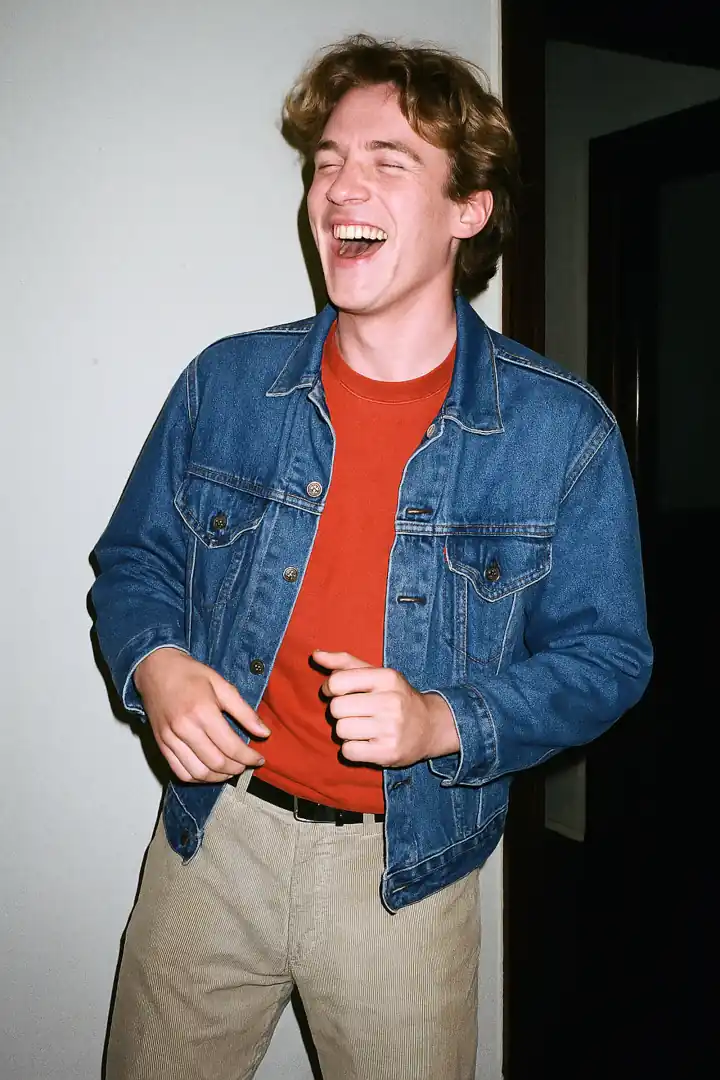
Explore blocking, movement, composition, camera ideas, and scene progression before a more finished production pass.

Generate multiple visual directions and compare which concept is worth developing further.

01
Open the generator and confirm that Fast matches your current goal: quick testing, iteration, variation, or draft creation.
02
Select the text, image, or reference-based mode currently available in the DoMax AI generator.

03
Define the subject, action, environment, camera, lighting, style, and important audio direction.

04
Use supported reference media when it communicates appearance, movement, framing, or sound more clearly than text alone.
05
Create a result, identify the strongest and weakest part, then change one major variable at a time. Once the creative direction is established, decide whether to continue with Fast or move to another Seedance model.
Test the core subject and action before adding several secondary instructions.
When comparing results, change the camera, motion, style, or reference separately so you can identify what improved the output.
Do not upload media simply because the model accepts references. Decide what each reference should control.
For narrative concepts, validate the action and camera progression before spending time refining small visual details.
When a generation works, use editing or extension when supported instead of automatically starting over.
Fast is optimized for iteration. If a selected concept requires maximum output quality, longer storytelling, or more production control, switch to the appropriate Seedance model.
Explore how Seedance 2.0 Fast can be used across different subjects, formats, references, and creative directions.
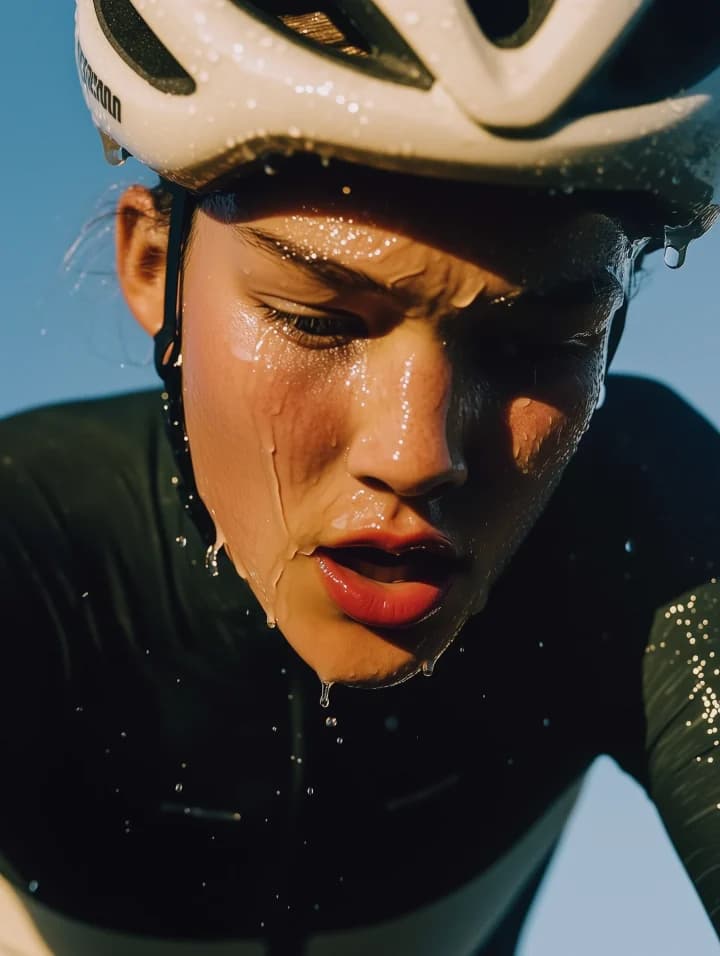


Production-focused
For longer storytelling, stronger references, editing, extension, and advanced creative control.
View modelQuality-focused 2.0
For the full Seedance 2.0 multimodal workflow when final-generation quality matters more than iteration speed.
View modelAudio + video
For native audiovisual generation, dialogue, character performance, and cinematic scenes.
View modelVisual generation
For straightforward text-to-video, image-to-video, motion, and multi-shot storytelling.
View modelTurn prompts, images, and creative references into video while keeping your workflow focused on rapid testing, iteration, and variation.