

New · Native Audio · Multimodal References

Wan 3.0 AI Video Generator

Create cinematic AI videos with Wan 3.0 on DoMax. Use text, images, multimodal references, frame guidance, coherent scenes, and native audio controls.

Text to VideoImage to VideoReference to VideoUp to 30 Seconds480p · 720p · 1080pNative Audio
Loading your workspace…

One Model Family

What Is Wan 3.0?

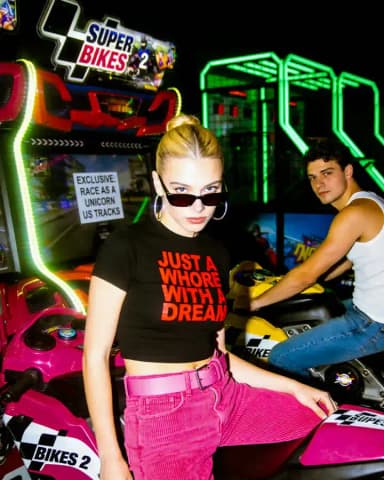
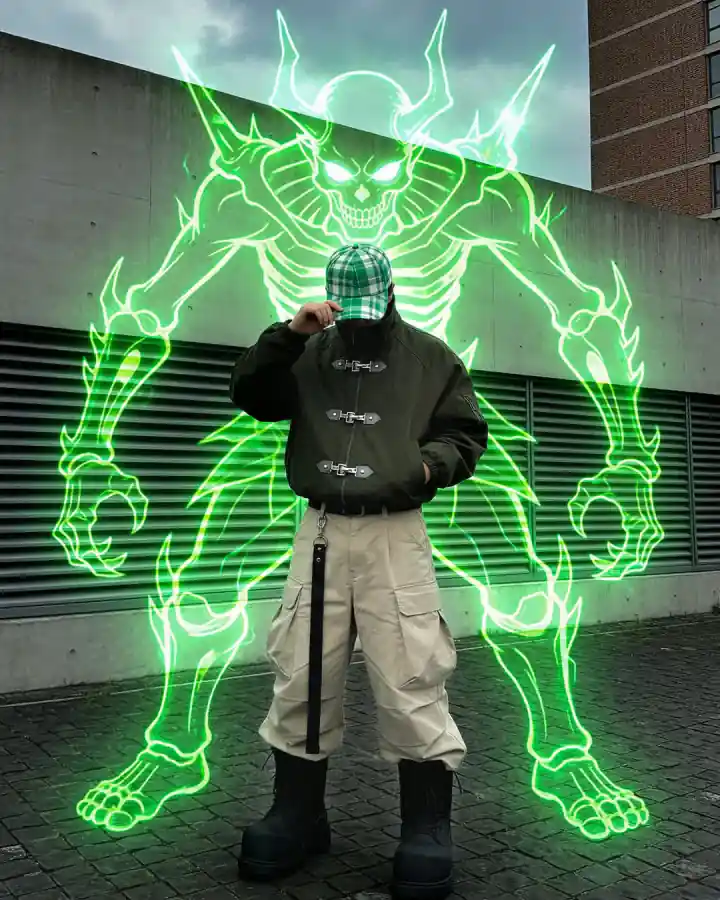
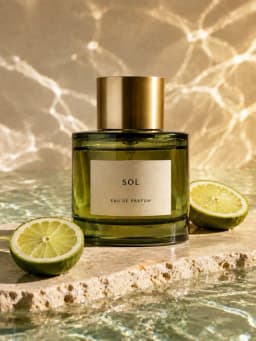
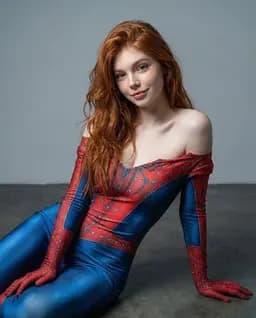
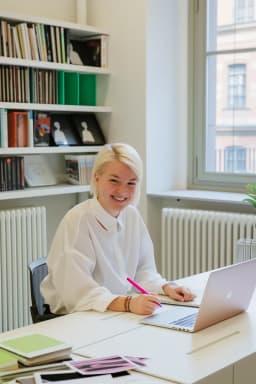
AI video scenes created in the DoMax AI workspace

Wan 3.0 is Alibaba Cloud's all-in-one AI video model. Text-to-video, image-to-video, reference-to-video, and video editing run through one model family, taking text, images, video, audio, documents, and web links as input. Each generation delivers up to 30 seconds at 30 fps in 480p, 720p, or 1080p, with dialogue, background music, and sound effects produced in the same pass so audio and visuals stay in sync.

On DoMax AI, the Wan 3.0 AI Video Generator puts the model in your browser. Start from a prompt or a reference, set duration, resolution, and aspect ratio, toggle audio on or off, and generate.

Generate with Wan 3.0

Creative Control

Why Use Wan 3.0 for AI Video Creation?

Wan 3.0 combines longer video generation, multimodal references, native audio, frame control, and editing in one workflow—giving creators more control from the first frame to the final sound.

01

Generate Videos Up to 30 Seconds

Generate 2–30 second videos with more room for camera movement, dialogue, product demonstrations, and multi-step action. Longer clips are especially useful for ads, cinematic concepts, branded storytelling, and scenes that need more than a single visual beat.

Wan 3.0 · 01
Scene development
00:00 — 00:30
02

Guide Results with Multimodal References

Use images, video, and audio references to guide characters, products, environments, motion, pacing, and sound. Multimodal references help anchor the creative direction when a text prompt alone isn't specific enough.

Multimodal references in the DoMax AI workflow
Wan 3.0 · 02
Generated cinematic video result
03

Create Video with Native Audio

Generate dialogue, background music, and sound effects alongside the video. Describe what the audience should see and hear in the same prompt, reducing the need for a separate audio-generation step.

Wan 3.0 · 03
Dialogue · Music · SFX
04

Control the First and Last Frame

Use a first frame—or both first and last frames—to guide how a shot begins and ends. This is useful for product reveals, transformations, character entrances, scene transitions, and compositions that need a defined start or finish.

First and last frame control for Wan 3.0 video
Wan 3.0 · 04
First frameGenerated sequenceLast frame
05

Edit and Extend Existing Videos

Refine existing clips with instruction-based editing, or extend a scene when you need more time. Adjust visual details, lighting, environment, dialogue, or creative direction without rebuilding the concept from scratch.

Wan 3.0 · 05
Refine & extend+ 08 sec

Four Steps

How to Use the Wan 3.0 AI Video Generator

Creating with Wan 3.0 starts with a clear idea and the right inputs. Choose your generation mode, describe the scene, adjust the available settings, and refine the result until it matches your creative direction.

Step 01

Step 1: Choose Your Creation Mode

Choose Text to Video to create from a prompt, Image to Video to animate an image, or add supported references to guide characters, products, motion, style, and sound.

Step 02

Step 2: Add Your Prompt and Image

Write your prompt to describe the action, camera, style, and sound. For Image to Video, upload the source image you want to turn into a video.

Step 03

Step 3: Adjust Your Settings

Set the duration, resolution, aspect ratio, and audio options for your project. Wan 3.0 supports videos up to 30 seconds and resolutions up to 1080p.

Step 04

Step 4: Generate and Refine

Generate your video, then review the motion, framing, pacing, lighting, and sound. Adjust specific parts of the prompt and regenerate until the result matches your vision.

Use Cases

What Can You Create with Wan 3.0?

From product campaigns and social content to cinematic concepts, Wan 3.0 can support a wide range of AI video workflows using prompts, images, and reference assets.

Product Ads & Launch Campaigns

Turn product images and campaign references into polished motion concepts, product reveals, launch teasers, and short-form ads. Frame controls and reference inputs can help keep the product visually anchored while you direct camera movement, lighting, pacing, and atmosphere.

This works especially well for brands and creative teams testing multiple campaign directions before committing to full production.

Social Media Videos

Create short-form video concepts for TikTok, Instagram Reels, YouTube Shorts, and paid social campaigns. Experiment with visual hooks, camera movement, styles, pacing, and storytelling ideas without producing a new shoot for every variation.

Wan 3.0 is particularly useful when social teams need to explore multiple creative directions quickly.

Cinematic Pre-Visualization

Explore scenes, shots, and visual concepts before moving into production. Define the environment, camera path, lighting, action, pacing, and sound through prompts, while reference assets help establish characters, objects, environments, or art direction.

Filmmakers, agencies, and creative teams can use this workflow for storyboards, treatments, pitch concepts, and early-stage scene development.

Ecommerce Product Content

Transform existing product assets into motion-driven ecommerce content, including product showcases, feature demonstrations, lifestyle scenes, and branded visual variations.

Use Wan 3.0 to explore different settings, camera treatments, and creative directions around the same product while maintaining a more consistent source reference.

Wan 3.0 Prompt Tips for Better Results

Wan 3.0 works best when the prompt gives clear direction without becoming a list of conflicting ideas. Begin with the subject and action, then add the scene, camera, style, timing, and sound.

Use concrete verbs. “A runner turns the corner and looks back while the camera tracks beside her” gives Wan 3.0 more useful motion information than “a dynamic chase scene.” Define the camera separately from the subject.

For longer Wan 3.0 videos, describe events in sequence. Explain what happens first, what changes in the middle, and how the scene ends. When using reference media, state what each reference should control instead of assuming Wan 3.0 will infer your priority.

A simple prompt structure is:

Subject + Action + Environment + Camera + Lighting + Style + Timing + Sound

For example:

Close-up of a silver sports watch on wet black stone at night. The camera slowly pushes in as water droplets move across the metal surface. Cool studio highlights, shallow depth of field, premium commercial look, with low ambient rumble and subtle mechanical clicks.

Frequently Asked Questions About Wan 3.0

Find quick answers about availability, capabilities, supported inputs, generation settings, credits, downloads, and commercial use.

What is Wan 3.0?
Wan 3.0 is an all-in-one AI video generation model from Alibaba Cloud. It supports text-to-video, image-to-video, multimodal references, frame control, native audio, video editing, and video extension.
How long can Wan 3.0 videos be?
Wan 3.0 supports video generation from 2 to 30 seconds. A smart-duration mode is also available in Alibaba Cloud’s implementation.
What resolution does Wan 3.0 support?
Wan 3.0 supports 480p, 720p, and 1080p video output.
Can Wan 3.0 generate audio?
Yes. Wan 3.0 supports native dialogue, background music, and sound effects in supported video-generation workflows.
Can I use images, video, or audio references with Wan 3.0?
Yes. Wan 3.0 supports image, video, and audio references. Alibaba Cloud currently documents up to 10 reference images, five reference videos, and five reference audio clips, subject to file and duration limits.
Can Wan 3.0 edit or extend a video?
Yes. The official Wan 3.0 documentation lists video editing and forward or backward extension among supported workflows.
Can I use Wan 3.0 for commercial content?
Wan 3.0 has capabilities relevant to advertising, ecommerce, branded content, social video, and concept development. Commercial usage rights depend on DoMax AI terms, the model-provider terms, your plan, and the source materials you upload. Review the current terms before publishing commercial work.

Create Your Next Video with Wan 3.0

Wan 3.0 combines longer video generation, multimodal references, native audio, high-resolution output, frame controls, and editing-oriented workflows in one model family. Whether you start from a sentence, product image, storyboard frame, reference video, or audio direction, the Wan 3.0 AI Video Generator gives you a faster way to turn creative direction into motion.

Use Wan 3.0 on DoMax AI to test concepts, animate images, build campaign ideas, explore cinematic shots, and create polished AI video from one online workspace.