Menu
Home
Explore
AI Generators
Video
Image
Models
Library
My Creations
Get MoreCredits
HomeAI ModelsKling AIKling 2.6
Products
  • AI Video Generator
  • AI Image Generator
  • AI Audio Generator
AI Models
  • Seedance AI
  • Kling AI
  • Wan AI
  • Nano Banana
  • GPT Image
Resources
  • Explore
  • Help Center
Company & Legal
  • About Us
  • Contact Us
  • Terms of Service
  • Privacy Policy
  • Refund Policy

© 2026 DoMax AI. All rights reserved.

First Kling with native audio-visual generationUpdated June 2026

Kling 2.6 AI Video Generator

The first Kling model with native audio-visual generation. Generate cinematic 1080p video with synchronized audio, Motion Control reference workflows, and Elements multi-image consistency on affordable DoMax credits.

By KuaishouReleased Dec 3, 2025Native audio + videoMotion ControlElements referencesNo subscription
1080p48 FPS10sNative AudioMotion ControlElements
Workflow-rich proof
Hero sample

A founder presents a premium coffee machine with natural English narration and realistic steam ambience.

1080p48 FPS10s
0 characters
Ratio
Duration5s
Loading your workspace…
Kling 2.6 generator
Optional First/Last Frame anchors
Add start and end image anchors if you want to chain clips into a longer sequence.
1080p · 48 FPS fixed output
Live cost preview
~50 credits · ~$2.50 at the Starter pack rate · English audio

Kling 2.6 Workflow Previews

These shared demo clips illustrate workflow ideas. They are not verified Kling 2.6 outputs, and their prompt labels do not describe the actual clip properties.

Illustrative footageWith Audio

A founder presents a premium coffee machine with natural English narration and realistic steam ambience.

Illustrative footageWith Audio

A chef introduces a noodle recipe in Mandarin while kitchen sounds and warm ambient music play naturally underneath.

Illustrative footageImage to Video

Animate a fantasy forest still with drifting fog, subtle birdsong, and a gentle cinematic push-in.

Illustrative footageMotion Control
Reference video workflow included

Reference dancer motion transferred into a samurai training sequence in a misty bamboo courtyard.

Illustrative footageMotion Control
Reference video workflow included

Reference camera drift restaged as an electric coupe sliding through a rain-lit tunnel.

Illustrative footageMotion Control
Reference video workflow included

Hand motion from a plating reference transferred into a Parisian pastry glazing scene.
Illustrative footageElements
Elements reference 1Elements reference 2Elements reference 3Elements reference 4

Four reference images preserve the same red-haired explorer, coat texture, brass compass, and dusk palette across the generated observatory scene.

Illustrative footageElements
Elements reference 1Elements reference 2Elements reference 3Elements reference 4

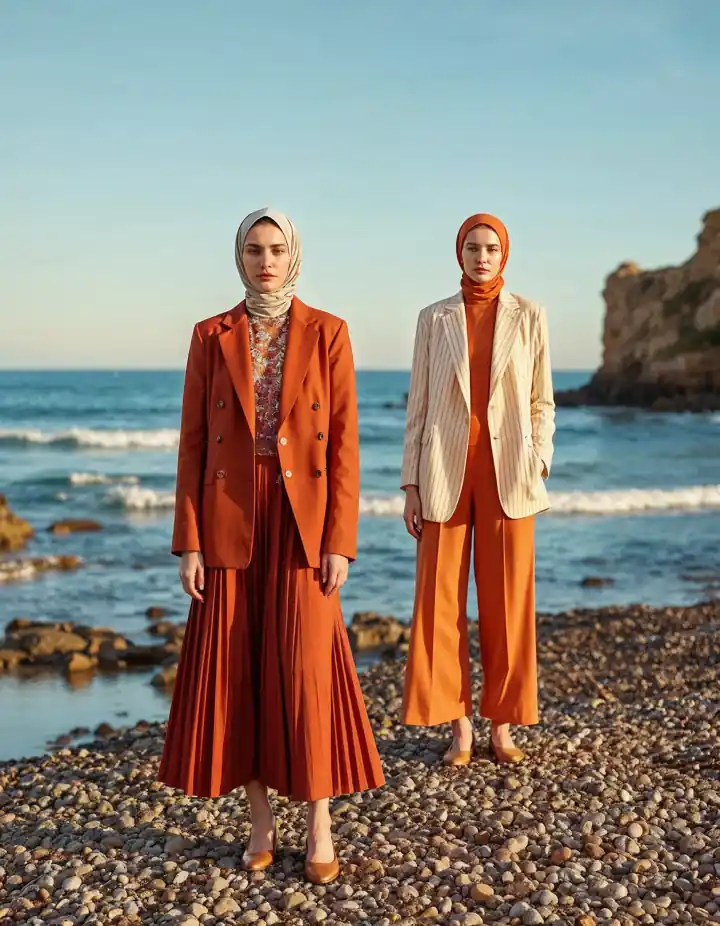
Character, outfit, environment, and style references are combined into one coherent luxury fashion corridor scene.

Illustrative footageFirst/Last Frame
First frame anchorLast frame anchor

A lighthouse keeper lights a lantern while the start frame anchors the empty stairwell and the last frame anchors the glowing lamp against the storm outside.

Illustrative footageFirst/Last Frame
First frame anchorLast frame anchor

A runner exits a subway tunnel into sunrise, using explicit start and end frame anchors to bridge into the next narrative clip.

Illustrative footageText to Video

Vertical product reel with English dialogue, close-up unboxing, and clean rhythmic edit energy.

Illustrative footageText to Video

Vertical food reel with Mandarin narration, sizzling wok audio, and quick punch-in edits for social distribution.

Kling 2.6 Prompt Examples

The prompt library here is organized around the workflows that make Kling 2.6 worth choosing: native audio dialogue, Motion Control, Elements reference packs, cinematic singles, and polished vertical social output.

text-to-video10sen

A barista in a sunlit cafe says in natural English, 'Your cappuccino is ready,' while milk foam swirls into a heart pattern and soft room ambience fills the background.

text-to-video10szh

In a warm kitchen, a chef looks at camera and says in Mandarin, '今天我们做一道很简单的早餐,' while chopping herbs and hearing light utensil sounds in the background.

text-to-video10sen

A founder presents a matte-black smart bottle on a clean studio table and says in English, 'Hydration reminders that actually feel premium,' with subtle synth branding audio underneath.

text-to-video10szh

A fashion creator on a neon-lit rooftop speaks in Mandarin about the look of the day while wind ambience, city noise, and soft electronic music sit under the dialogue.

What is Kling 2.6?

Kling 2.6 is the first Kling AI video model to generate synchronized audio and video in a single inference pass, released by Kuaishou Technology on December 3, 2025. Before Kling 2.6, the normal workflow was to render silent video first and then add dubbing or ambience in a second step. In its December 2025 launch announcement, Kuaishou framed the model around simultaneous audio-visual generation rather than silent-first composition.
Architecturally, Kling 2.6 is positioned as a workflow-rich 1080p model rather than a stripped-down flagship. It renders up to 1080p at 48 FPS, with maximum clip duration of 10 seconds, and native audio in Chinese and English. That makes it a practical fit for creators who need reliable audio-visual output but do not require the heavier premium profile of Kling 3.0.
The deeper reason this page exists separately from the Kling 3.0 page is workflow. Kling 2.6 introduced Motion Control for reference-driven motion transfer, Elements for multi-image consistency, and explicit First/Last Frame control for chaining clips into longer scenes. Those capabilities map to a different search intent than the 3.0 page, which is more about 4K, AI Director, and the current flagship ceiling.
Since February 2026, Kling 3.0 has become the premium cutting-edge option for 4K, longer clips, and broader language support. Kling 2.6 still matters because it remains the more affordable audio-visual Kling and the more reference-driven Kling. On DoMax, that makes it a complementary choice rather than a lesser version.

Why Choose Kling 2.6

First audio-visual Kling

Kling 2.6 was the first Kling model to generate synchronized voice, sound effects, ambience, and video together in one pass, which remains its clearest heritage advantage.

Motion Control workflow

Upload a 3–30 second reference video and transfer its motion structure into a new scene, making 2.6 unusually useful for motion-matched recreations and camera transfer workflows.

Elements references

Use up to 4 reference images to preserve characters, outfits, environments, or style language across multiple generations without re-explaining every detail in the prompt.

First/Last Frame chaining

Anchor the start and end frames of a generation so multiple 10-second clips can connect into a longer sequence with better continuity than independent generations.

Affordable Kling tier

Kling 2.6 runs at a lower credit-per-second rate than Kling 3.0, which makes it a better fit for 1080p workflows and reference-heavy experimentation.

Proven since Dec 2025

Months of community usage have made Kling 2.6 one of the better-documented audio-visual video models, especially for reference-driven workflows that creators want to repeat reliably.

Kling 2.6 Motion Control: Reference-Driven Motion Transfer

Motion Control is one of Kling 2.6's signature workflows. Upload a 3–30 second reference video showing the movement you want, then describe a totally different scene in text. Kling 2.6 preserves the motion structure from the reference while letting you redesign the character, environment, lighting, and style. That makes it especially useful when the motion matters more than the original visual content.
The practical workflow is simple. First upload a reference clip. Second describe the new scene in text. Third generate the new result. In the output, the motion pattern comes from the reference while the content comes from your prompt. For creators who need repeatable camera paths, dancing, athletic movement, or object trajectories, this is a much stronger workflow than re-prompting motion from scratch every time.
Use Motion Control when you already have a motion reference video, when exact body rhythm matters, or when you need to restage a camera move in a different visual world. Use normal text-to-video or image-to-video when you are inventing motion from scratch and style or composition matters more than matching an existing move.
Motion Control sample

Reference dancer motion transferred into a samurai training sequence in a misty bamboo courtyard.

Reference video included in workflow preview
Motion Control sample

Reference camera drift restaged as an electric coupe sliding through a rain-lit tunnel.

Reference video included in workflow preview
Motion Control sample

Hand motion from a plating reference transferred into a Parisian pastry glazing scene.
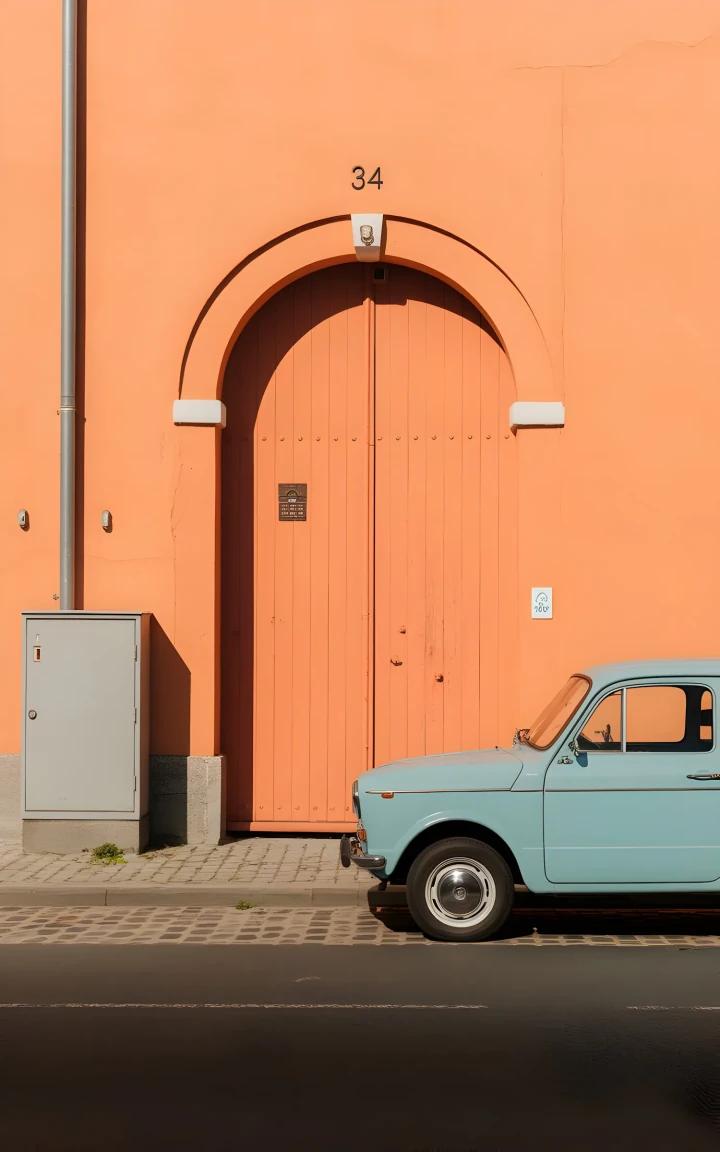
Reference video included in workflow preview

Kling 2.6 Elements: Multi-Image Character Consistency

Elements lets you upload up to 4 reference images that define a character, outfit, environment, or style. Kling 2.6 then uses those references to preserve the same visual identity across multiple generations. If your goal is not just one beautiful clip but a series of clips that still look like the same campaign or character, Elements is the strongest reason to choose 2.6.
The four slots can be used in different ways. You can upload four angles of the same person for maximum identity lock-in. You can split the references into character, outfit, environment, and style. Or you can balance two identity references and two aesthetic references. The point is not that the slots are rigid, but that Kling 2.6 treats the workflow explicitly instead of forcing you to imply consistency only through text.
Elements sample

Four reference images preserve the same red-haired explorer, coat texture, brass compass, and dusk palette across the generated observatory scene.
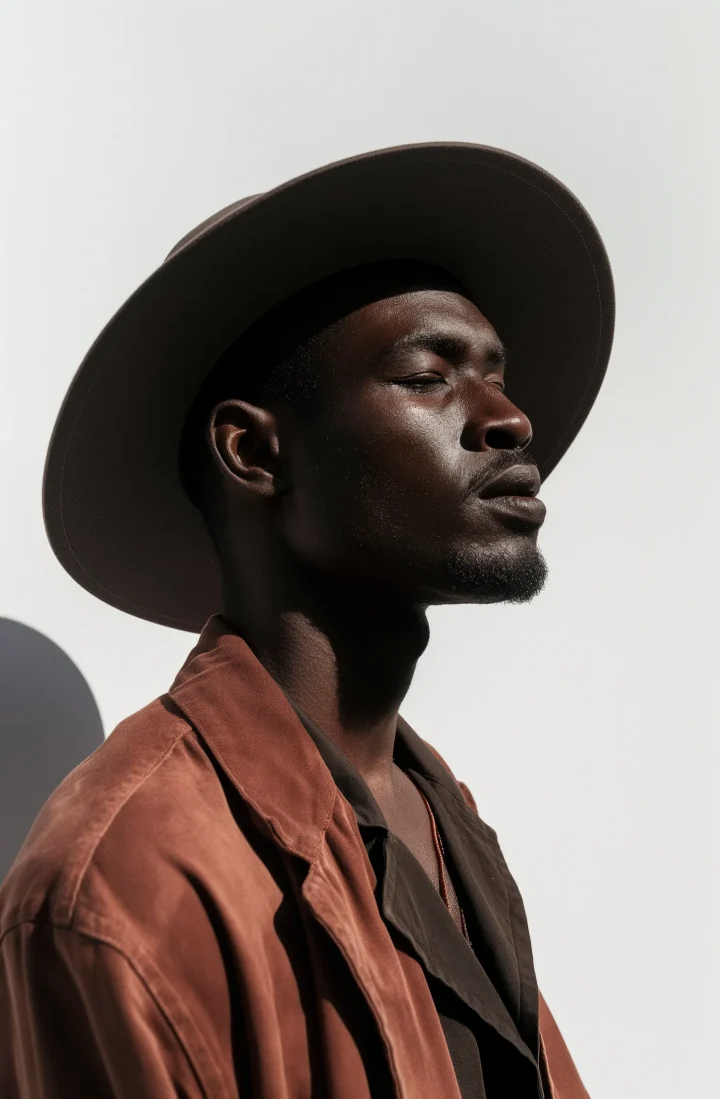

4 reference images used
Elements sample

Character, outfit, environment, and style references are combined into one coherent luxury fashion corridor scene.
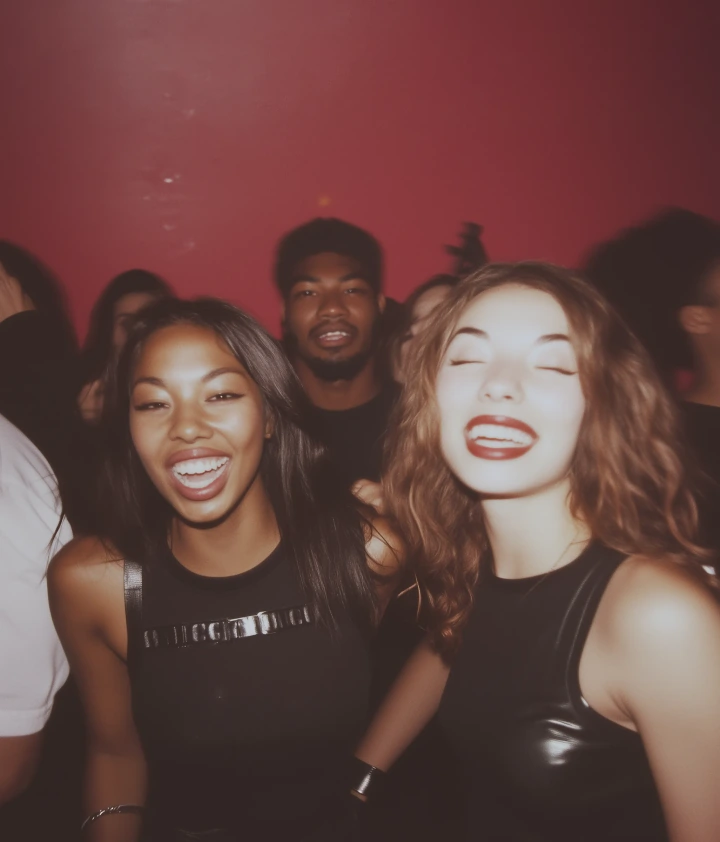
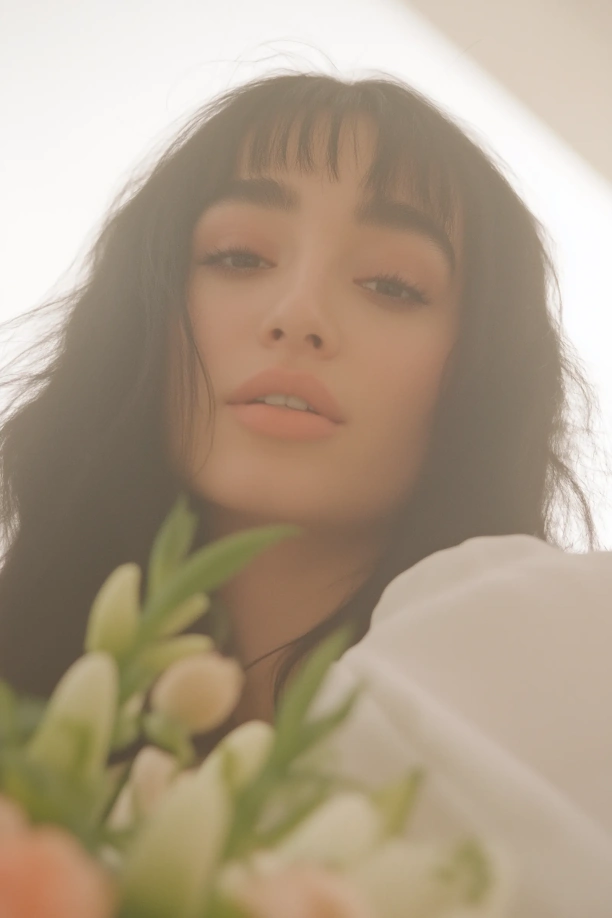
4 reference images used

Kling 2.6 First/Last Frame Control: Chain Clips into Longer Scenes

Kling 2.6 lets you anchor the first frame and last frame of a generation to specific images. That turns multiple 10-second generations into a practical long-form workflow: the last frame of Clip 1 becomes the first frame of Clip 2, which preserves continuity far better than unrelated generations stitched together afterward.
Combined with Elements for character consistency, First/Last Frame control is how creators push Kling 2.6 beyond its per-generation duration cap. It is not the same as Kling 3.0's AI Director. Instead of telling multiple shots inside one generation, you are chaining multiple generations into a longer sequence with explicit continuity anchors.
Frame chaining sample

A lighthouse keeper lights a lantern while the start frame anchors the empty stairwell and the last frame anchors the glowing lamp against the storm outside.

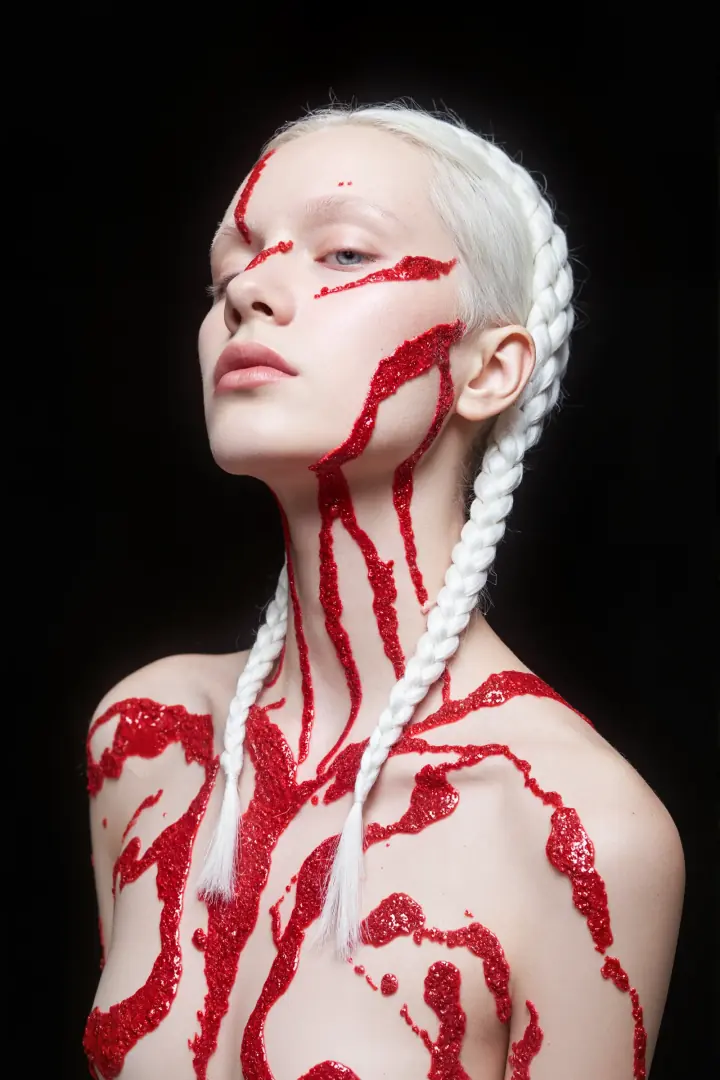
Frame chaining sample

A runner exits a subway tunnel into sunrise, using explicit start and end frame anchors to bridge into the next narrative clip.

How to Use Kling 2.6

1

Choose your input mode

Use text-to-video for direct prompts, image-to-video for still-image animation, Motion Control for reference-driven motion transfer, or Elements when you need up to four image references for consistency.

2

Configure settings

Pick aspect ratio, duration from 3 to 10 seconds, and audio language if you want spoken output. Kling 2.6 runs at 1080p and up to 48 FPS.

3

Generate and download

Click Generate. Kling 2.6 usually renders a synchronized audio-visual clip in roughly 60–120 seconds. Download the MP4 or keep iterating with references.

Try it now

Kling 2.6 vs Kling 3.0: Which to Use?

ReleasedDec 3, 2025Feb 5, 2026
Max resolution1080p1080p
Max duration10s15s
Native audioYesYes
Audio languagesEnglish, ChineseEnglish, Chinese, Japanese, Korean, Spanish
Multi-shot AI DirectorNoYes
Motion Control reference videoYesNot a primary workflow
Elements referencesUp to 4 imagesDifferent memory-style workflow
First/Last FrameYesNot the page's lead workflow
Credit costLowerHigher
Choose Kling 2.6 when Chinese or English audio is enough, 1080p meets your needs, and you specifically want the Motion Control, Elements, or First/Last Frame workflows. Choose Kling 3.0 when you need 4K, longer clips, AI Director, or broader language support. The models complement each other more than they overlap.

Kling 2.6 vs Veo 3.1, Sora 2, and Other Models

Max resolution1080pCheck latest source
Native audioYesVaries by model
Audio languagesEnglish, ChineseVaries by model
Motion Control reference videoYesNot typically a lead feature
Elements multi-imageYes, up to 4Varies by model
First/Last Frame anchorsYesVaries by model
Max duration10sVaries by model
Kling 2.6's strongest differentiator versus Veo, Sora, and even Seedance is the reference-driven workflow stack. If your work depends on motion transfer, image-reference consistency, or chaining frame anchors, 2.6 is unusually well positioned. For raw flagship quality ceilings, the newest releases from Veo, Sora, and Kling 3.0 are competitive, so the honest answer is still to test the same prompt across models.

What Creators Make with Kling 2.6

Brand videos with synced narration

Produce affordable 1080p launch clips, explainers, and short ads with spoken audio baked into the generation instead of patched in afterward.

Localized short-form content

Create Chinese and English social clips with native voice generation for regional campaigns, creator updates, and product explainers.

Character-consistent series

Elements references make it practical to keep the same lead character, outfit, and visual palette across multiple clips in a campaign or narrative sequence.

Motion-matched recreations

Motion Control is ideal when the motion itself matters most and you want to restage it with a different character, brand, environment, or look.

Chained narrative sequences

First/Last Frame control helps turn multiple 10-second generations into one longer scene with stronger continuity from clip to clip.

Audio-first social reels

Use native dialogue and ambient sound for vertical short-form content that would otherwise require a second audio-editing pass after video generation.

Rhythm-led music visuals

Build music-led clips with synchronized sound design, stylized character action, and motion references drawn from existing choreography or performance video.

Pre-visualization and previz

Directors and agencies can block motion, mood, and continuity quickly before a production shoot locks creative decisions and budget.

Kling 2.6 Pricing

Kling 2.6 is the more affordable Kling tier on DoMax at 5 credits per second of video, roughly 38% less than Kling 3.0. A typical 10-second clip uses about 50 credits, or roughly $2.50 at the Starter pack rate. Motion Control, Elements, and First/Last Frame use the same credit rate as standard generation on DoMax.
Buy Credits
PackPriceCredits~Seconds
Starter$15300~60 seconds
Plus$491,500~300 seconds
Ultra$993,500~700 seconds
Business$29912,000~2,400 seconds

Frequently Asked Questions about Kling 2.6

Find quick answers about availability, capabilities, supported inputs, generation settings, credits, downloads, and commercial use.

What is Kling 2.6?
Kling 2.6 is the AI video model released by Kuaishou Technology on December 3, 2025. It was the first Kling model to generate synchronized audio and video in a single pass. It supports text-to-video, image-to-video, Motion Control reference videos, Elements multi-image consistency, and First/Last Frame chaining. Outputs are 1080p at 48 FPS, up to 10 seconds.
Is Kling 2.6 free to try?
DoMax offers free credits for new users to test Kling 2.6. After that, credit packs start at $15. Kling 2.6 has a lower credit-per-second rate than Kling 3.0.
How is Kling 2.6 different from Kling 3.0?
Kling 3.0 is the newer flagship with clips up to 15 seconds, multi-shot control, and audio in five languages. Kling 2.6 focuses on shorter 1080p generation plus Motion Control. Choose 2.6 for those workflows or budget; choose 3.0 for longer multi-shot output.
What is Motion Control in Kling 2.6?
Motion Control lets you upload a 3–30 second reference video and Kling 2.6 transfers the motion structure to your generated scene. You describe the visual style, characters, and environment in text while the motion comes from the reference. Some releases distinguish Standard Motion Control and Pro Motion Control.
What is the Elements feature?
Elements lets you combine up to 4 reference images to lock visual consistency across generations. Use it to keep the same character, outfit, environment, or style across multiple clips.
What is First/Last Frame Control?
First/Last Frame Control lets you anchor the start and end frames of a Kling 2.6 generation. By using the last frame of one clip as the first frame of the next, you can chain 10-second generations into longer continuous sequences.
What languages does Kling 2.6 support for audio?
Kling 2.6 supports Chinese and English audio. For audio in Japanese, Korean, or Spanish, use Kling 3.0 instead.
What resolution does Kling 2.6 output?
Kling 2.6 supports video output up to 1080p. Kling's current Video 3.0 guide also documents a maximum output of 1080p.
How long can Kling 2.6 videos be?
Up to 10 seconds in a single generation. For longer sequences, use First/Last Frame chaining to connect multiple 10-second clips.
How does Kling 2.6 compare to Veo 3.1 or Sora 2?
All three produce audio with video, but Kling 2.6 stands out for reference-driven workflows: Motion Control with a video reference, Elements with 4 image references, and explicit First/Last Frame anchors. If those workflows matter, 2.6 is uniquely positioned. For raw quality ceilings, the latest Veo and Sora releases are competitive.

Try Other AI Video Models on DoMax

Kling 3.0

Move up to longer clips, multi-shot storyboarding, and broader language support when your project needs the flagship workflow.

Seedance 2.0

Compare a top ByteDance cinematic model when prompt adherence and a different motion aesthetic matter for your test set.

Seedance 1.5 Pro

Use a proven production-stable Seedance option when you want a different cost-to-quality balance for audio-visual output.

Kling AI Hub

See the full Kling model family on DoMax and compare 2.6 with 3.0 in one place.

Start Creating with Kling 2.6 Today

The first audio-visual Kling is still one of the most workflow-friendly options on DoMax for reference-driven 1080p video.

One-time creditsNo subscriptionMotion Control ready
Try Kling 2.6 FreeBuy Credits