Text to Image AI Generator
Describe Your Idea. Generate AI Images.
Use DoMax AI to turn text prompts into product visuals, ad creatives, social media graphics, illustrations, concept art, and design ideas online.
Free starter credits available. No credit card required.
What Is DoMax Text to Image AI?
DoMax Text to Image AI turns written prompts into original AI-generated images. Describe what you want to see — including the subject, style, lighting, colors, and mood — and DoMax AI creates a visual from your text.
Use it to generate images for ads, e-commerce, social media, product visuals, design concepts, illustrations, and concept art. With multiple leading AI image models in one workspace, DoMax AI lets you explore different looks without switching tools.
Prompt
Premium running shoe on white pedestal, soft studio light, clean ecommerce photography, realistic texture, 4:5 campaign composition.
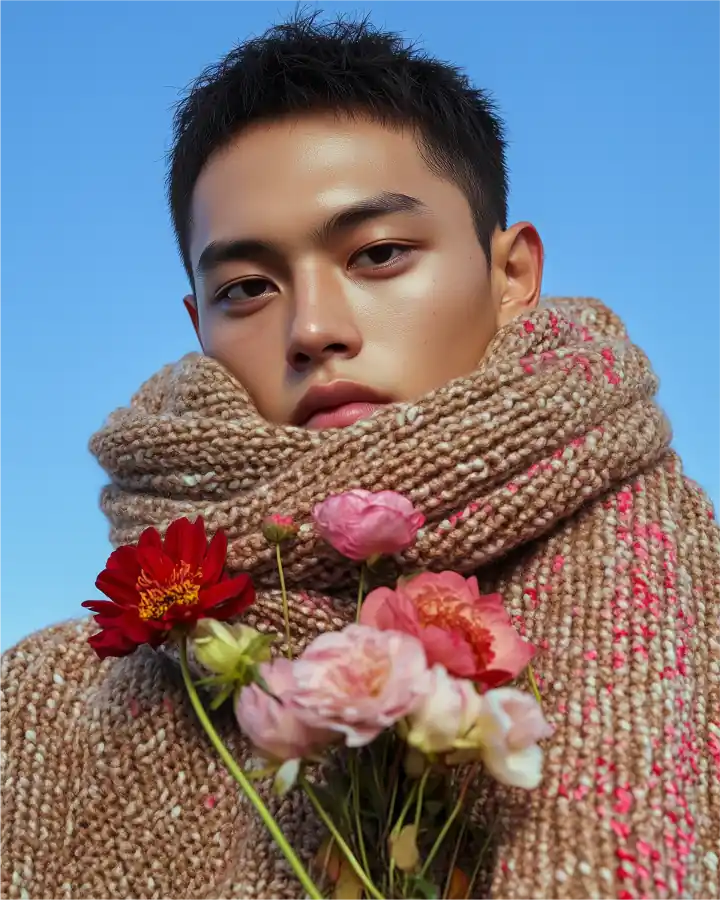
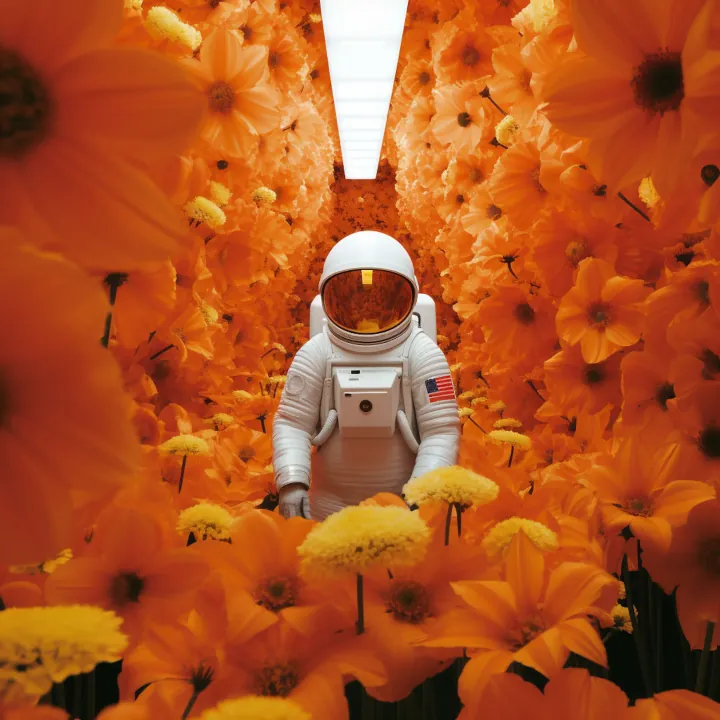
What Can You Create with Text to Image AI?
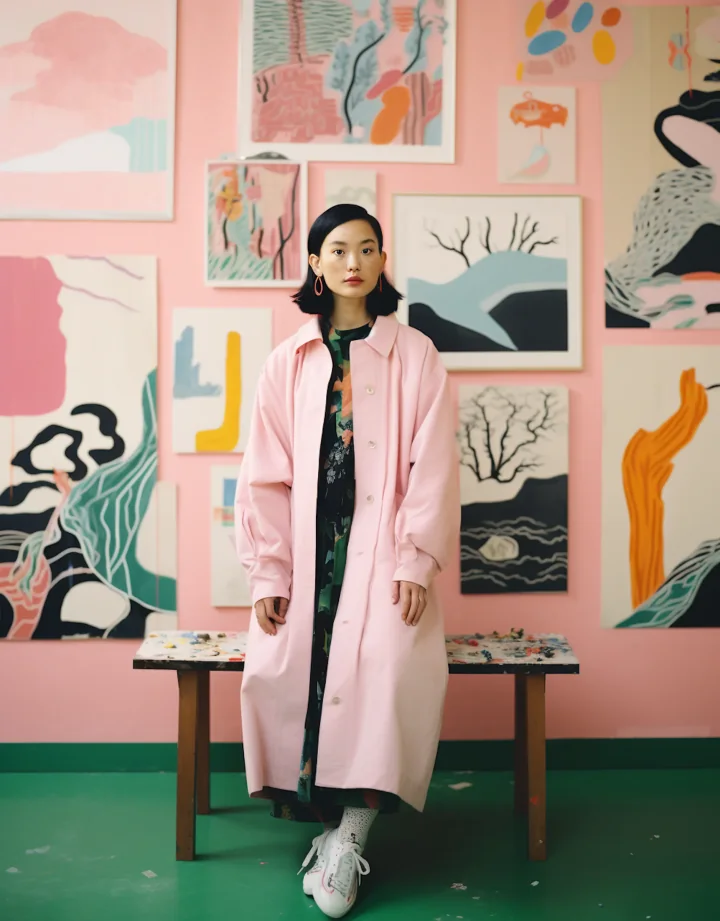
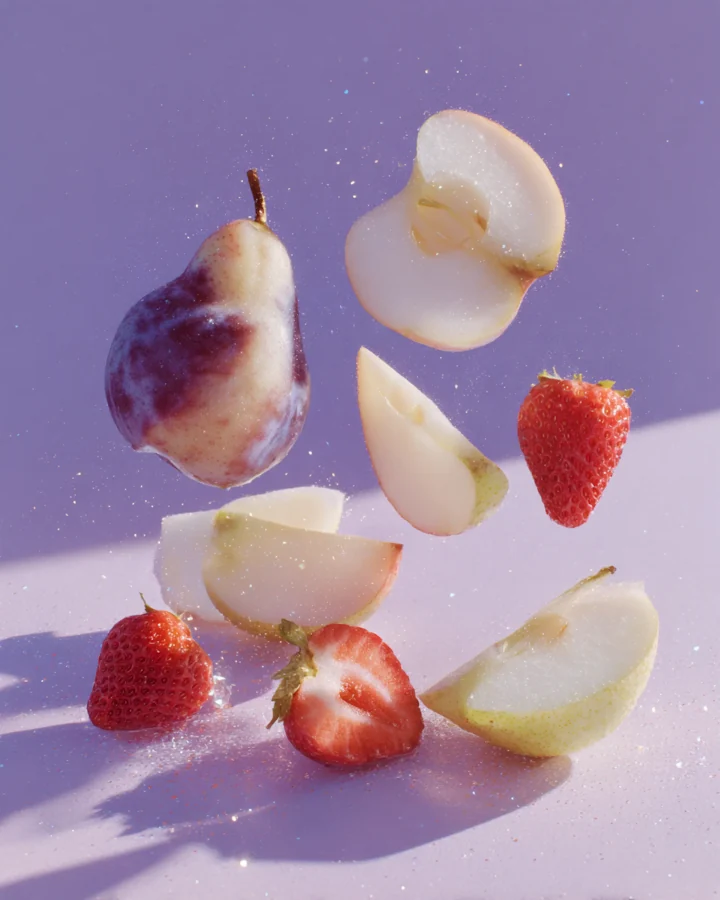
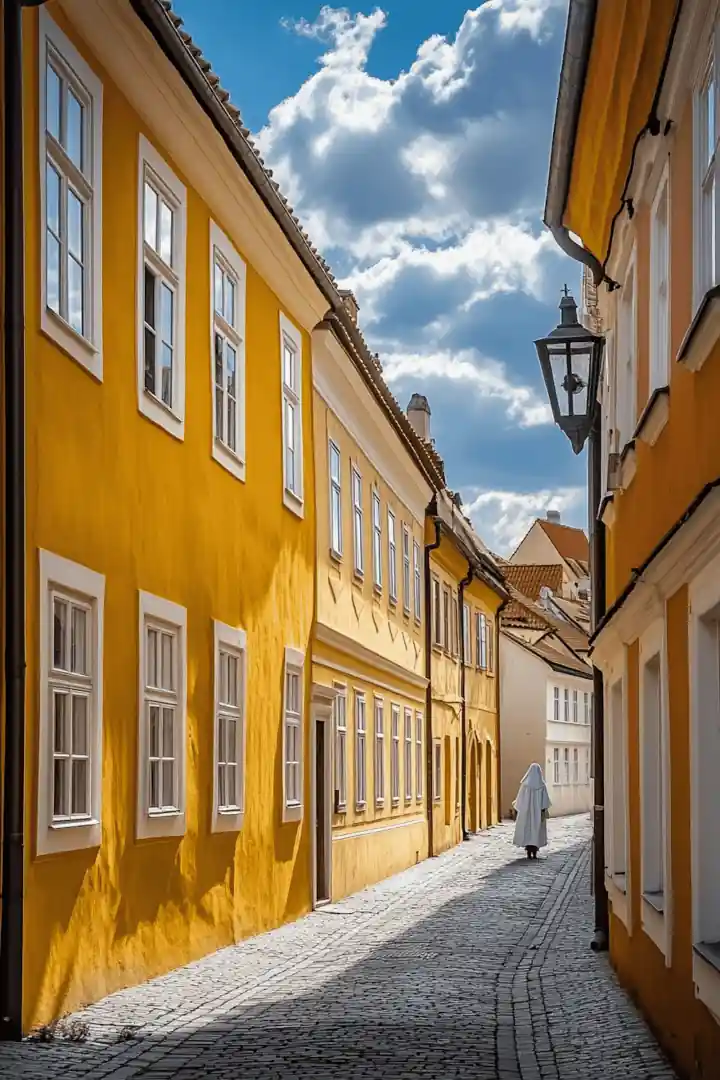
Use DoMax AI to turn simple prompts into product images, ads, social posts, concept art, design ideas, and architecture visuals — all from text.
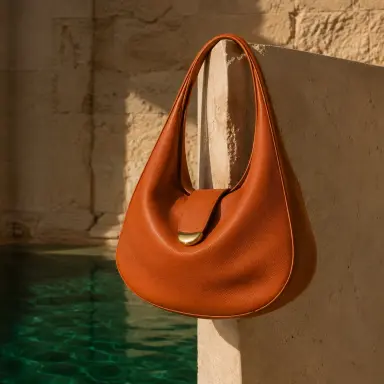
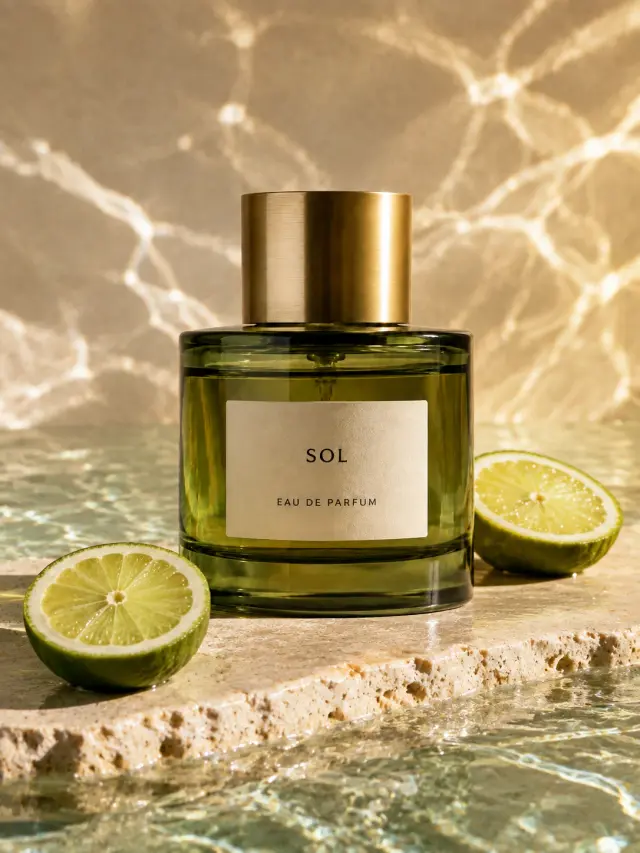
How to Use DoMax Text to Image AI
Create AI images from text prompts in three simple steps. Write what you want to see, choose your model and image settings, then generate and download your result online.
Write Your Prompt
Describe the image you want to create. Include the subject, setting, style, mood, lighting, colors, and composition. A simple prompt can work, but more detail usually gives you better control over the final image.
New users can sign in to get free starter credits. No credit card required.
Choose Your Model and Image Settings
Select an AI image model, aspect ratio, image size, style, and other available generation settings. Choose the setup that fits your goal, whether you are creating product visuals, ads, social media graphics, concept art, design references, or creative images.
Not sure where to start? Try a simple prompt first, then refine the style, details, and settings.
Generate and Download
Generate your AI image, preview the result, and download it when ready. If the first version is not what you want, adjust your prompt or settings and generate a new image until it matches your creative direction.
View Text to Image Prompt Guide
Why Choose DoMax AI for Text to Image?
DoMax AI helps you turn text prompts into high-quality AI images online. Create product visuals, ad creatives, social media graphics, concept art, design references, and branded images with flexible text to image tools.
Multiple AI Image Models in One Workspace
Different AI image models create different styles, details, and results. DoMax AI brings multiple leading AI image models into one workspace, so you can explore photorealistic images, artistic styles, product concepts, characters, and design ideas without switching platforms.
Built for Real Creative Work
DoMax AI Text to Image is useful for more than experiments. Use it to create product images, campaign visuals, blog graphics, thumbnails, ad concepts, concept art, and brand visuals from written prompts.
Flexible Image Settings
Choose available settings such as model, image size, aspect ratio, style, and quality options before generating. Start with a simple prompt, then refine your settings and details until the image matches your creative direction.
Fast Online Image Generation
Go from idea to image without design software, stock photo search, or a photoshoot. Write your prompt, choose your settings, generate the result, and download your finished image online.
Free Starter Credits
New users can sign in to use free starter credits and try DoMax AI Text to Image with no credit card required. Test prompts, explore styles, and create your first AI-generated visuals before buying more credits.
DoMax Text to Image Prompt Tips
Better prompts create better AI images. Use these text to image prompt tips to describe your subject, style, lighting, composition, and output goal more clearly.
Start with a Clear Subject
Begin with the main subject you want to generate. This could be a product, person, object, character, building, landscape, scene, or abstract idea.
Example: A premium skincare bottle on a marble surface, clean studio background, soft reflections, luxury product photography
A clear subject helps the AI image generator understand what should be the main focus of the image.
Add Style, Lighting, and Mood
Style and lighting strongly affect text to image results. Add details such as photorealistic, cinematic, minimal, editorial, anime, watercolor, 3D render, natural light, studio lighting, warm shadows, or dramatic contrast.
Example: A modern coffee shop interior, warm morning light, cozy atmosphere, cinematic photography style, soft depth of field
These details help DoMax AI create images that match your intended visual direction.
Define Composition and Format
Tell the AI how the image should be framed. Describe the angle, layout, background, object placement, and intended format.
Example: A running shoe centered on a clean white background, front-facing product shot, sharp focus, balanced composition, space for ad copy on the right
This is useful for e-commerce images, ad creatives, website hero visuals, thumbnails, and social media graphics.
Keep Prompts Specific and Visual
The best text to image prompts are specific, visual, and focused on one main idea. Avoid combining too many unrelated styles, subjects, or scenes in a single prompt.
Example: Better prompt: A futuristic electric car driving through a mountain road at sunrise, cinematic lighting, clean commercial style, wide-angle shot Weaker prompt: A cool car image for marketing
Specific prompts give DoMax AI clearer direction and usually create more usable image results.
DoMax Text to Image AI Examples
See real examples created with DoMax AI Text to Image. Each result starts from a text prompt and shows how different models, styles, and aspect ratios can produce visuals for products, portraits, concept art, ads, architecture, and social content.
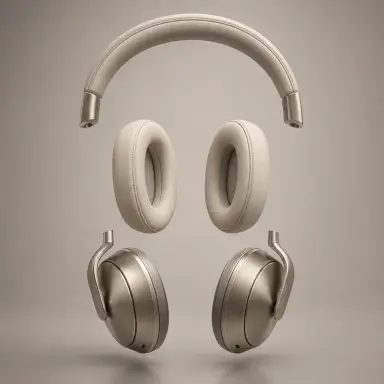
Minimal silver headphones suspended against a warm studio background
Use this Prompt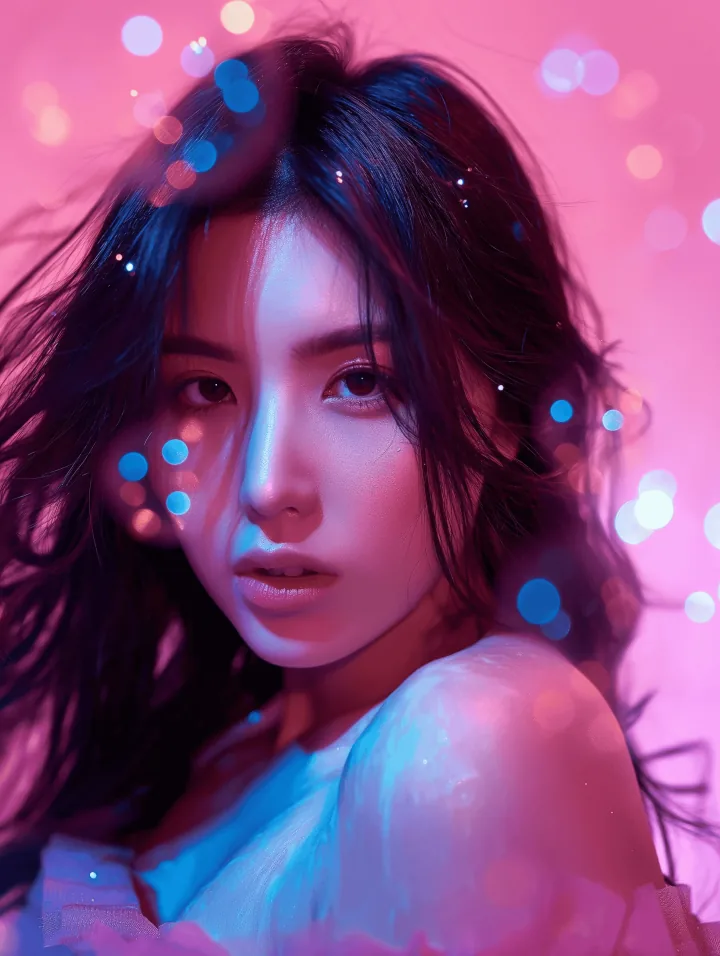
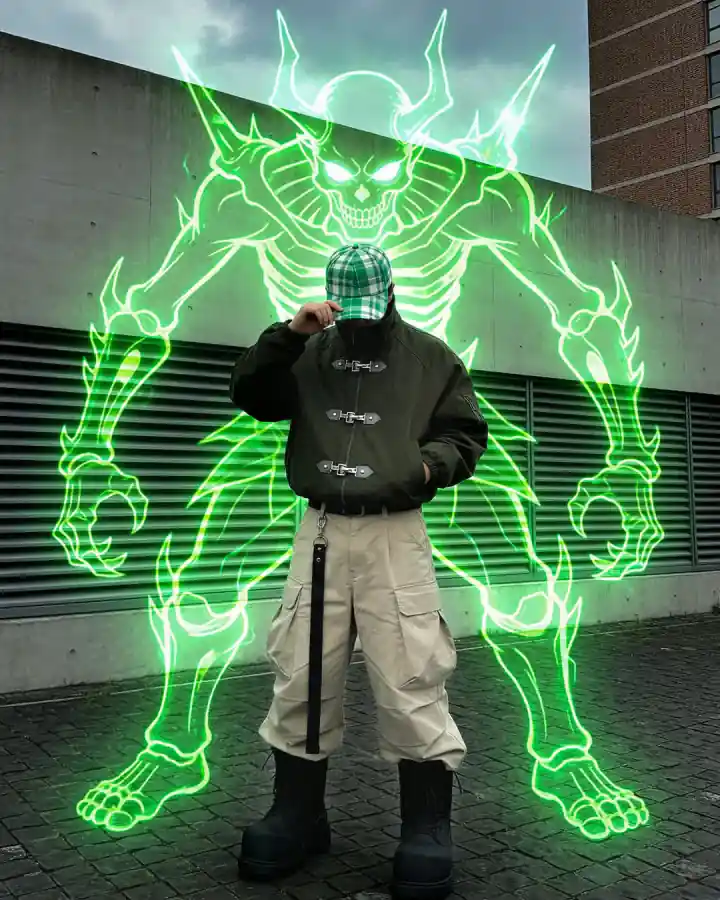
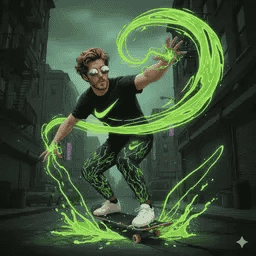
A young character surrounded by glowing green sci-fi effects
Use this Prompt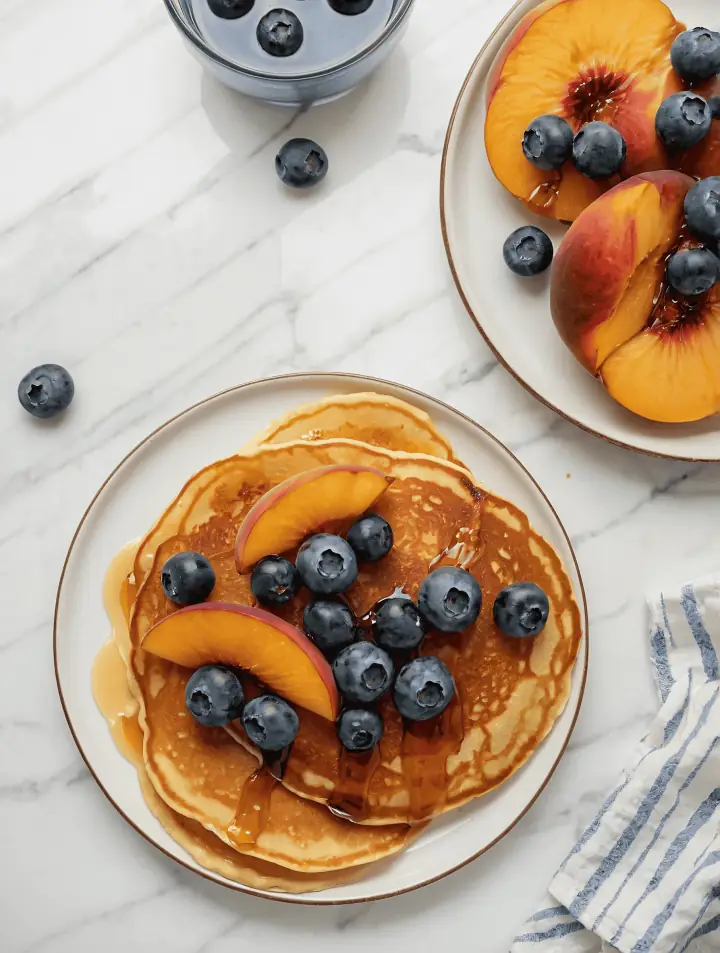
Fresh healthy breakfast on a linen table, natural morning light, clean ad photography, soft shadows
Use this Prompt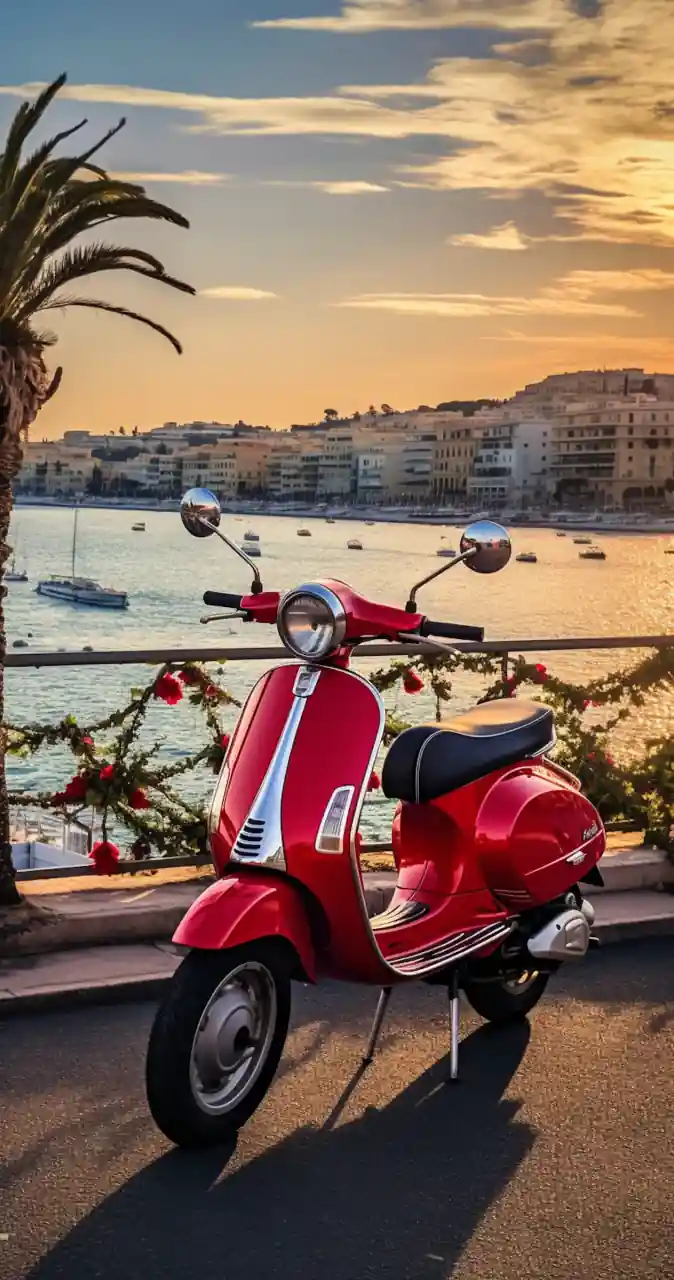
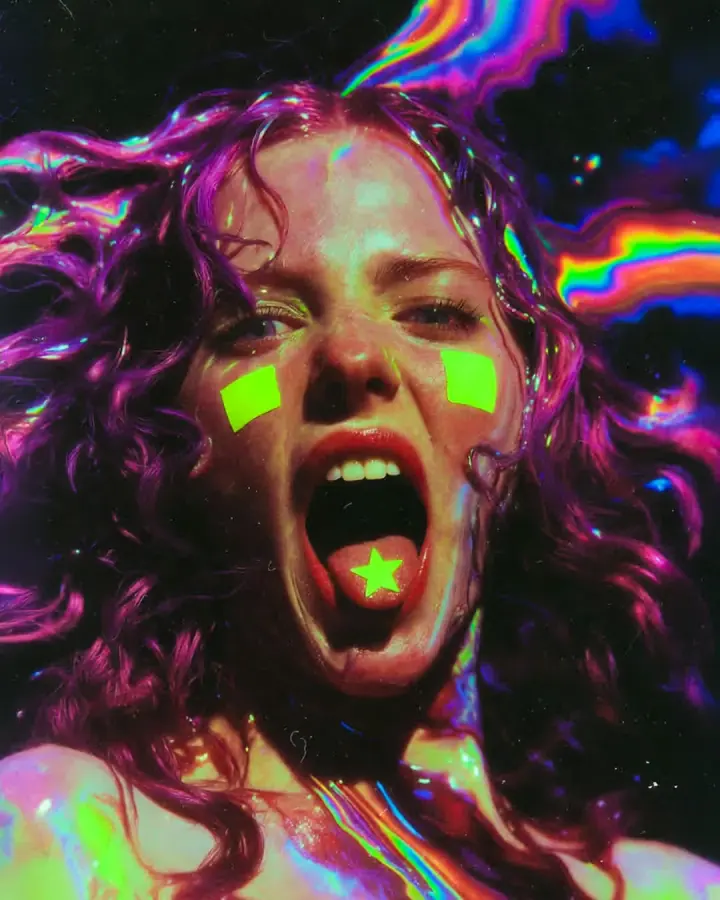
Minimal abstract gradient illustration for a fintech landing page, premium SaaS hero artwork, clean composition
Use this Prompt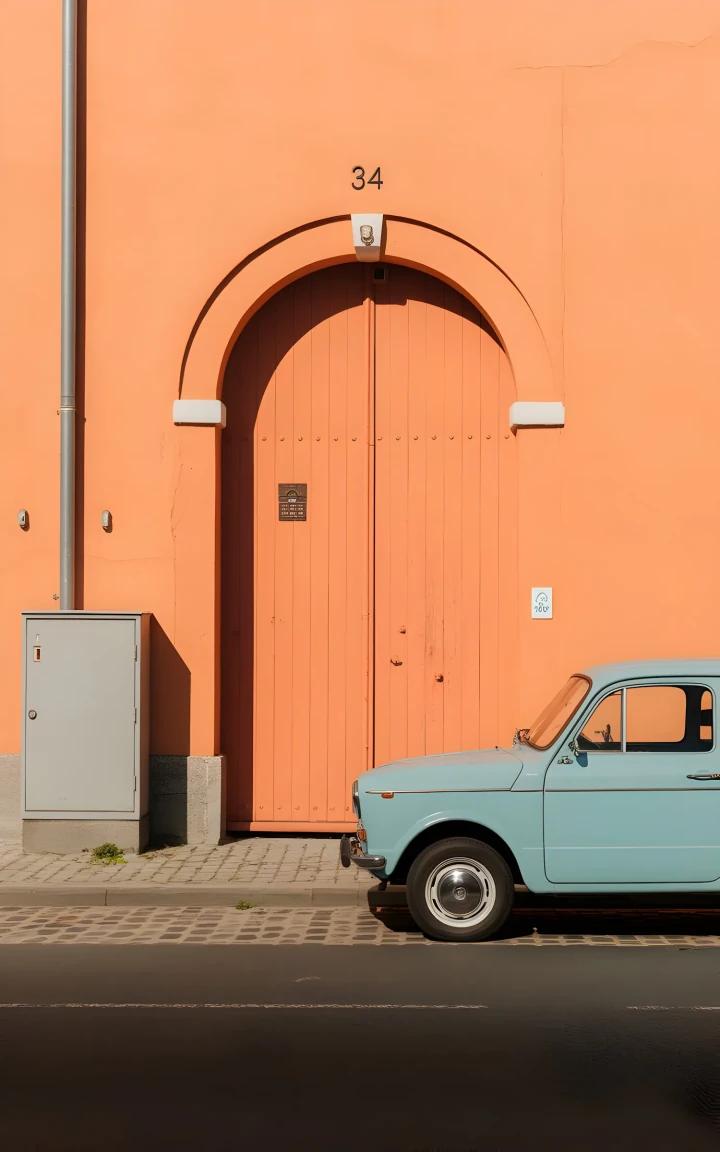
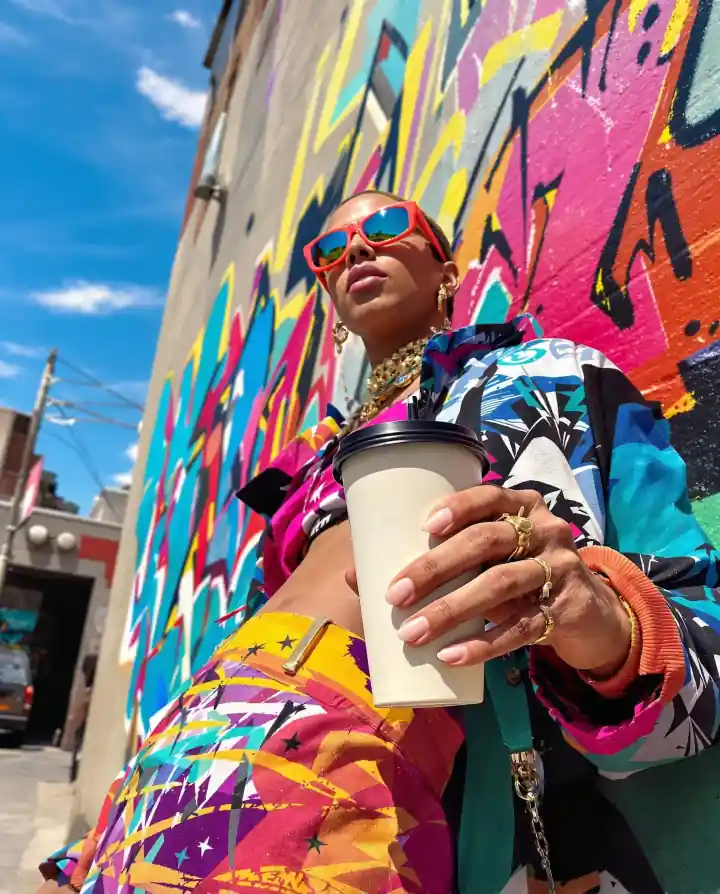
Colorful street-art portrait with a bold, creator-first composition
Use this PromptDoMax Text to Image AI FAQs
Find clear answers about DoMax Text to Image AI, prompt writing, image quality, free starter credits, model settings, downloads, commercial use, and how prompts become generated visuals.
What is DoMax Text to Image AI?
How does DoMax AI turn text into images?
What can I create with DoMax Text to Image AI?
How do I write a good text to image prompt?
Can I choose different AI image models?
Can I adjust image settings before generation?
Is DoMax Text to Image AI free to use?
Do I need design experience to use it?
Can I download the generated images?
Can I use generated images for commercial projects?
Start Creating AI Images Today
Turn your first prompt into an AI-generated image with DoMax AI. Use free starter credits to create product visuals, ad creatives, social content, concept art, and design ideas online.
No credit card required.
Generate from TextCreate product visuals, ad creatives, social content, concept art, and design ideas faster with DoMax AI.