Image to Image AI Generator
Transform Your Images into New AI Visuals
Upload a photo, product image, portrait, artwork, or design reference, then use DoMax AI to create new styles, fresh variations, and polished visuals with image to image AI.
Free starter credits available. No credit card required.
What Is DoMax Image to Image AI?
Transform existing visuals without starting from scratch.
Image to Image AI lets you create a new version of an existing image without starting from scratch. Upload a photo, product image, portrait, artwork, or design reference, then describe how you want it to change.
The AI uses your uploaded image as the starting point. It can help keep the main subject, layout, and composition while changing the style, background, lighting, mood, or overall creative direction.
With DoMax AI, you can use image to image AI to create product visuals, portrait variations, artwork styles, ad creatives, packaging ideas, and fresh design concepts online.
Original
Base studio product shot, clean composition, neutral lighting.
Prompt: keep the angle, add dramatic luxury lighting, premium black set, glossy reflections.
What Can You Create with Image to Image AI?
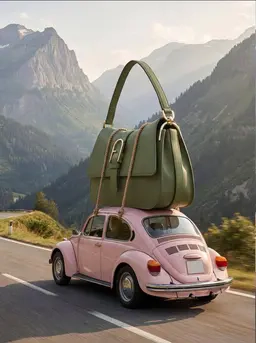
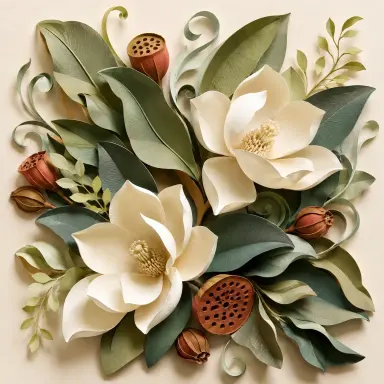
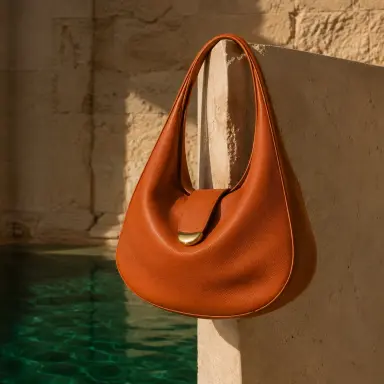
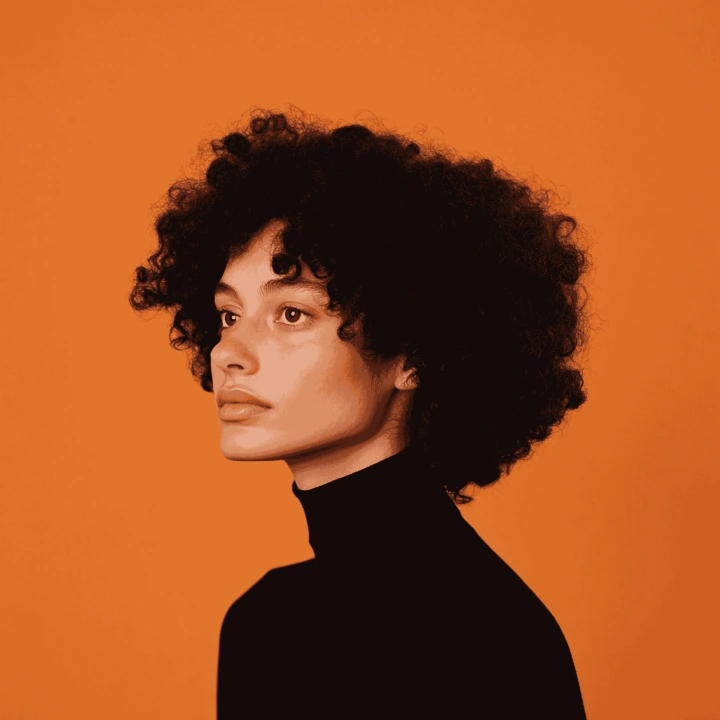
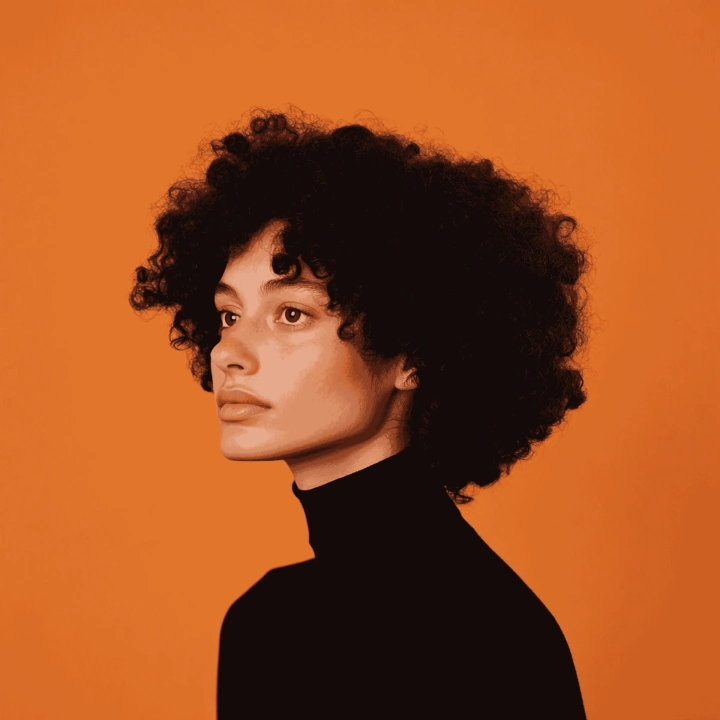
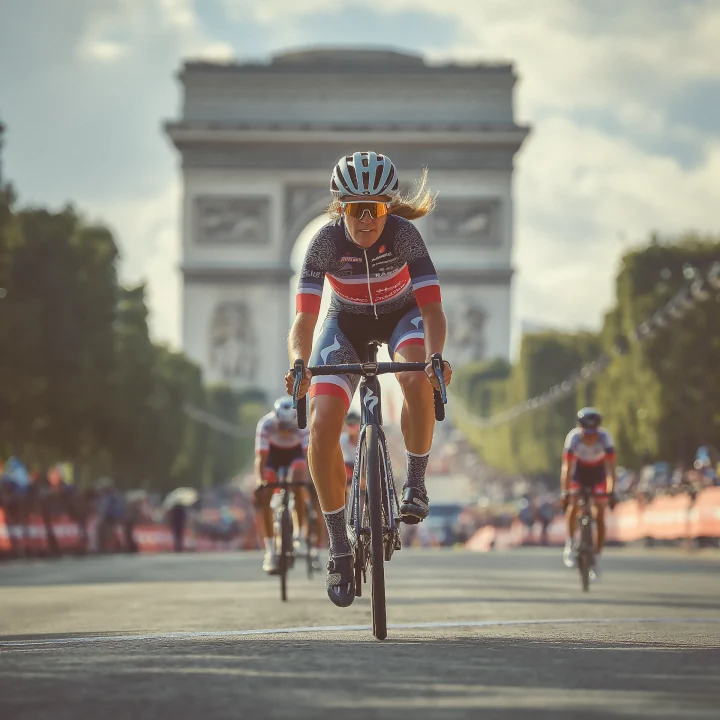
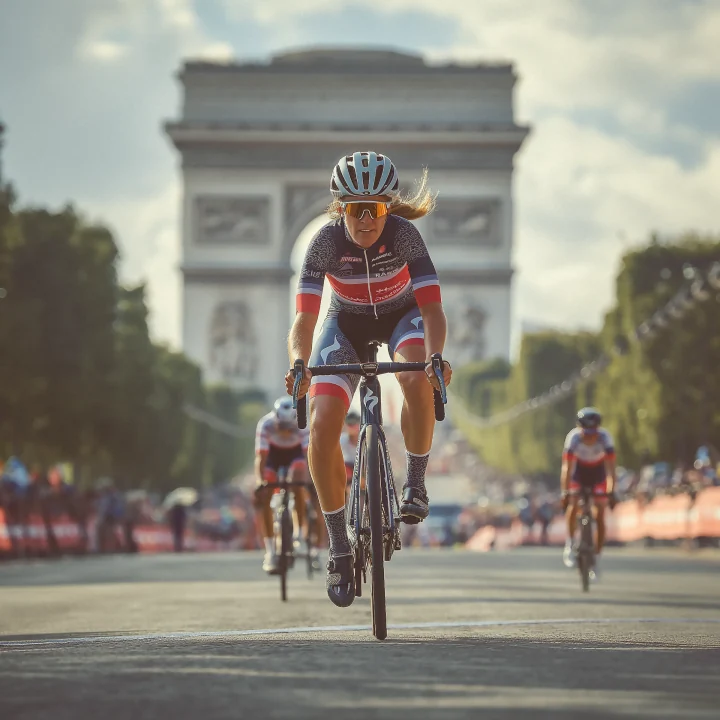
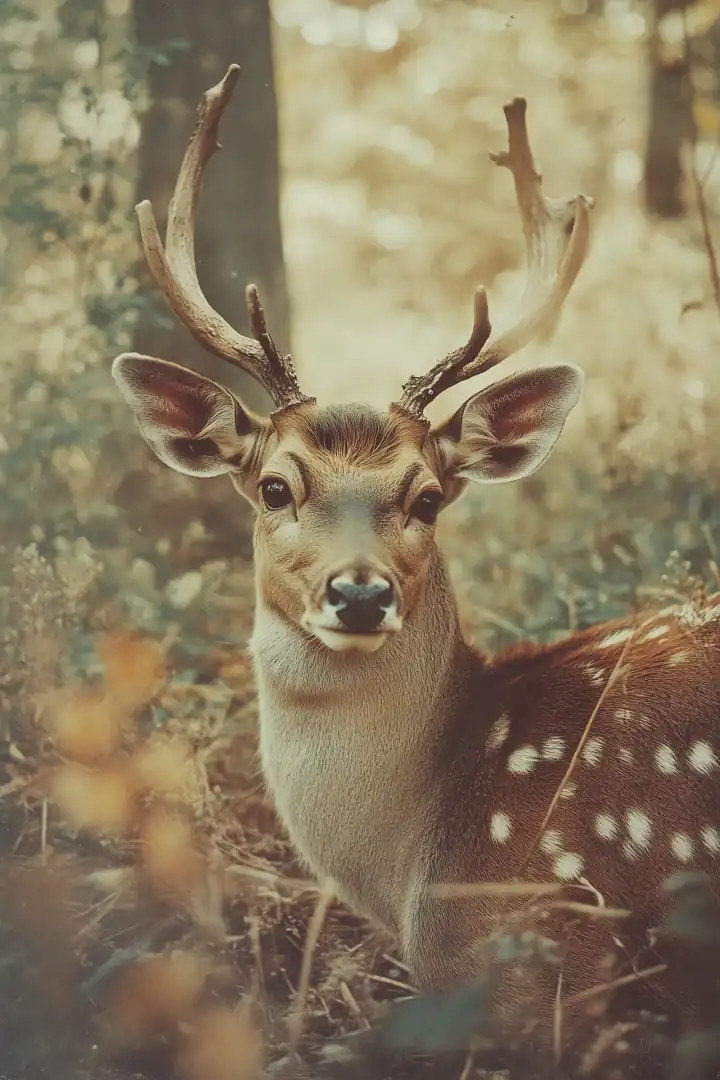
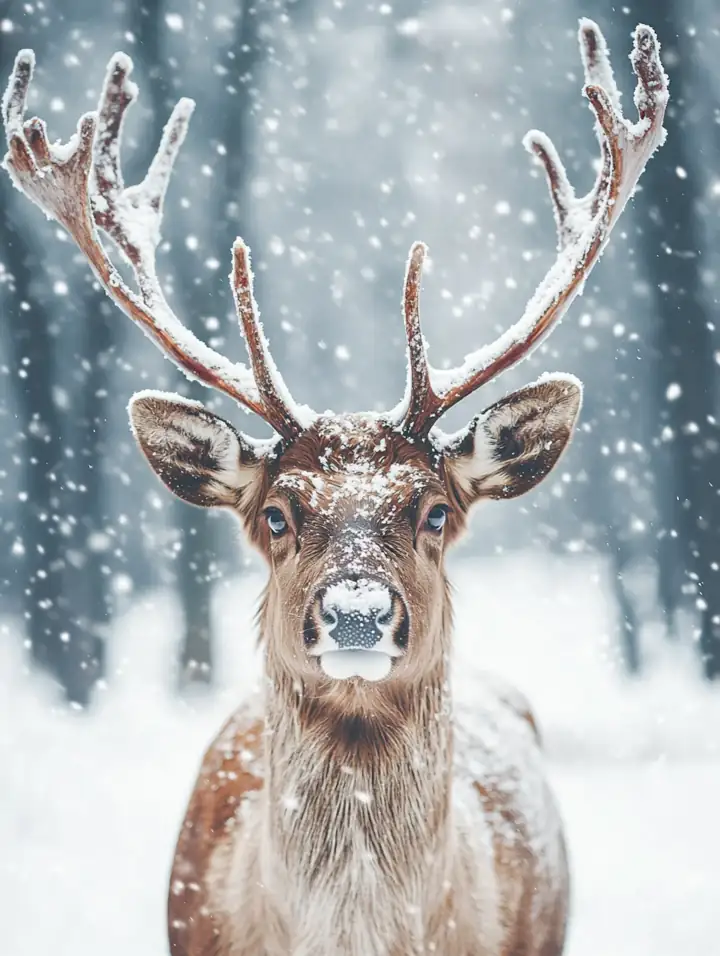
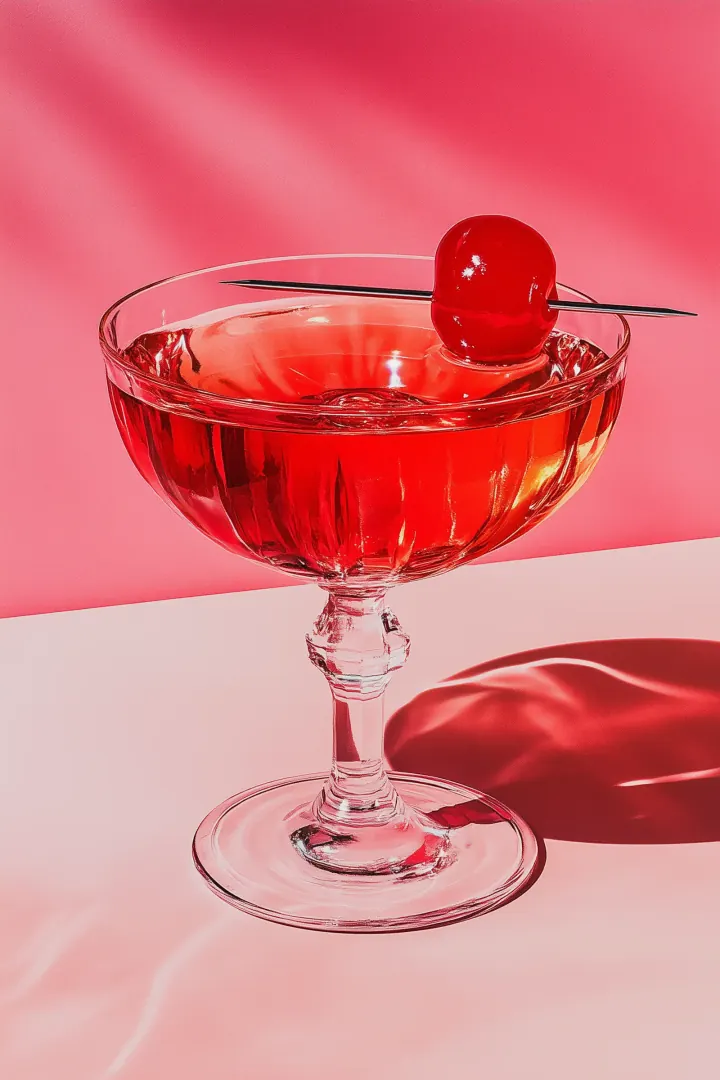
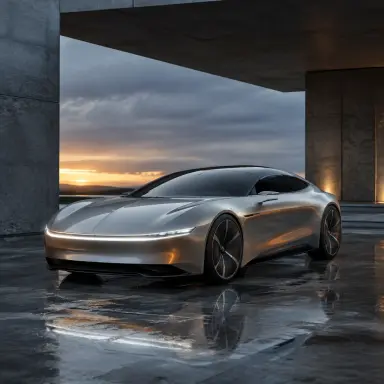
Use DoMax AI to turn existing images into new styles, product visuals, portrait variations, ad creatives, mockups, social posts, and campaign-ready images — without starting from scratch.
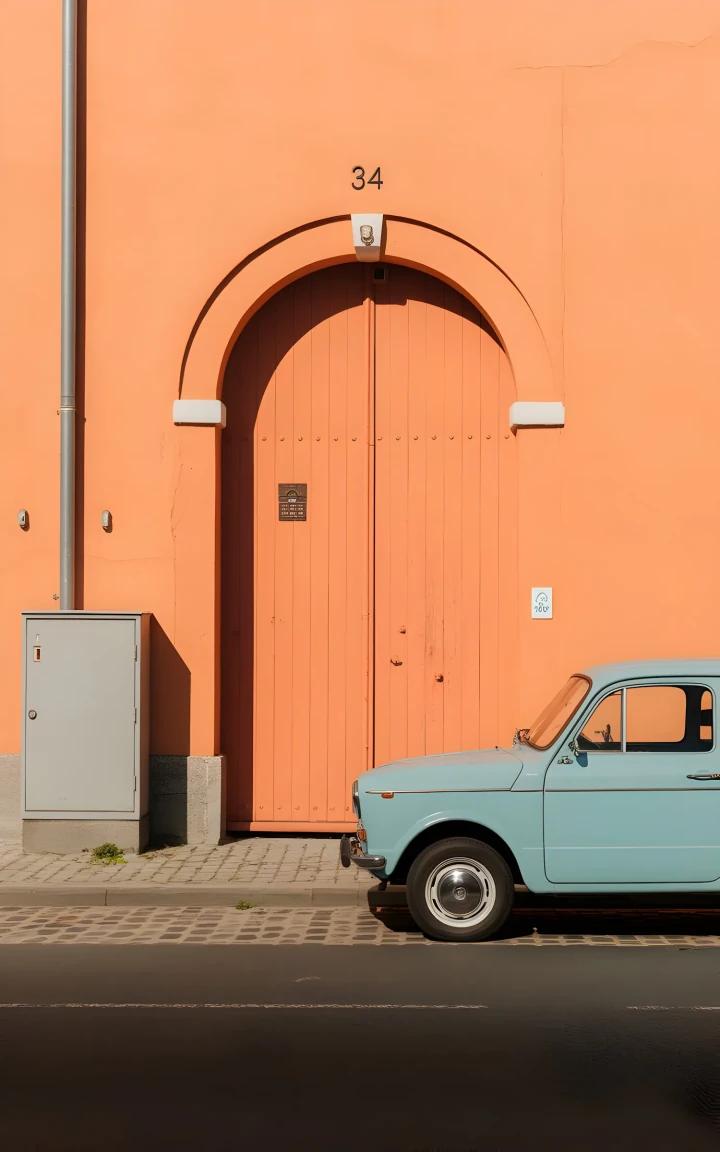
How to Use DoMax Image to Image AI
Transform an existing image into a new visual in three simple steps. Upload your image, describe the changes, and generate a fresh result online with DoMax AI.
Upload an Image
Start with a product photo, portrait, artwork, mockup, or design reference. Clear, high-quality images usually create better image to image AI results.
Describe What to Change
Tell the AI what you want to adjust, such as the style, background, lighting, colors, mood, or composition while keeping the main subject close to the original.
Generate and Download
Create your new image, review the result, refine your prompt if needed, and download the final visual for ads, e-commerce, social media, or creative projects.
View Image to Image Prompt Guide
Image to Image AI Prompt Tips
A good image to image AI prompt explains three things: what to keep, what to change, and what style the final image should follow. Clear direction helps DoMax AI create more useful visual variations from your uploaded image.
Say What Should Stay the Same
If you want to keep the main subject, mention it clearly in your prompt. This helps the AI understand which parts of the original image should remain consistent.
Example: Keep the same product shape and front-facing composition, but change the background to a luxury studio setting with soft lighting.
Describe What Should Change
Be specific about the transformation you want. Instead of writing “make it better,” describe the background, lighting, color, material, mood, or campaign direction you want.
Example: Change the background to a warm holiday gift scene with golden lighting, soft shadows, and a premium e-commerce advertising style.
Add Style, Lighting, and Mood
Style and lighting strongly affect image to image AI results. Use terms like cinematic, minimal, luxury, editorial, anime, watercolor, product photography, studio lighting, natural light, or dramatic shadows.
Example: Transform this portrait into a clean editorial headshot with soft studio lighting, a neutral background, natural skin texture, and a confident professional mood.
Keep the Prompt Focused
Avoid prompts that are too broad or packed with unrelated ideas. A focused prompt usually creates a cleaner result. Describe one main transformation first, then refine with additional generations if needed.
Example: Better prompt: Turn this sneaker product photo into a clean summer campaign image with a beach-inspired background, bright natural light, and premium lifestyle photography style. Weaker prompt: Make this product look cool and better for ads.
Image to Image AI Examples
See how DoMax AI can turn existing visuals into new product images, portraits, ad creatives, mockups, packaging concepts, and campaign assets.
Each example starts with an uploaded image and a clear transformation prompt. Image to image AI helps keep the core reference while changing the style, mood, background, lighting, or creative direction.
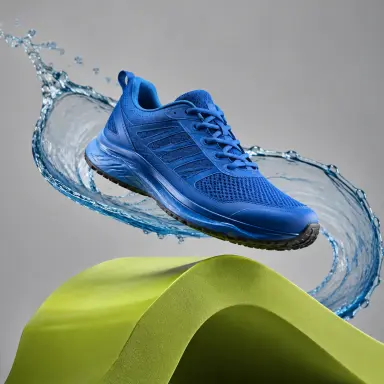
Keep the shoe shape and angle, then change the scene to a premium black studio setup with dramatic rim lighting and glossy reflections.
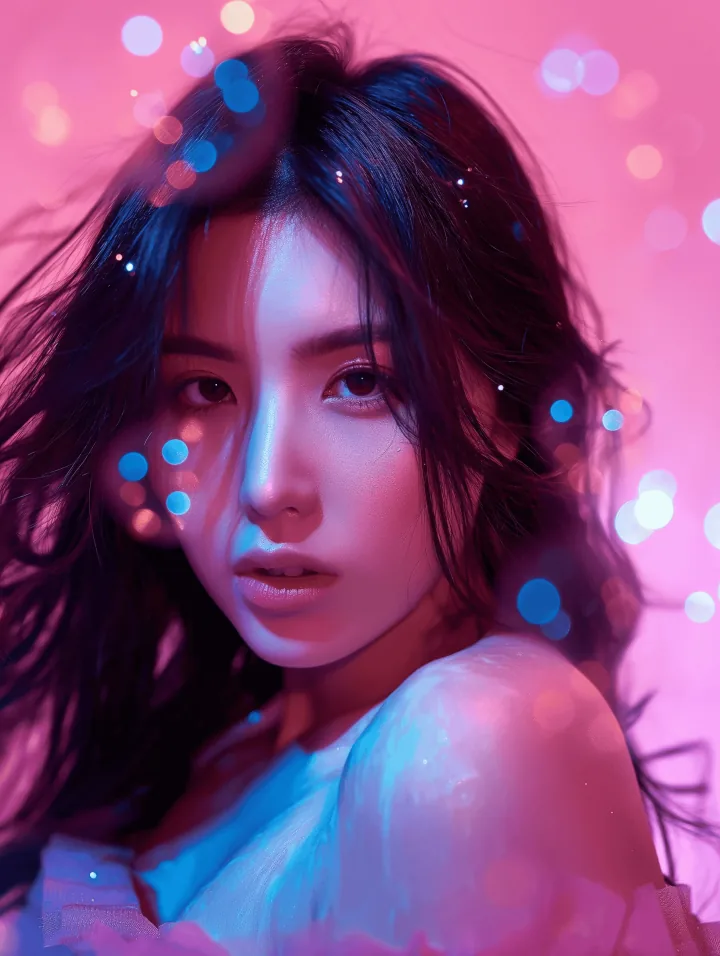
Preserve the face and framing, then restyle the portrait with silver-blue fashion editorial lighting and clean magazine-style direction.
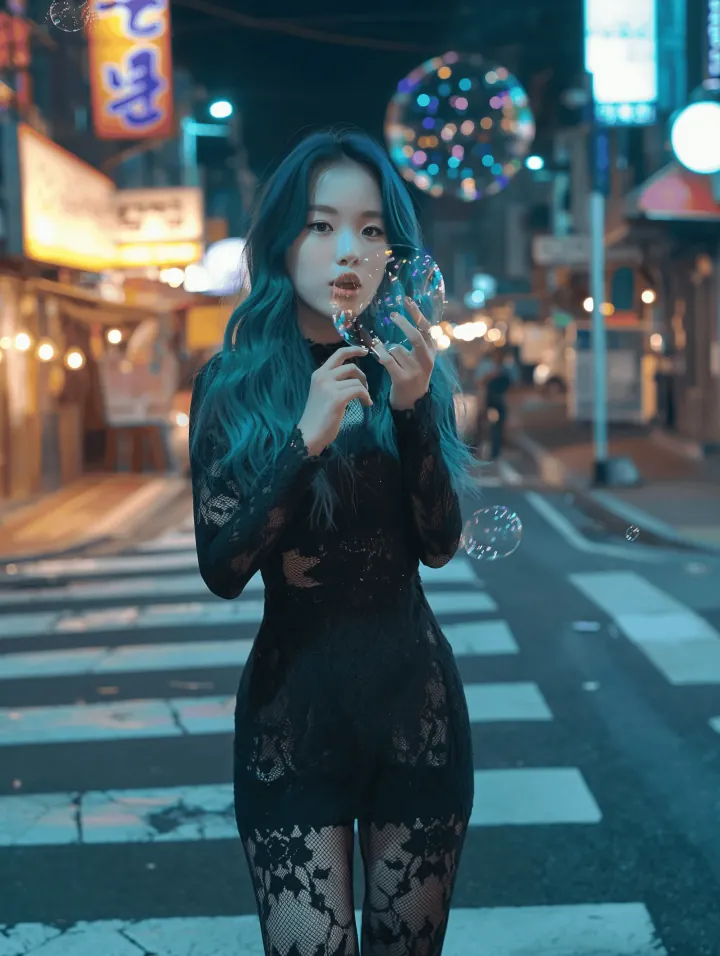
Keep the subject in the same pose, then replace the background with a minimal soft-gradient SaaS hero environment.
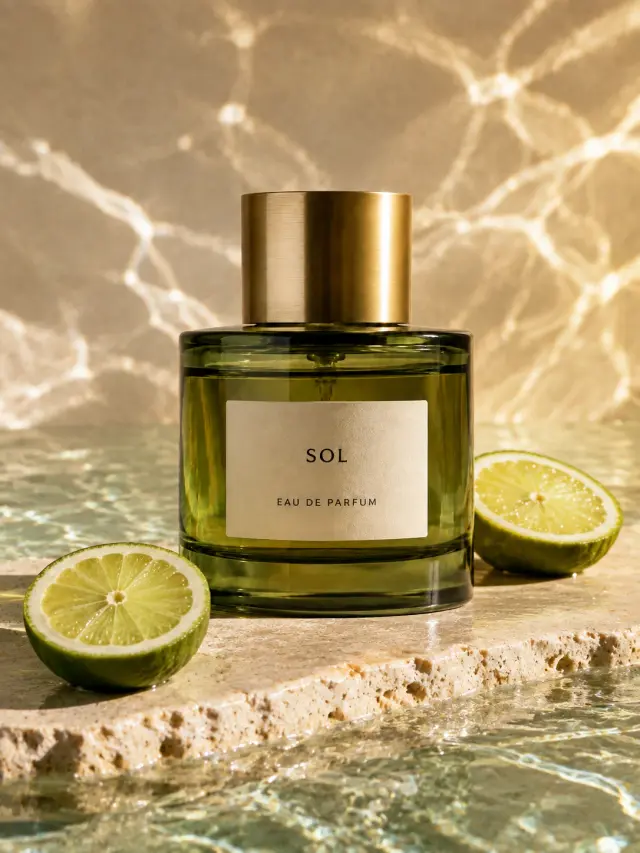
Keep the bottle label consistent, then restyle the packaging as a luxury holiday campaign with dark green tones and gold accents.
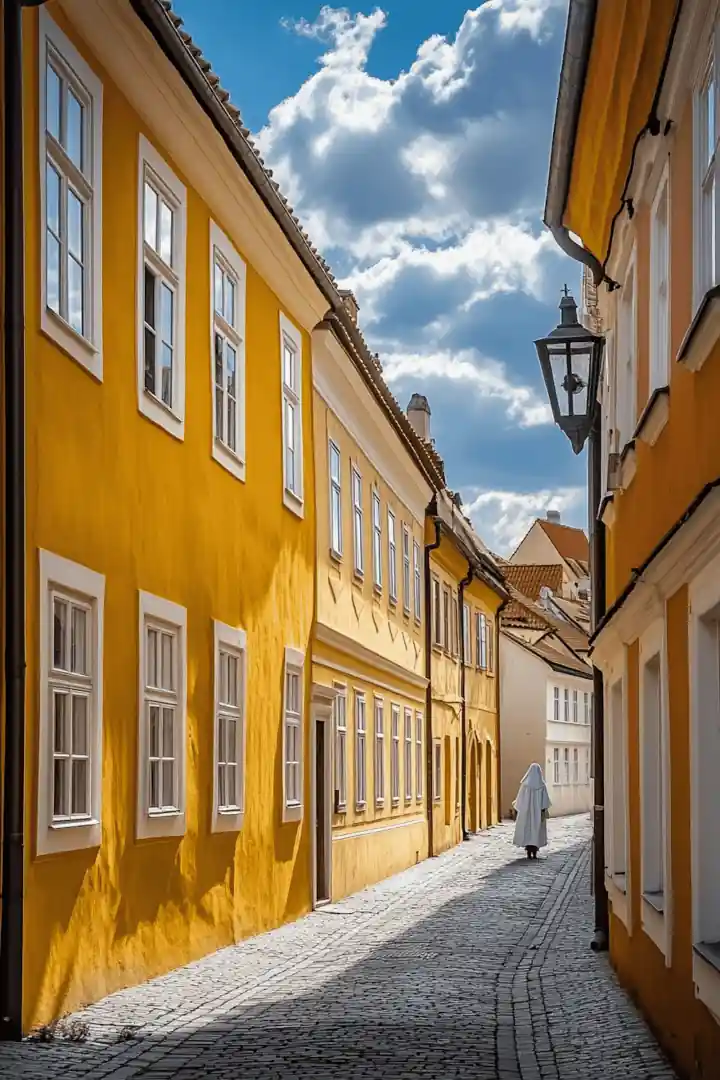
Keep the building geometry, then transform the scene into cinematic dusk with warm interior glow and a moody sky.
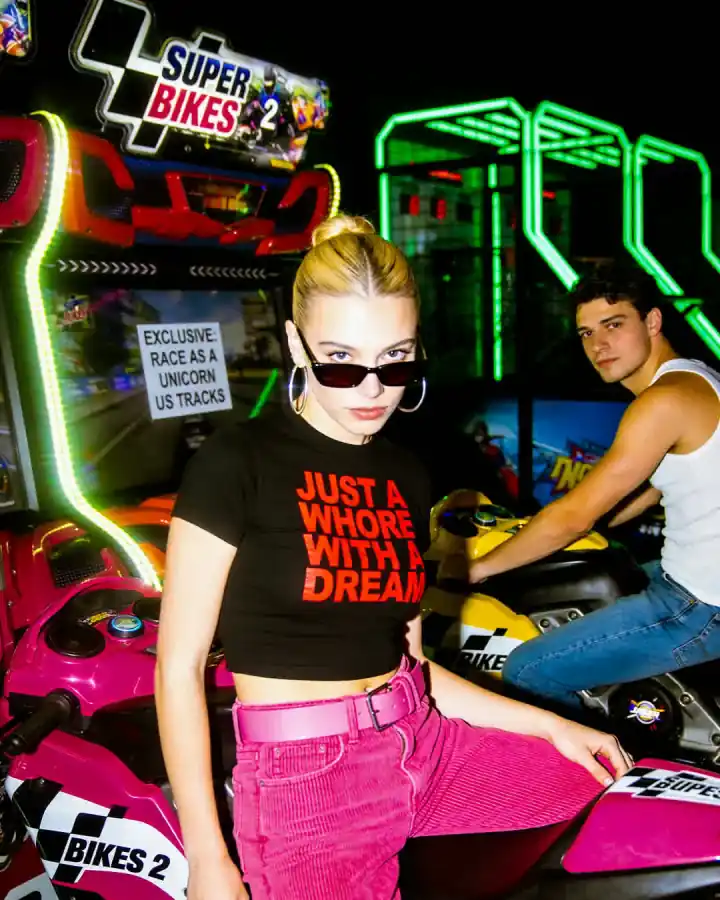
Keep the original composition, then change the color direction to bold red and cobalt with stronger contrast and a print-poster style.
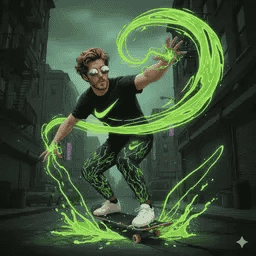
Keep the character’s face and silhouette consistent, then restyle the outfit and environment into a cyberpunk night scene.
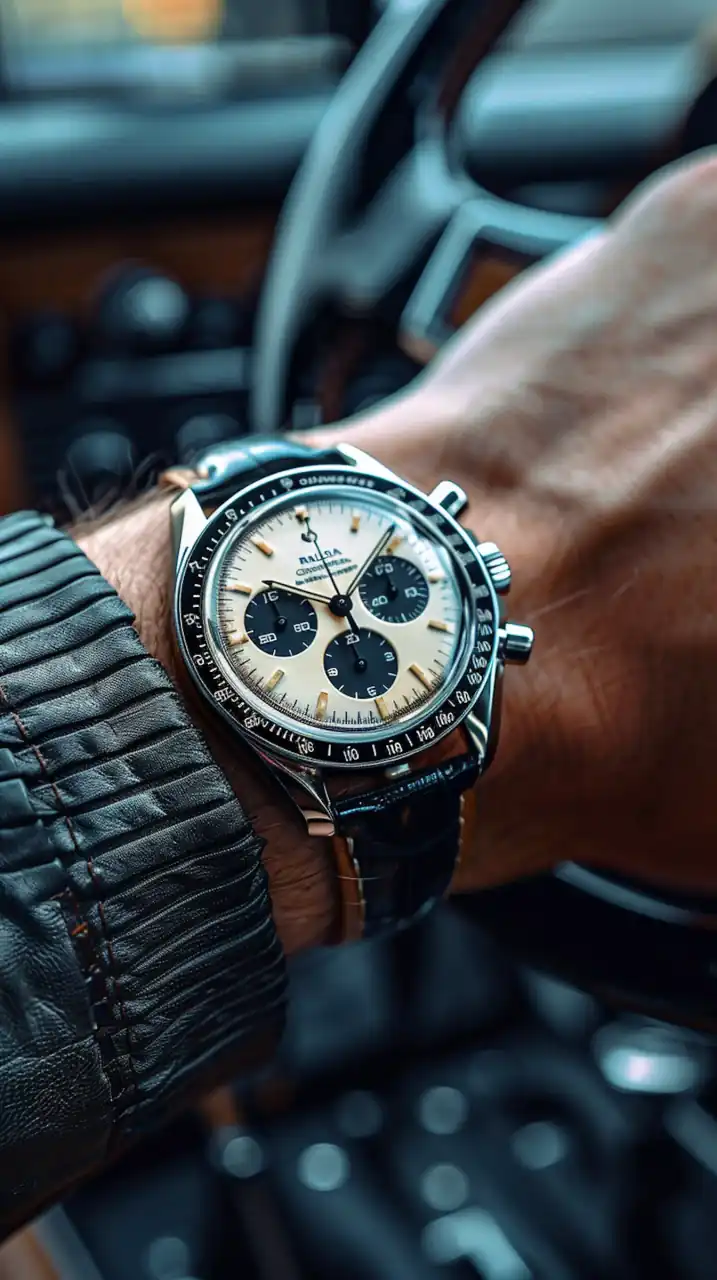
Preserve the product placement, then update the campaign visual into a clean summer lifestyle scene with softer daylight.
Why Use Image to Image AI Instead of Manual Editing?
Image to image AI is useful when you already have a strong base image and want to create new visual directions faster. DoMax AI helps you turn one uploaded image into multiple styles, backgrounds, and campaign variations without starting from scratch.
| Workflow | DoMax AI | Manual editing | New photoshoot |
|---|---|---|---|
| Time to First Variation | Minutes | Hours | Days or weeks |
| Use Original Image as Reference | Yes, the uploaded image guides the result | Possible with manual work | Usually requires a new setup |
| Create multiple variations | Fast prompt-based iteration | Slower and labor-intensive | Limited by shoot time and budget |
| Change Background or Style | Prompt-based transformation | Requires compositing and retouching | Requires a new location, lighting, or set |
| Cost for Creative Testing | Lower for rapid visual exploration | Medium to high | Highest |
| Best For | Speed, scale, and creative variation | Precise hand edits | Original photography and fully custom shoots |
Image to image AI is not a full replacement for professional editing or original photography. It works best when you want to quickly explore new styles, backgrounds, campaign directions, product visuals, portraits, mockups, or social media assets from an existing image.
Use DoMax AI for faster creative testing and visual iteration. For pixel-level corrections, brand-critical retouching, or fully custom photography, manual editing and professional shoots may still be the better choice.
DoMax Image to Image AI FAQs
Find quick answers about image to image AI, uploaded images, prompt-based editing, style changes, product visuals, portraits, downloads, commercial use, and DoMax AI credits.
What is image to image AI?
How does DoMax AI Image to Image work?
What types of images can I upload?
What can I create with image to image AI?
Can image to image AI keep the original subject?
Can I change the background or style of an image?
How do I write a good image to image AI prompt?
Is image to image AI useful for product images?
Can I use image to image AI results commercially?
Is image to image AI free to use?
Try Image to Image AI Today
Upload an image and use free starter credits to create your first AI-powered variation online with DoMax AI.
No credit card required.
Upload Image — Start Free